Working with the Build Page Print Job Controls
Page 52
© Copyright 2021 Stratasys. All rights reserved.
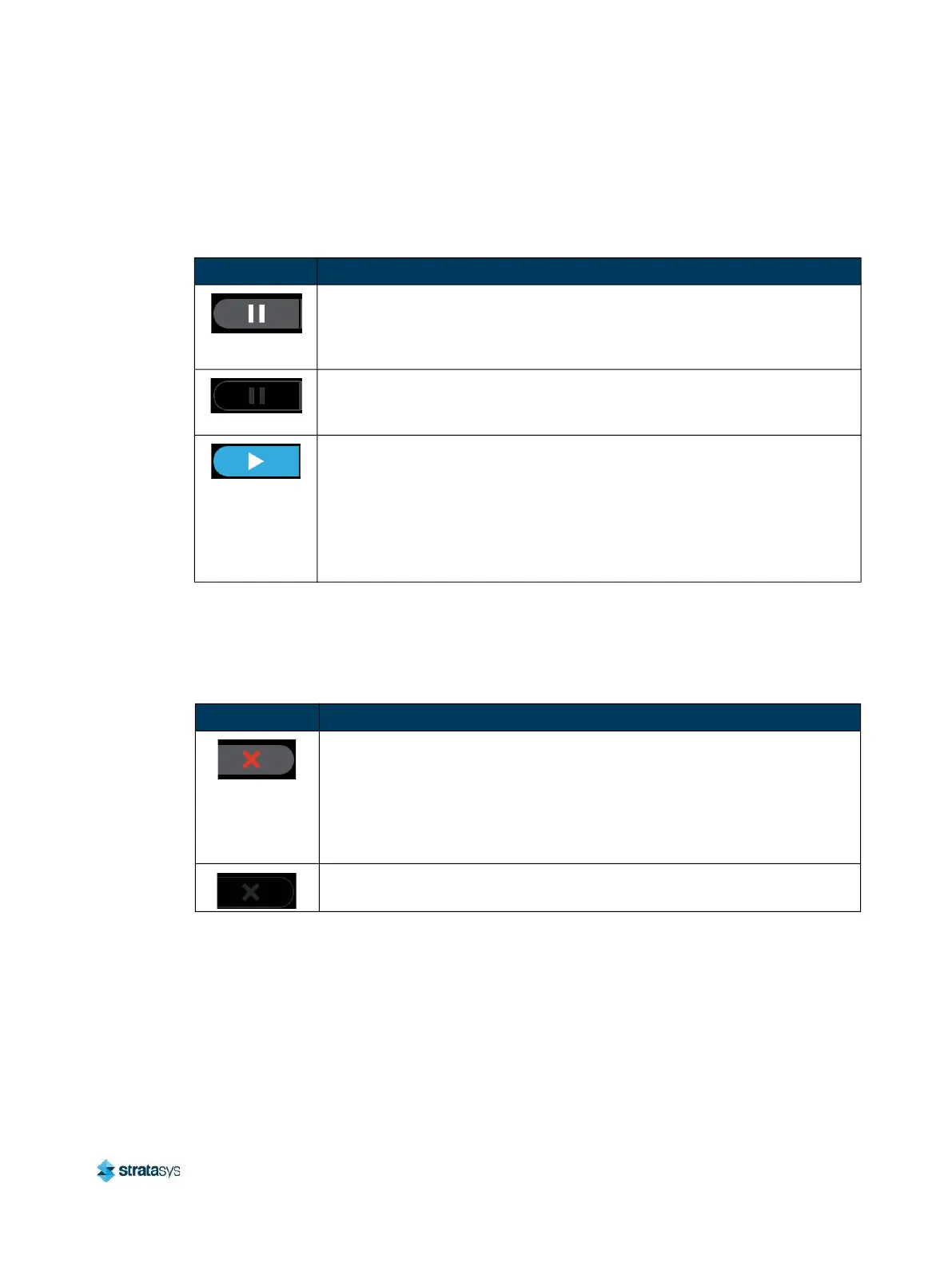
Pause Button
The Pause button allows you to pause an active build. The Pause button can appear in the
following states:
Abort Button
The Abort button allows you to abort an active build. The Abort button can appear in the
following states:
Table 3: Print Job Controls - Pause Button States
Button State Description
• Printer is actively building. Selecting the Pause button in this state will
pause the build.
• When the printer is paused,
"PAUSED" is displayed within the Build Status
Display.
• Pause button is disabled and not selectable.
• Printer is preparing for a build, there is no job currently building on the
printer.
• Printer is paused. The Pause button toggles to display the Play button.
• Selecting the Play button will resume the build.
• If the build was automatically paused as the result of an error, a notification
will be indicated on the screen. Touching the notification text displayed will
provide additional details pertaining to the current build state. See “Build
Warnings” (page 128) and “Build Pause Warnings” (page 239) for more
information.
Table 4: Print Job Controls - Abort Button States
Button State Description
• Printer is actively building.
• Pressing the Abort button in this state will initiate an abort of the build and
will display a prompt asking you to acknowledge the abort.
• If accepted, the build will be aborted.
• If canceled, the build will be unaffected (i.e. revert to its previous
state).
• Abort button is disabled and not selectable.
• There is no job currently building on the printer.














 To Next Page