Tip Calibration Automatic Tip Calibration
Page 151
© Copyright 2021 Stratasys. All rights reserved.
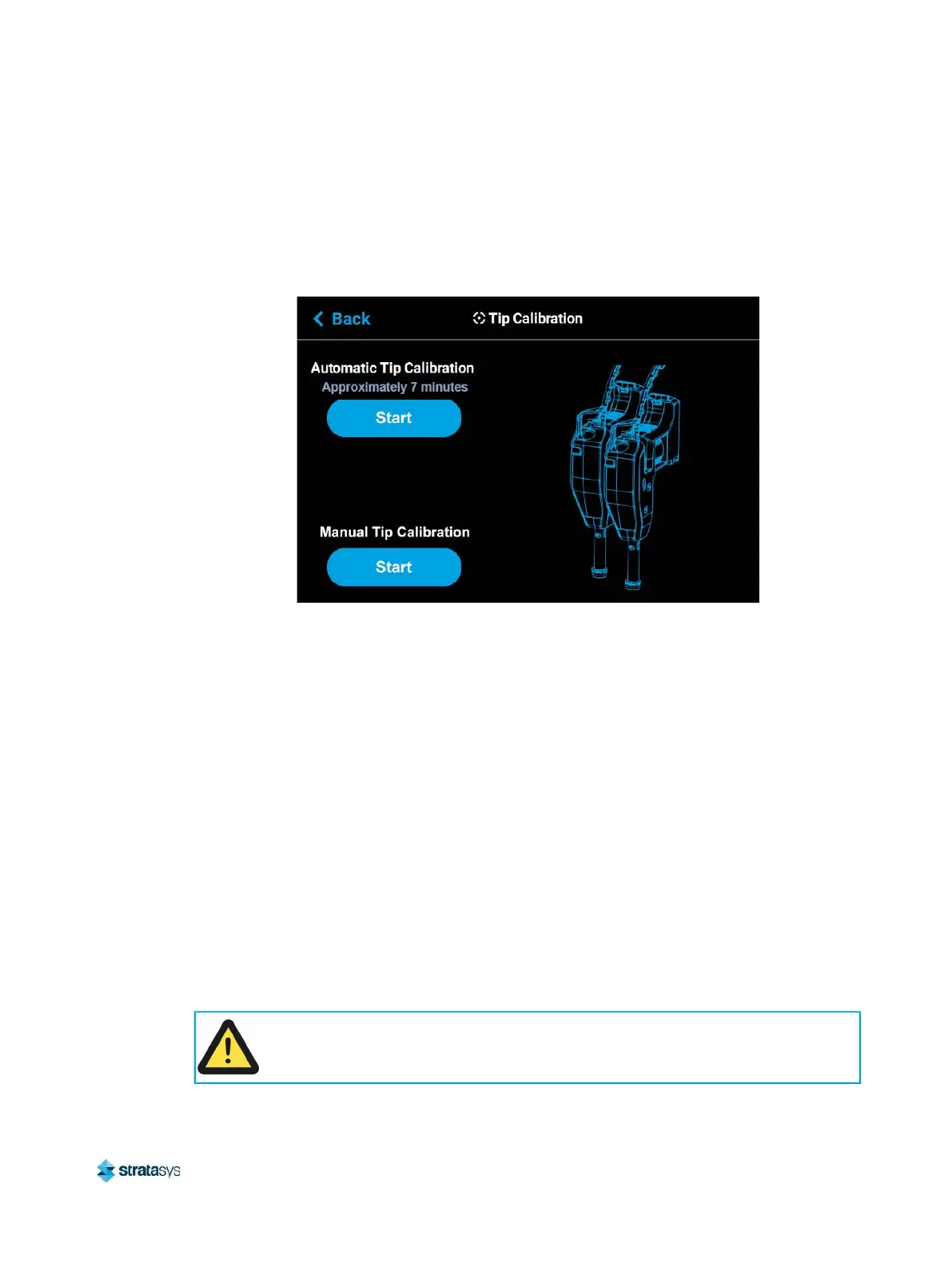
The Tip Calibration page contains an option for performing an Automatic Tip Calibration as well
as a Manual Tip Calibration. Pressing the Start button associated with either of these options
will allow you to perform that particular calibration procedure. Each calibration procedure is
delivered in the form of a wizard which will guide you through the process of performing the
calibration procedure.
Figure 3: Tip Calibration Options
Automatic Tip Calibration
Tip offset values are the distance between the model and support tips in the X, Y and Z
directions. Accurate tip offset values ensure that support toolpaths are accurately located in
reference to model toolpaths. Inaccurate tip offset values can cause part quality issues, such
as support material embedded in a part or improperly supported parts.
Automatic Tip Calibration registers the support tip relative to the model tip, ensuring that
positioning of the head and Z axis is correct when changing between model and support
material during a build. This calibration is automatically performed whenever either of the
printer’s heads is replaced; please note that the printer must be powered ON before calibration
can occur. Calibration will occur prior to the start of the next build following the head
replacement. If either head cable is unclipped and fully detached from the corresponding head,
this will trigger the occurrence of an Automatic Tip Calibration. Calibration will occur following
the reattachment of the cable to the head and prior to the start of the next build.
To Perform an Automatic Tip Calibration:
1. Place a new build sheet onto the platen and turn the vacuum control system On to firmly
attach the build sheet to the platen. Ensure build sheet is installed with the smooth side
down.
Caution:
Always wear gloves when installing the build sheet. Hand oils on the build sheet
surface will result in poor part adhesion.














 To Next Page