Basic Setup Connecting the Power Cable
Page 16
© Copyright 2021 Stratasys. All rights reserved.
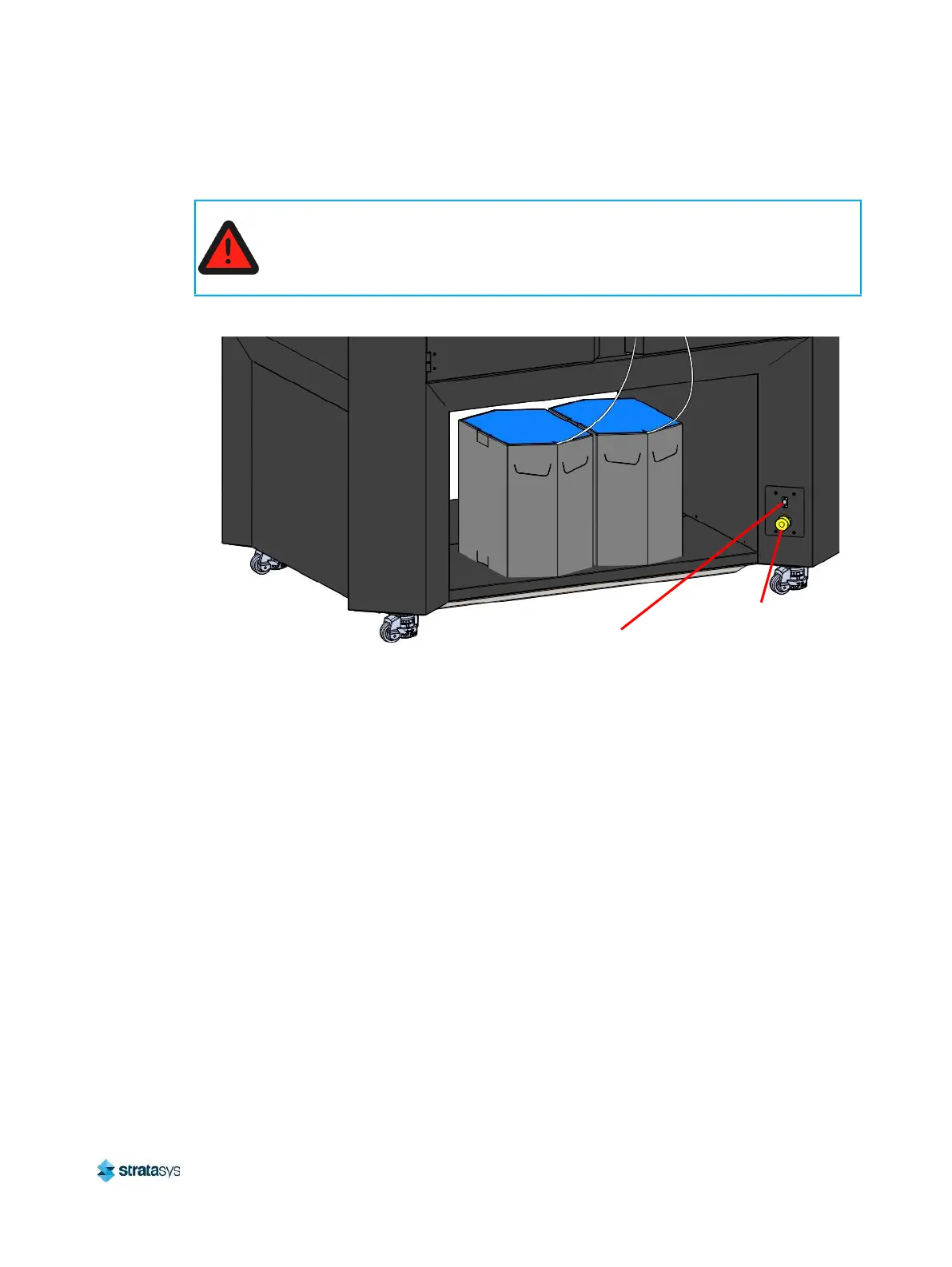
Connecting the Power Cable
Figure 5: Rear Connections
Configuring the Network
This section is provided in case you need to change your network settings. Within the Network
page you can set your printer’s address type to Static, Dynamic (DHCP), or Wi-Fi; Dynamic is
selected by default.
• Static address - you must enter an IP address, subnet mask, and gateway address for the
printer (provided by the system administrator). Once entered, the address will not change.
• Dynamic address (DHCP) - a network server or PC will generate an IP address for the
printer. A different IP address may be generated from time to time by the server or PC.
• Wi-Fi address - the printer will scan for and allow you to connect to an available Wi-Fi
network (if the Wi-Fi dongle has been installed).
Network Address Configuration
To configure your printer’s network address settings:
1. Power ON the printer, see
“Powering ON the Printer” (page 105).
2. Open the Tools page by pressing the Tools button within the Navigation Menu (see
Table 1 (page 42)).
Warning: Electrical Shock Hazard.
A licensed electrician must perform all wiring from the service connection to the
system - including all connectors, cables, and proper strain relief.
Comply with all applicable local and national electric codes.
Ethernet Network
Connection (RJ45)
Power
Cable
Connection














 To Next Page