Basic Setup Configuring the Network
Page 17
© Copyright 2021 Stratasys. All rights reserved.
3. Open the Network page by pressing the Network button within the Tools page (see
Figure 34 (page 76)).
4. The Connection Type row allows you to select between a wired or wireless network. The
option selected will determine the configurable settings displayed within the Network page.
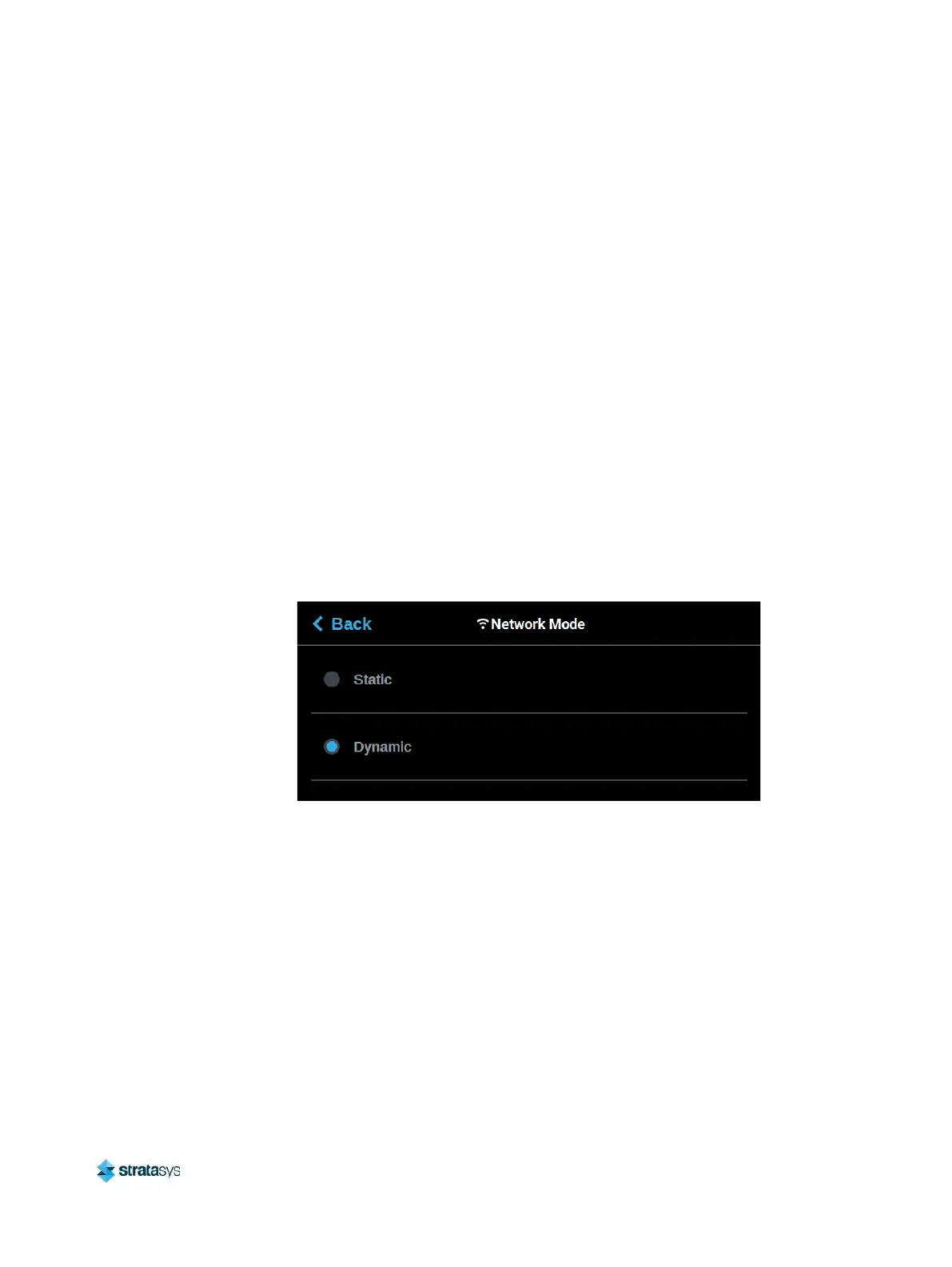
• Selecting the Wired option will allow you to select between a Dynamic or Static network
mode.
• Selecting the Wireless option will configure the pinter to use a Wi-Fi network. You will
need to scan for a wireless network and enter the security settings for the selected
network (if required) to complete the configuration. Please note that the availability of
the Wireless option depends upon the configuration purchased with your printer.
5. After selecting the radio button corresponding to the connection type you’d like to use
(wired or wireless) press the Back button in the upper-left corner of the page to return to
the Network page.
6. For wired networks:
a. The Network Mode row will be displayed. Press anywhere within this row.
b. Select either the Static or Dynamic radio button to enable that network address type.
Depending on the option selected, you may need to configure additional information
within the Network page.
Figure 6: Wired Network Selection














 To Next Page