Working with the Tools Page Calibration
Page 91
© Copyright 2021 Stratasys. All rights reserved.
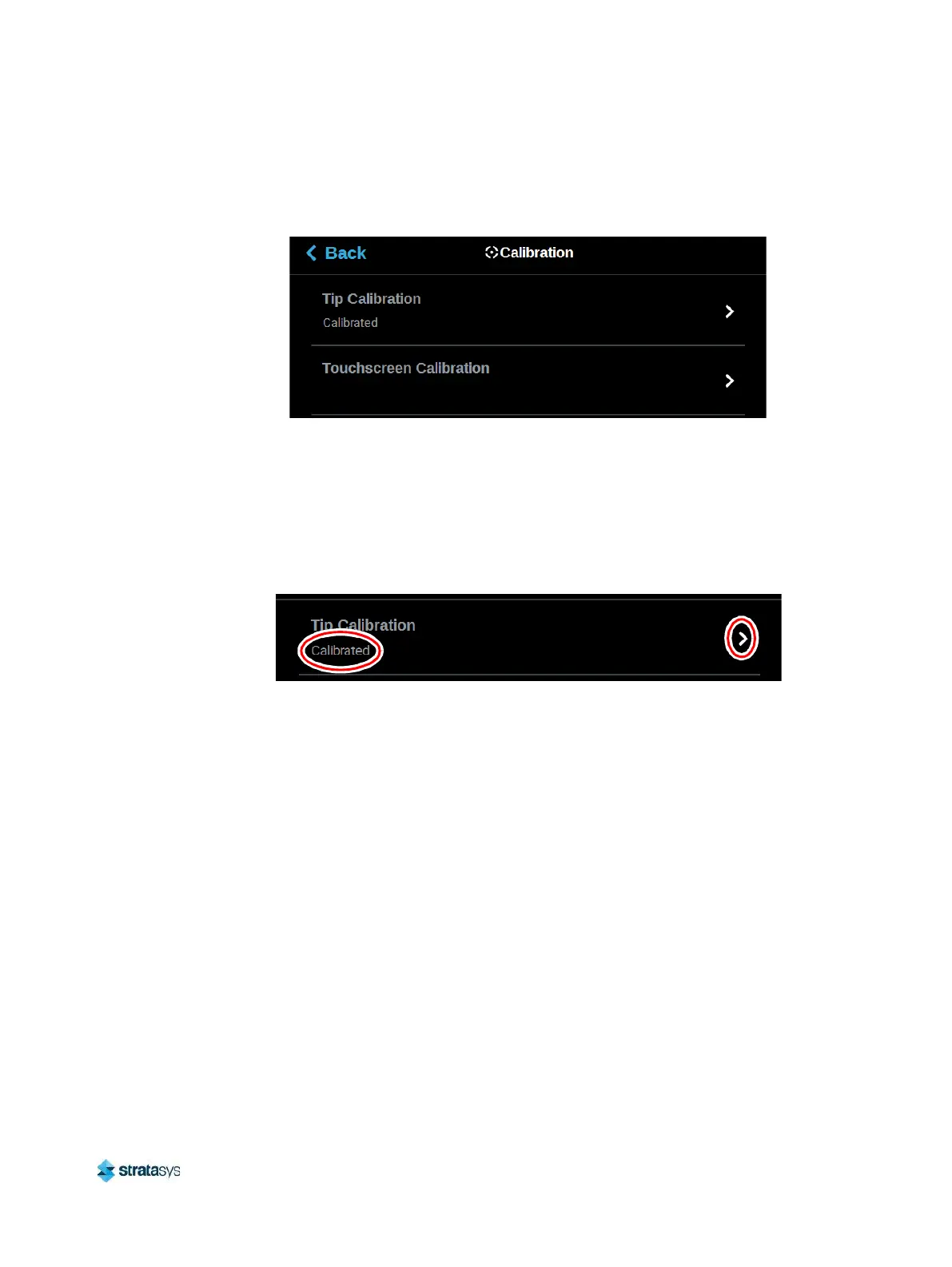
To access the Calibration page, press the Calibration button within the Tools page; a screen
similar to the following will be displayed.
Figure 65: Calibration Page
Tip Calibration
The printer’s calibration status will be displayed within the Tip Calibration row. Calibrated or Not
Calibrated will be displayed depending on the printer’s Calibration status.
Pressing anywhere within the Tip Calibration row will open a page allowing you to select from a
variety of tip calibration options.
Figure 66: Tip Calibration
The Tip Calibration page contains an option for performing an Automatic Tip Calibration as well
as a Manual Tip Calibration. Pressing the Start button associated with either of these options
will allow you to perform that particular calibration procedure. Each calibration procedure is





 To Next Page