Basic Job Build Tasks After a Build is Complete
Page 132
© Copyright 2021 Stratasys. All rights reserved.
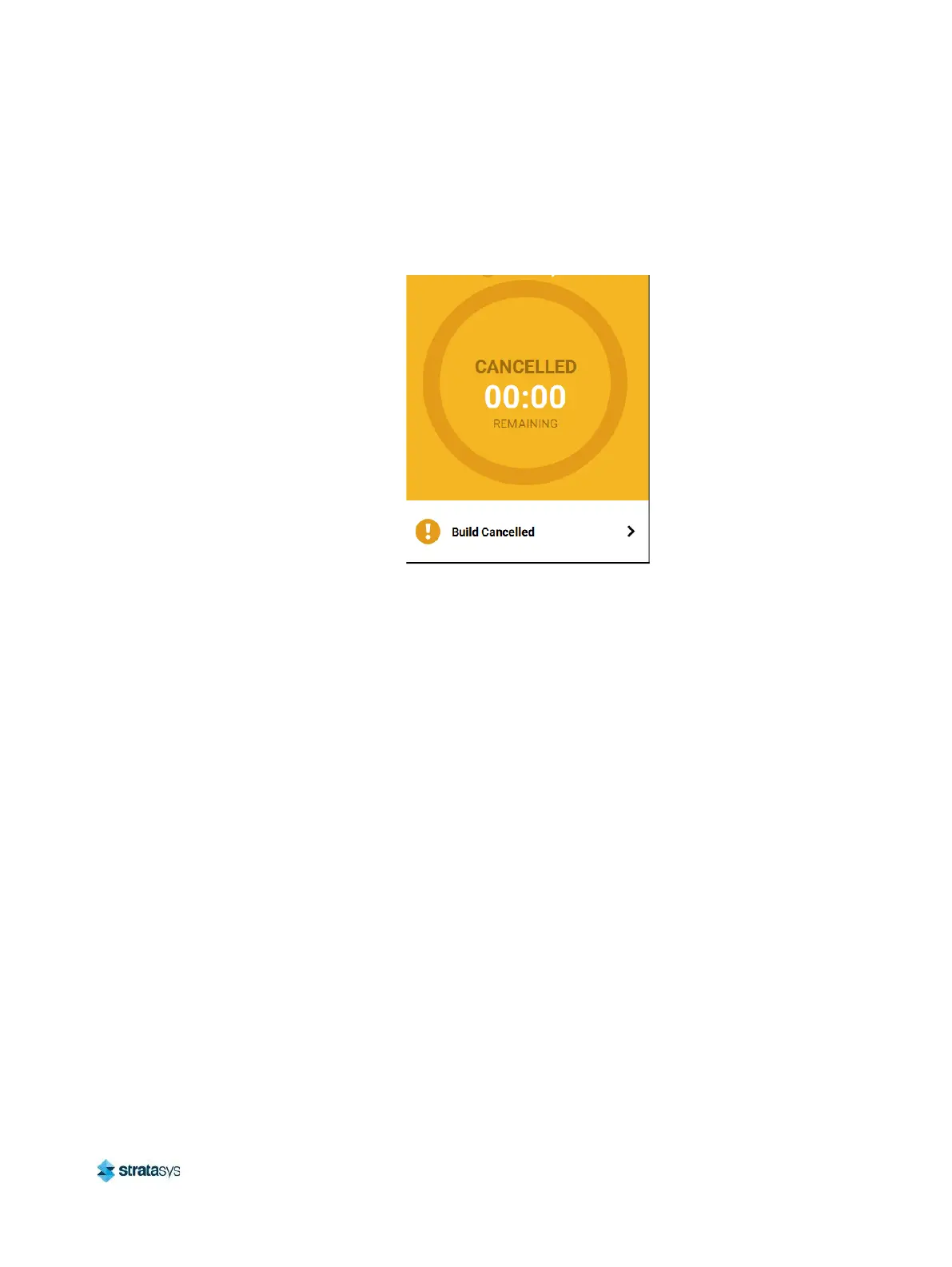
5. The Print Job Control buttons will be hidden and instead "Build Cancelled" will be displayed
within this portion of the Build page. Touching this text on the screen will open a dialog with
instructions on how to remove the aborted build and prepare for your next build (see
Figure 25).
Figure 25: Build Page Build Canceled
After a Build is Complete
After the completion of a build, the printer performs the following actions:
• The Z stage is lowered and the head assembly is parked.
• "DONE" is displayed within the Build Status Display (Figure 26 (page 133)).
• The Print Job Control buttons will be hidden and instead "Print successful" will be displayed
within this portion of the Build page. Touching this text on the screen will open a dialog with
instructions on how to prepare for your next build.














 To Next Page