Basic Job Build Tasks Aborting a Build
Page 131
© Copyright 2021 Stratasys. All rights reserved.
1. The Abort button within the Build page will be selectable (see “Abort Button” (page 52) for
details), press the Abort button.
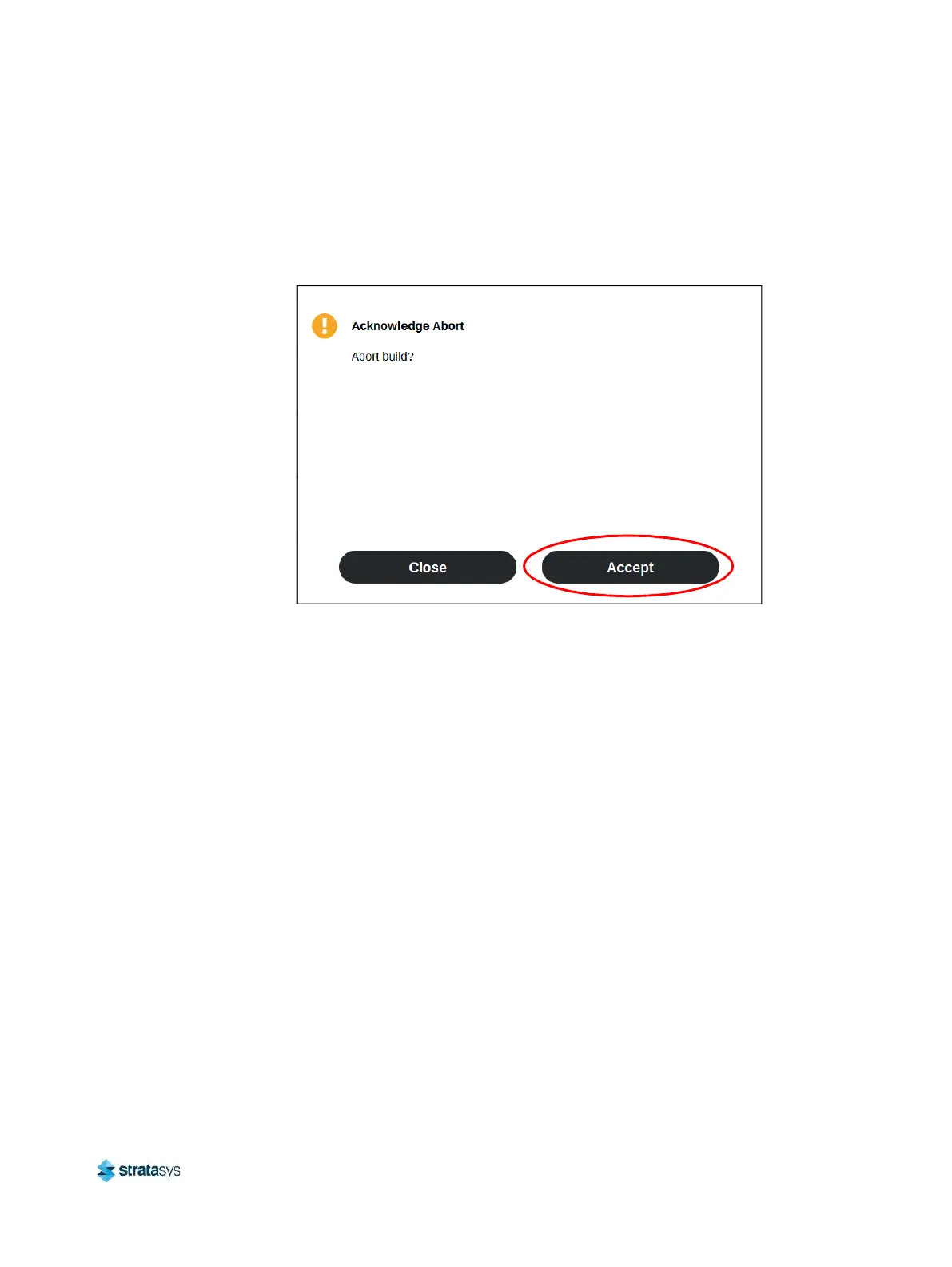
2. A dialog will be displayed allowing you to confirm or cancel the abort; press the Accept
button within the dialog to confirm the abort.
Figure 24: Abort Confirmation Dialog
3. An abort command will be sent to the printer and the confirmation dialog will close.
4. The Z stage will move to its end of travel. Once the Z stage reaches its end of travel the
Build page will refresh and display a confirmation of the aborted build; "CANCELLED" will
be displayed within the Build Status Display (see Figure 25 (page 132)).














 To Next Page