Working with the Tools Page Settings
Page 87
© Copyright 2021 Stratasys. All rights reserved.
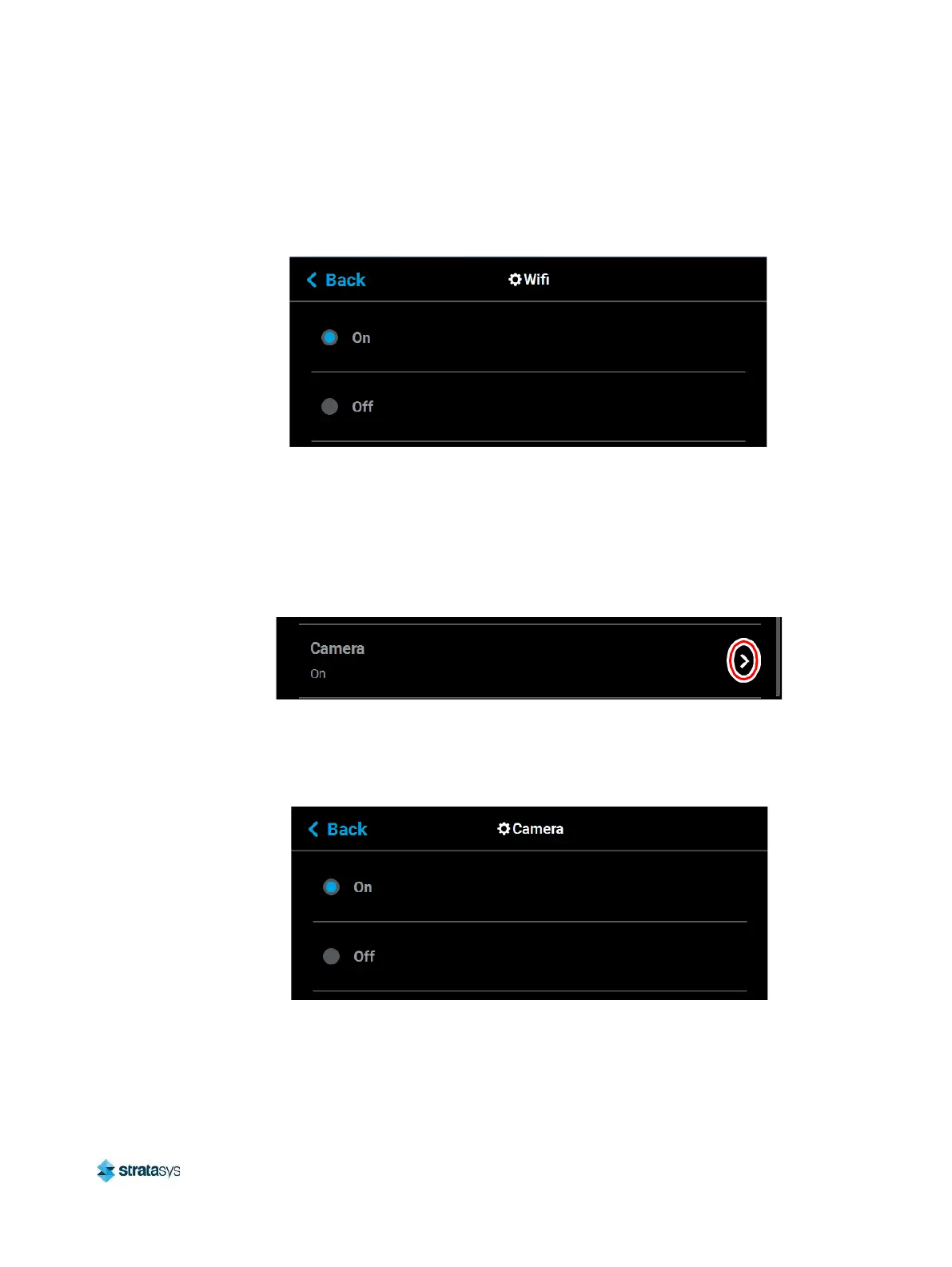
To configure this setting, press anywhere within the row; the Wifi page will be displayed. Use
the radio buttons within the page to turn the setting On and Off as needed; On is selected by
default.
Figure 56: Configure Wifi
Camera
The Camera setting gives you control over the printer’s camera. When this setting is set to On,
the printer’s camera will automatically provide remote monitoring capabilities while a part is
being built. When this setting is set to Off, the camera will be turned off and remote monitoring
capabilities will be disabled.
Figure 57: Camera
To configure this setting, press anywhere within the row; the Camera page will be displayed.
Use the radio buttons within the page to turn the setting On and Off as needed; On is selected
by default.
Figure 58: Configure Camera














 To Next Page