Basic Setup Updating the Controller Software Version
Page 24
© Copyright 2021 Stratasys. All rights reserved.
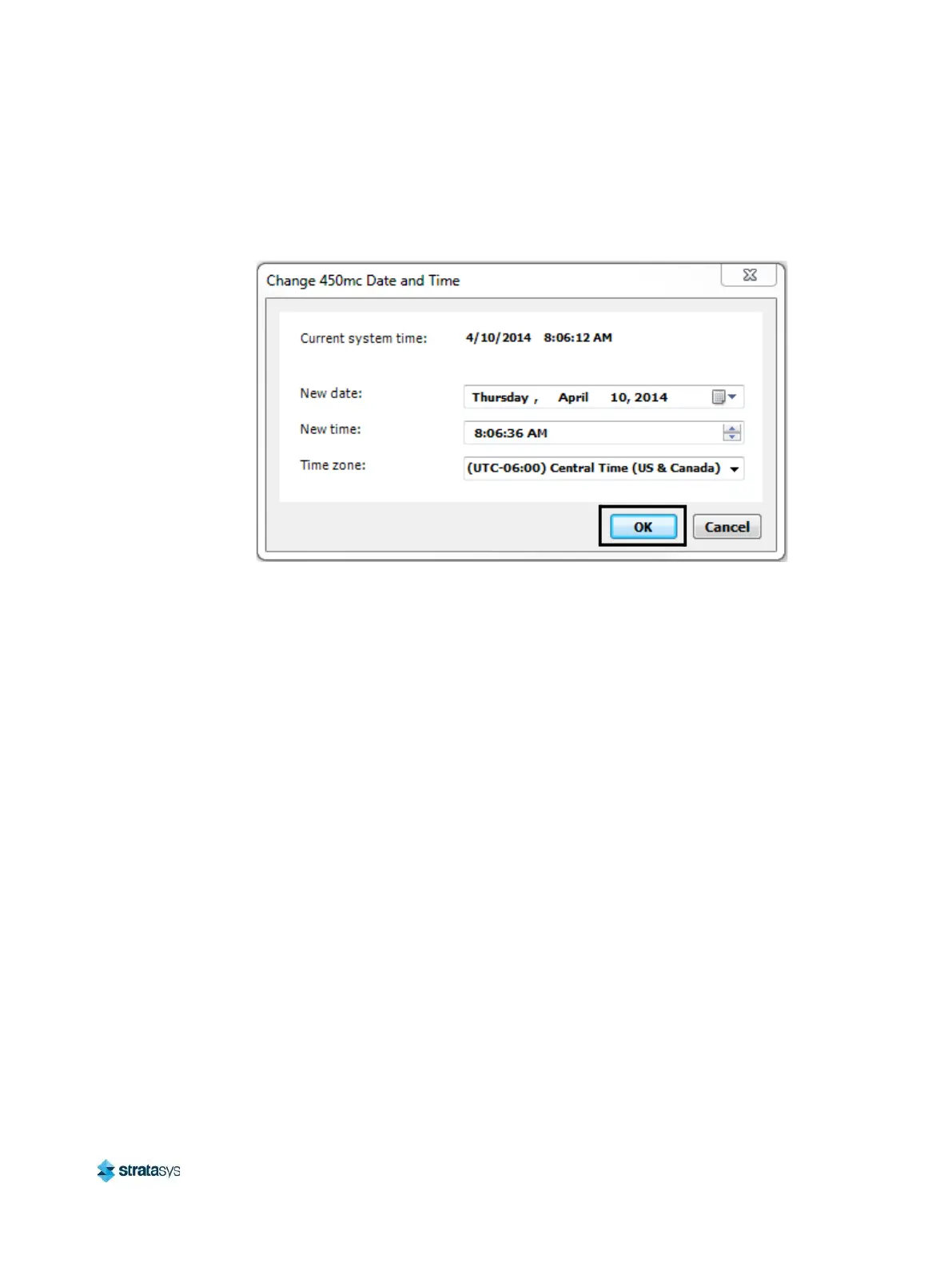
5. Adjust the date and/or time setting if needed, then click OK to close the dialog. Your
printer’s date and time settings will be configured and are displayed within the Information
Bar portion of the User Interface (see “Information Bar” on page 51).
Figure 15: Change Date and Time Dialog
Updating the Controller Software Version
Update the controller software if necessary. See “Updating Controller Software” (page 167).
Adjusting the Tip Wipe Height
If necessary, adjust the tip wipe height. See “Tip Wipe Height Adjustment” (page 165).














 To Next Page