Customer Replaceable Units Exterior Panels and Access Doors
Page 185
© Copyright 2021 Stratasys. All rights reserved.
Opening and Removing Electronics Bay Access Doors
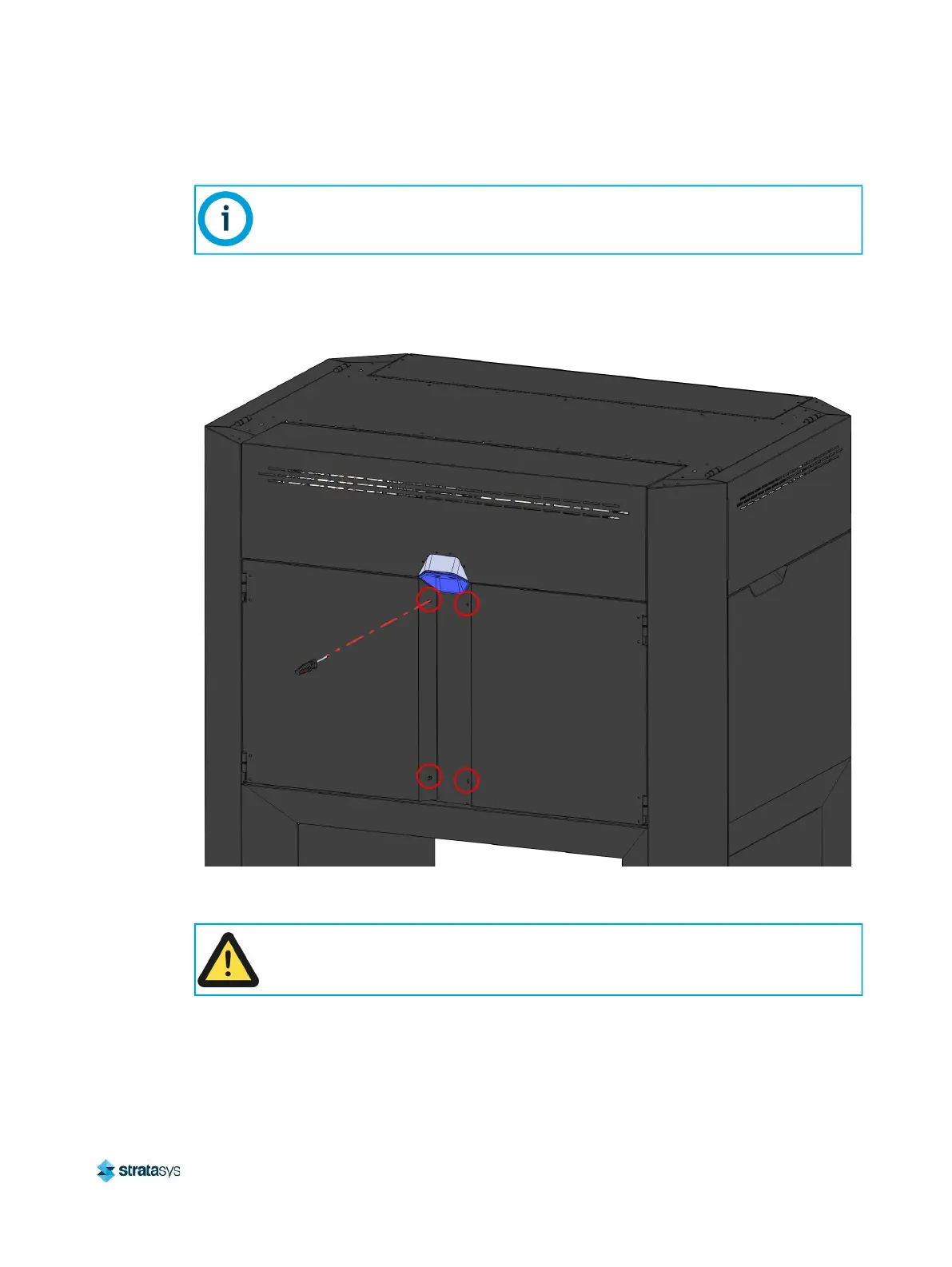
1. Using a # 2 Phillips screwdriver, loosen the captive screws (2) that secure the electronics
bay access door. See Figure 24.
Figure 24: Electronics Bay Access Door Captive Screw Locations
2. Open the electronics bay access door.
3. Gently lift the access door and remove it from the hinge.
Upper Side Panels Left/Right
Required Tools
• 2.5 mm Hex Wrench
The following procedure depicts the right electronics bay access door only. This
procedure is identical for the left electronics bay access door.
Move the access doors to a location where surface scratches can be prevented.














 To Next Page