Basic Setup Insight Software
Page 21
© Copyright 2021 Stratasys. All rights reserved.
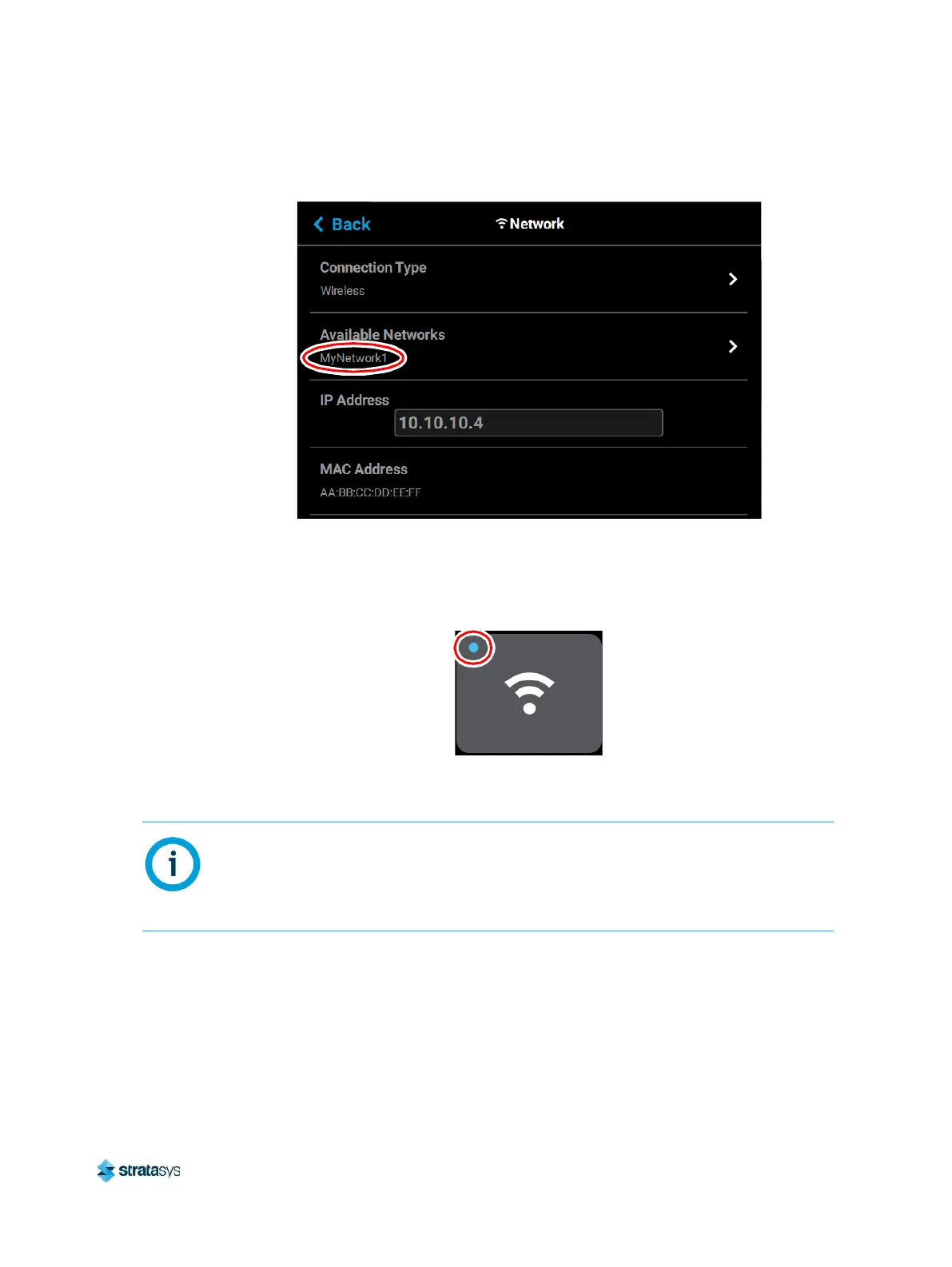
g. Press the Back button to exit the page and return to the Network page. The name of
the selected wireless network will be displayed within the Available Networks row.
h. Press the Back button to exit the page and return to the Tools page. The Network
button will refresh and a blue indicator will be displayed indicating that the printer is
configured for a Wi-Fi network.
Figure 13: Enter Network Settings Dialog
Insight Software
Insight software is installed on your workstation PC as part of the initial installation and setup
process (performed by your authorized service representative). Insight is the software used to
process job files and then transfer them to the printer to be built. The F770 builds parts by
processing the original STL job file into a Stratasys CMB file that is downloaded to the printer.
To build a job, you must send the job file to the F770 using the Insight application.
NOTE:
For detailed information and instructions on using Insight, see the associated Help file
within the Insight application (available by selecting the Help option within the Insight
toolbar).














 To Next Page