Basic Setup Configuring the Network
Page 20
© Copyright 2021 Stratasys. All rights reserved.
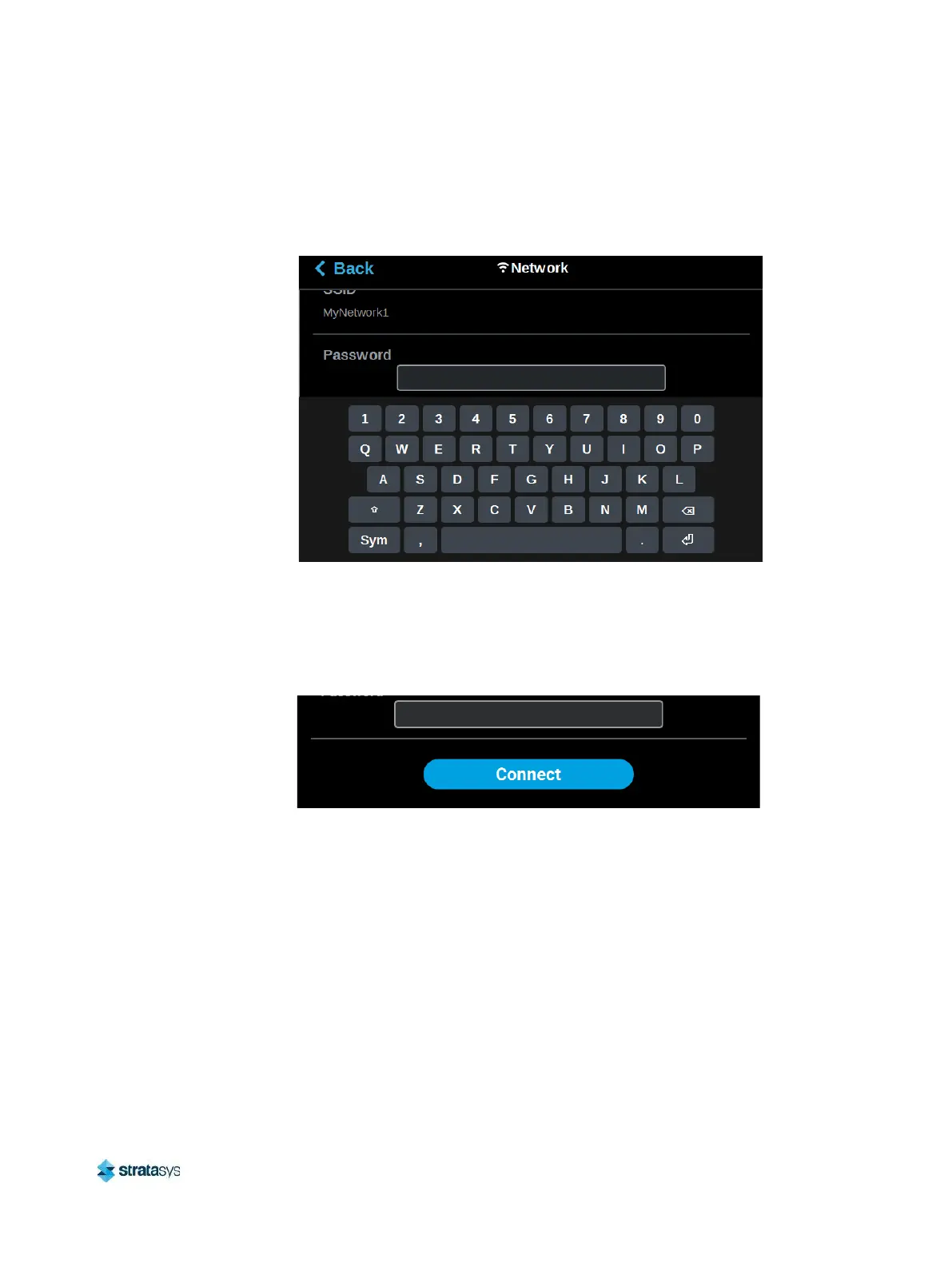
d. A page will be displayed containing the details of the selected Wi-Fi network. Within
this page use the keyboard to enter the password and/or username required to connect
to the network.
Figure 11: Enter Wi-Fi Network Information
e. When finished, touch anywhere on the screen outside of the keypad to exit and close
the keypad.
f. Scroll to the bottom of the page and press the Connect button to save the network
configuration.
Figure 12: Connect Button














 To Next Page