Customer Replaceable Units Camera
Page 226
© Copyright 2021 Stratasys. All rights reserved.
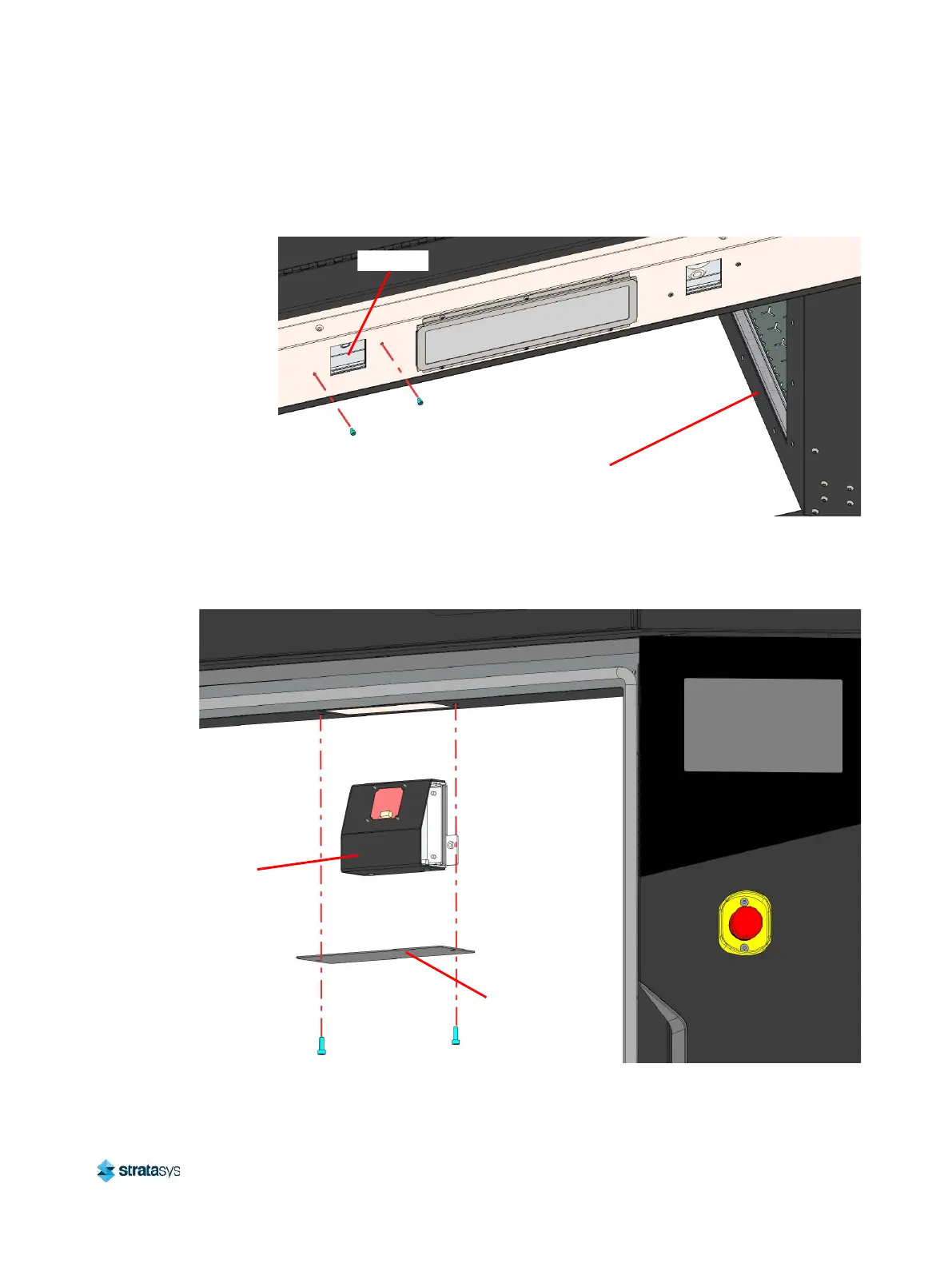
4. From inside the oven, use a 3 mm hex wrench to remove the screws (2) that secure the
camera inside the oven frame above the oven enclosure entrance.
Figure 58: Camera Mounting Screw Locations
5. Extract the camera from inside the oven frame while being careful not to damage the cable
connector.
Figure 59: Removing the Camera
6. Disconnect the cable connector and remove the camera from the printer.
Oven Door
(Ref)
Camera
Camera
Cover Plate














 To Next Page