55
EDITING THE JOB QUEUE
By default, jobs are built in the order in which they appear within the Job Queue. To build a specific job, that job
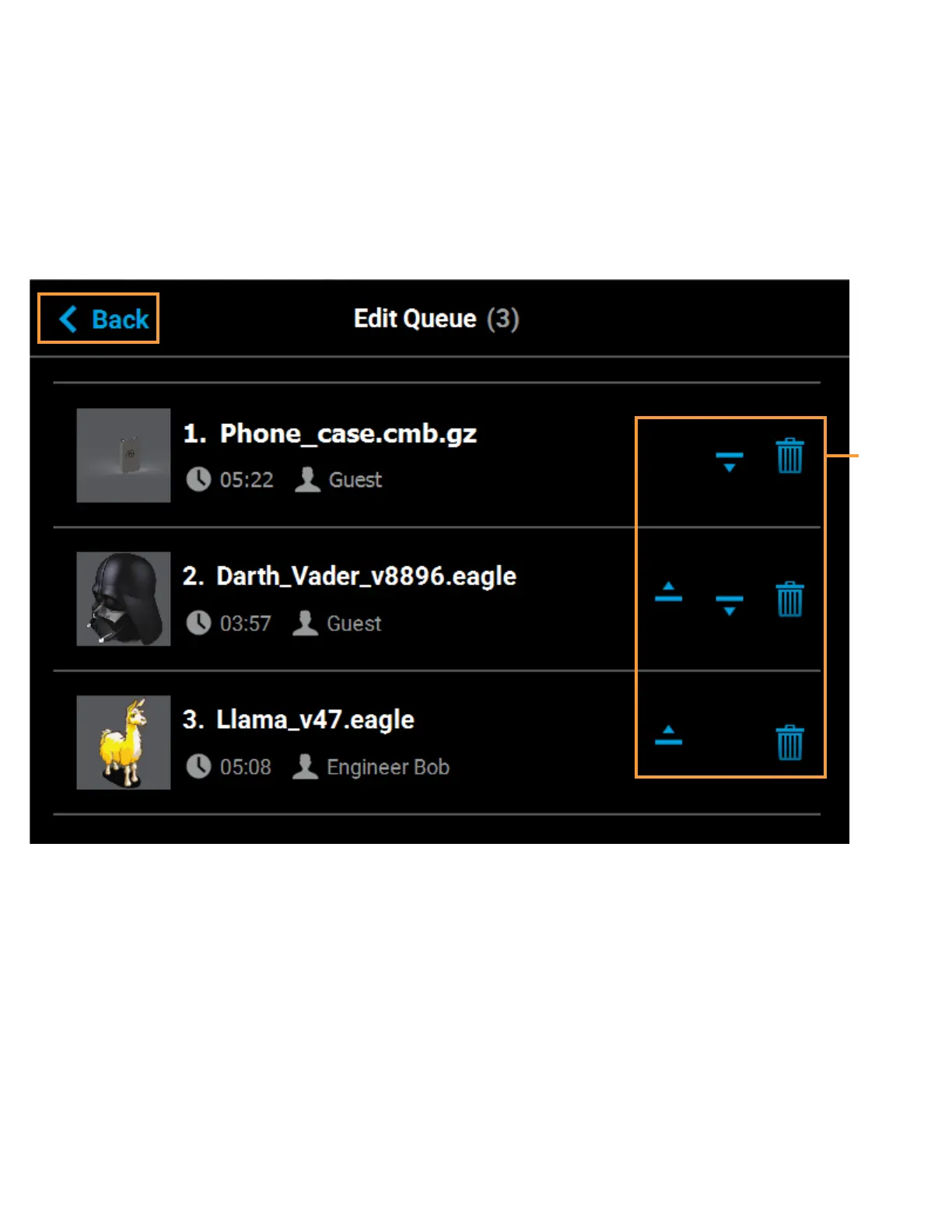
must be listed as the first item in the Job Queue. Pressing the Edit button within the Queue page will open the
Edit Queue page. Using the Job Queue Control buttons found within this page you can sort and /or delete the
jobs within the Job Queue as needed, to ensure the job you wish to build is the first item listed within the Job
Queue.
Pressing the Back button will allow you to exit the Edit Queue page and return to the main Queue page.
Figure 4-21: Edit Queue Page















 To Next Page