57
VIEWING JOB DETAILS
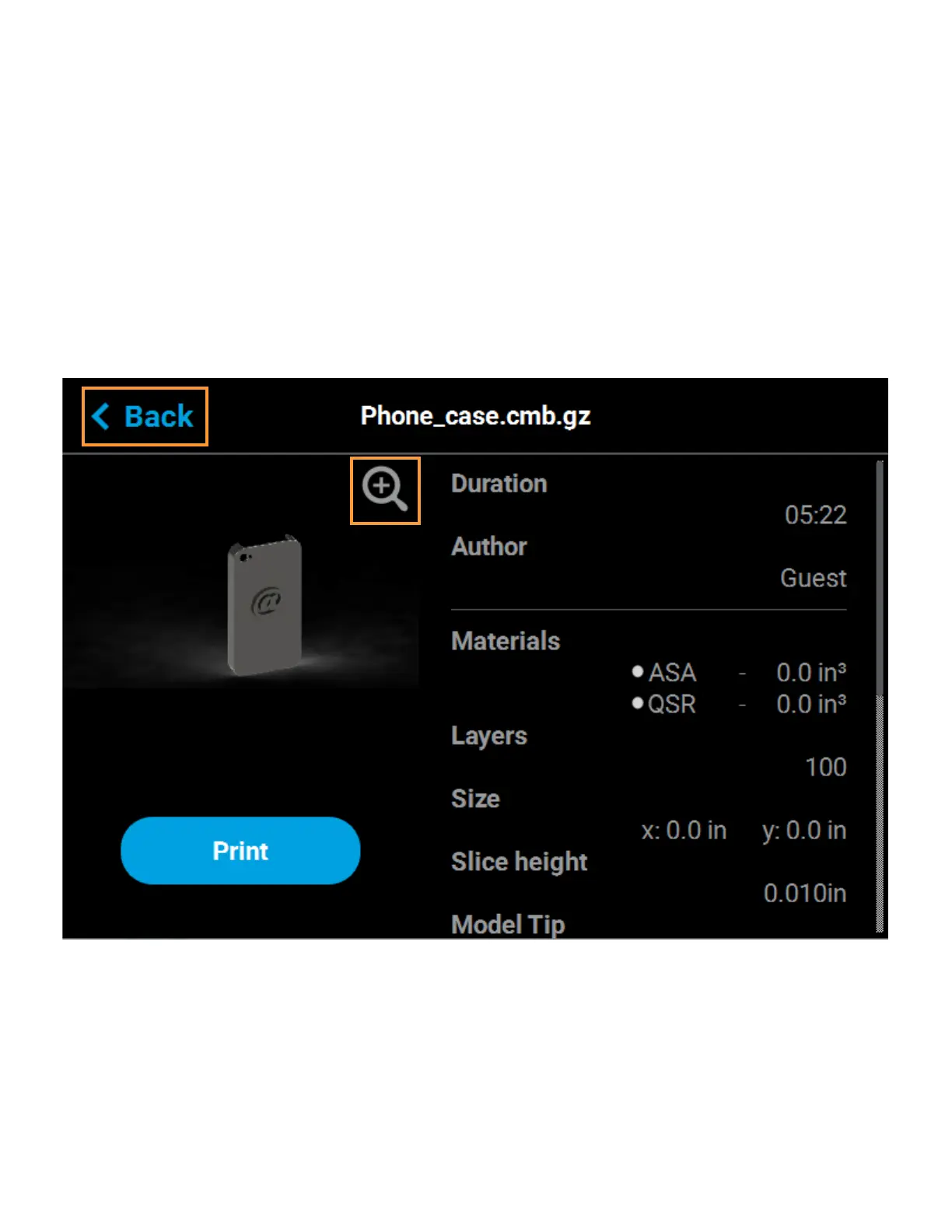
To view additional details regarding a particular job in the Job Queue, select the desired job by touching its row
on the screen. Doing so will open its Job Details page; this page displays the following:
• Duration: amount of time required to complete the build.
• Author: name of the user that submitted the job.
• Materials: model and support materials associated with the job.
• Layers: number of layers in the job.
• Slice height: slice height associated with the job.
• Version: Insight version that the part was compiled with.
Use the scrollbar (along the right side of the page) to scroll up or down within the page. To close this page and
return to the main Queue page, press the Back button within the header of the page.
Figure 4-22: View Job Details















 To Next Page