58
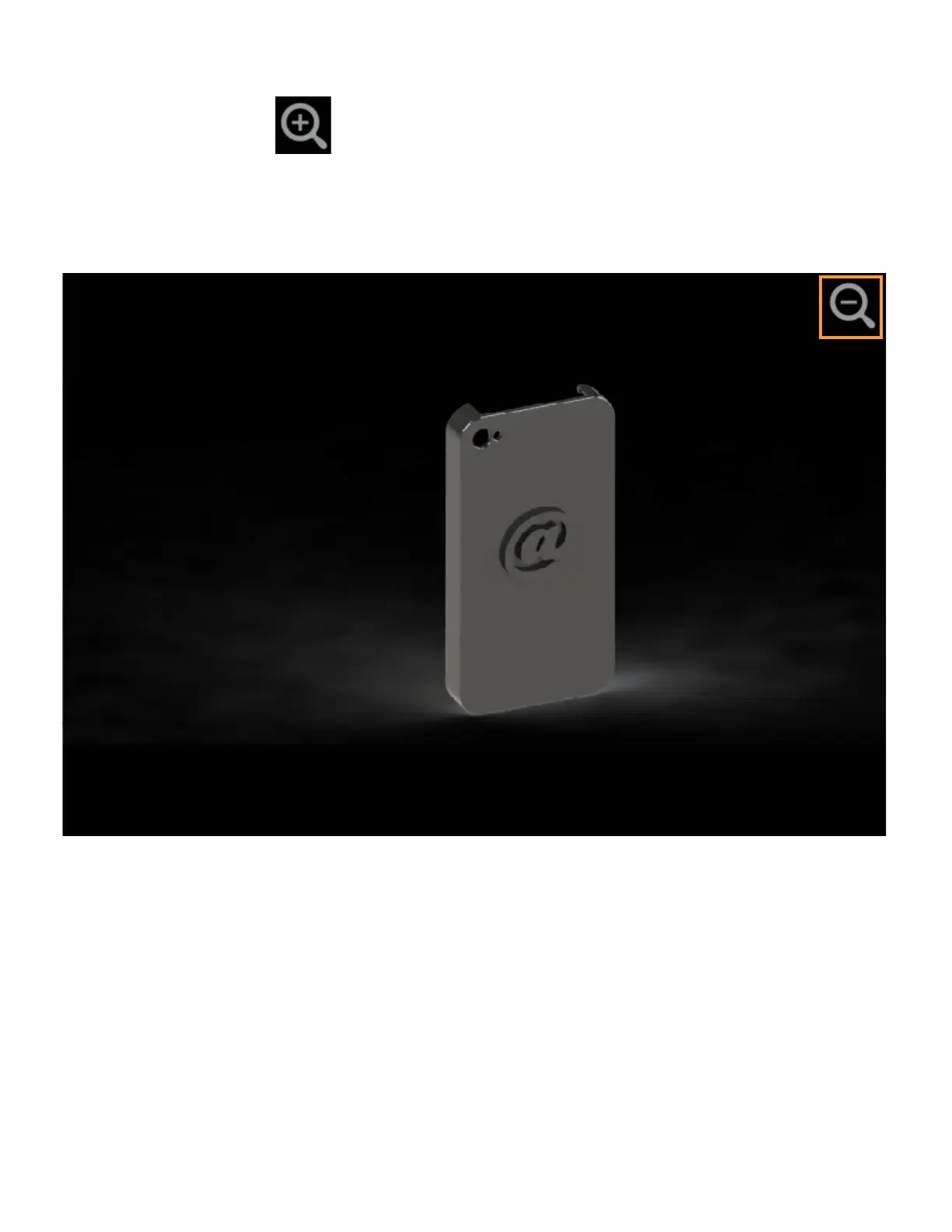
The left portion of the Job Details page displays a visual representation of what the part will look like once the
build is complete.
Pressing the Zoom In button
within the upper-right corner of this portion of the page will hide the job
details information and instead zoom in on the representation of the completed part (as shown in Figure 4-23).
Press the Zoom Out button in the upper-right corner of the expanded view display to close the expanded view
and return to the Job Details page.
Figure 4-23: View Job Details - Expanded View















 To Next Page