46
BUILD STATUS DISPLAY
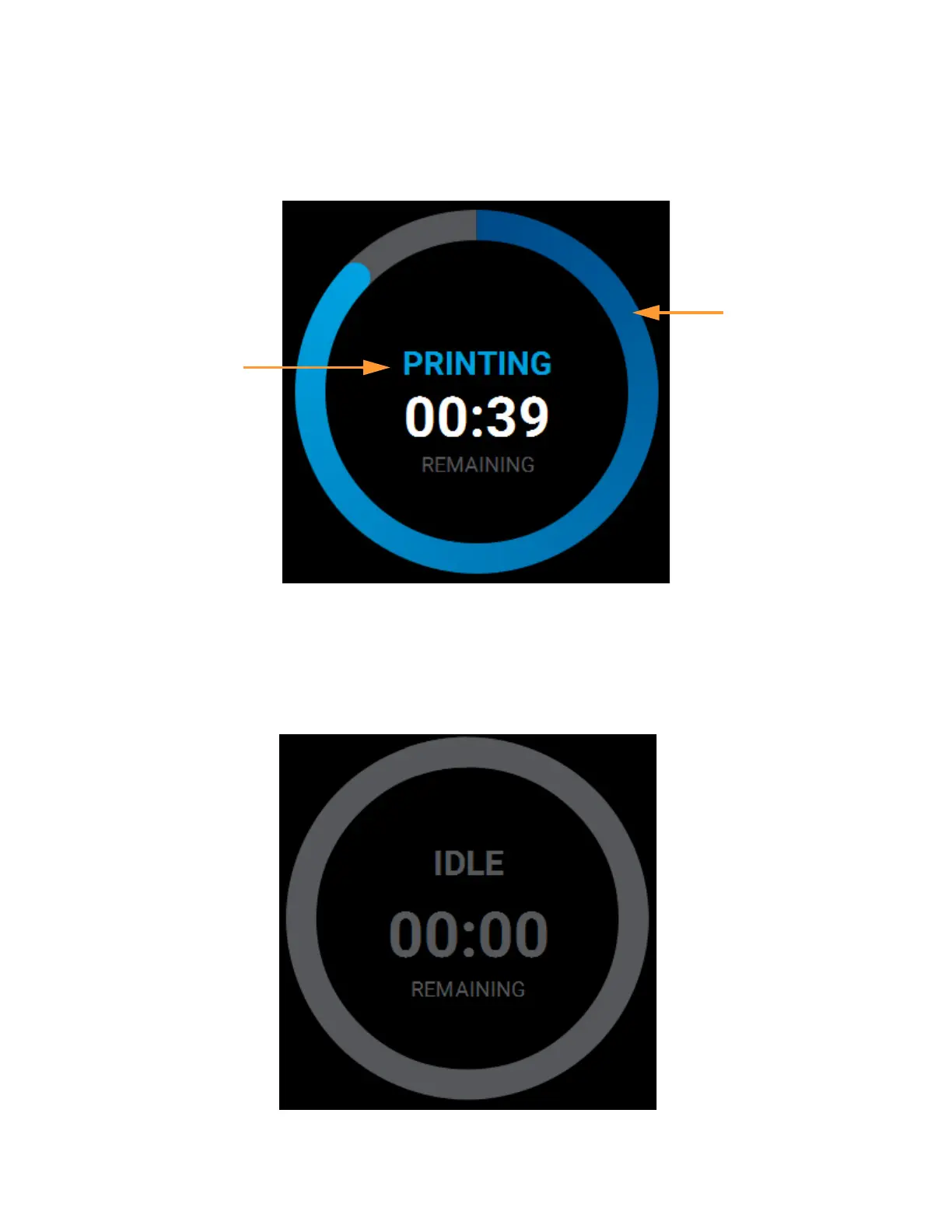
The Build Status Display section of the Build page is composed of a two-part graphic. The center portion
provides information on a selected and/or building job while the outer progress ring corresponds with the build
information displayed; the information displayed will vary depending on the state of the printer.
Figure 4-10: Build Status Display Overview
IDLE
When the printer is idle, "IDLE" will be displayed within the center of the Build Status Display. This indicates that
the printer is in a state where it is ready to start a build. No progress is indicated within the outer build progress
ring and the time remaining is displayed as zero.
Figure 4-11: Build Status Display - Idle
Build Status
Information
Build
Progress
Ring















 To Next Page