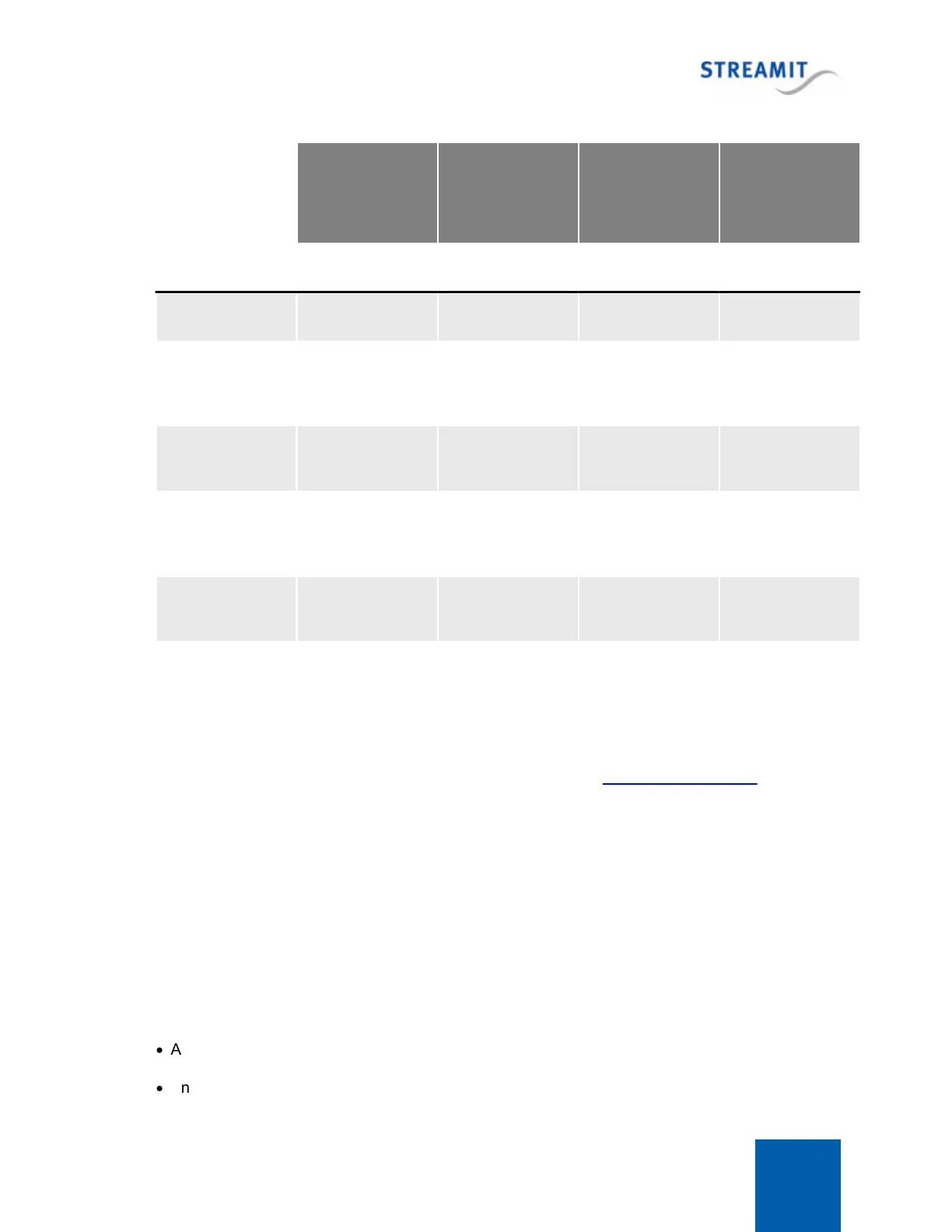
Lisa Compact 46
Update
commercials and
announcements
tracks
Update playlists
only (no tracks)
Update only
commercial plans
Download tracks
required by
playlists
Download
specified
commercial tracks
11.2 Content update in the background
By default playback is stopped when the content update is performed. However, in certain situations it
may be desirable to continue playback during the content update. The Lisa can be configured to
perform the content update in the background. This can be done via a configuration platform that
supports this (for example Streamit ADP), or via a command (see Command overview list).
Even the playlist that is actually being played during the content update in the background, can be
updated in the background. However, the new playlist will only be used the next time that playlist starts
(for example, when the playlist finishes or the Lisa restarts).
11.3 Automatic card cleanup
To prevent that the card is completely full and content update runs into problems, the card is cleaned up
automatically if there is less than 5% free space on the card. This is done by automatically starting the
'Clean up SD card' task, no action from the user is required.
During the card cleanup process the device will not delete the following files:
·
Any file that is required by a playlist on the card
·
Any file that is listed in the list of files that must be kept on the SD card


 To Next Page