11
Step 6: Terms of Service & Privacy Policy
Read and accept the Terms of Services & Privacy Policy.
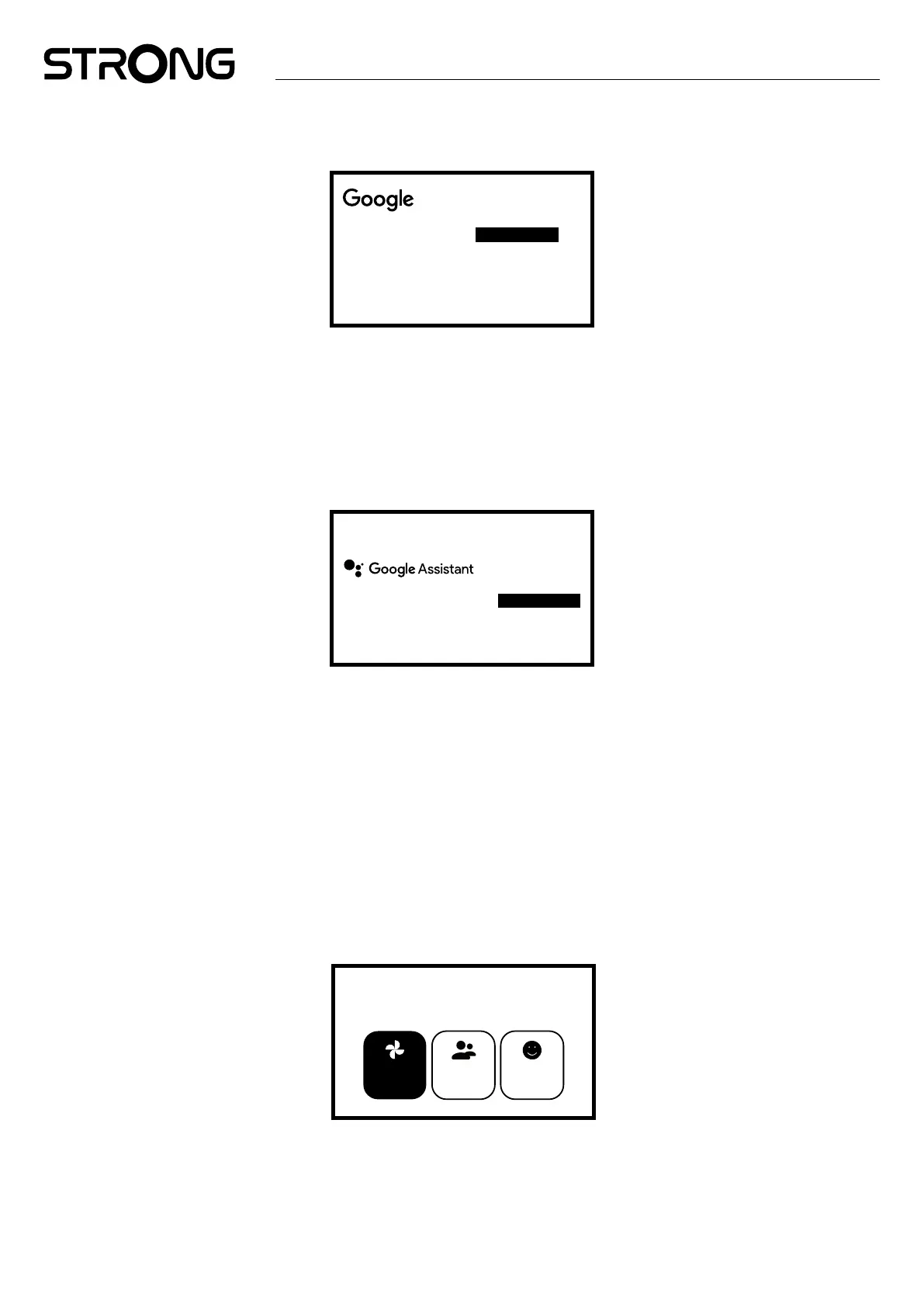
Google Services
Select each to learn more about each
service, such as how to turn it on or o later.
Data will be used according to Google’s
privacy Policy.
Click “Accept” to conrm your selection
of these Google services settings.
Accept
Use location
Help improve Google TV
Select one below
Step 7: Diagnostic Report Settings
Select whether to allow Google to estimate your location using Wi-Fi.
Choose whether to allow your LEAP-S3 PRO Box to send automatic diagnostic and usage data to Google.
To proceed, select Accept and conrm by pressing OK.
Step 8: Meet your Google Assistant
Activate the Google Assistant feature for it to work with your remote.
Choose whether you would like to use Assistant to search across all your TV applications.
Find shows, movies, music & more,
all with your voice.
Continue
Step 9: Choose your subscriptions
Select or de-select advised applications, which will. be used on home screen for recommendations.
Some apps are forced and cannot de-selected.
Select Conrm to proceed
Step 10: Setup remote buttons
If you like to set up some button functions from the connected device such as TV, Source, Volume.
Select Set up remote and follow the instructions on screen.
As not all TV models are supported, we advise to set up this in later stage when you have more time.
Please, select Not now as you can reach this setup again through the settings menu.
Step 11: Personal settings of your Google TV
In this nal step you can select to display photos from your Google Photo albums, set up multiple proles and create a prole for
children.
Get the most out of your
Google TV
Multiple
proles
Google
photos
Children’s
features
Go to Google TV
Select Go to Google Tv to start exploring your new LEAP-S3 PRO box.



 To Next Page