EasyManua.ls Logo

Strong SRT 32HY4003 - User Manual

Strong SRT 32HY4003
22 pages
Print Icon
To Next Page IconTo Next Page
Loading...
User Manual
Bedienungsanleitung
Manuel utilisateur
Manuale utente
Manual del Usuario
Manual do Utilizador
Gebruiksaanwijzing
Instrukcja obsługi
Uživatelská příručka
Používateľská príručka
Korisnički priručnik
Uputsvo za rukovanje
Használati útmutató
Инструкции за употреба
Instrucţiuni de Instalare
Руководство пользователя
Посібник користувача
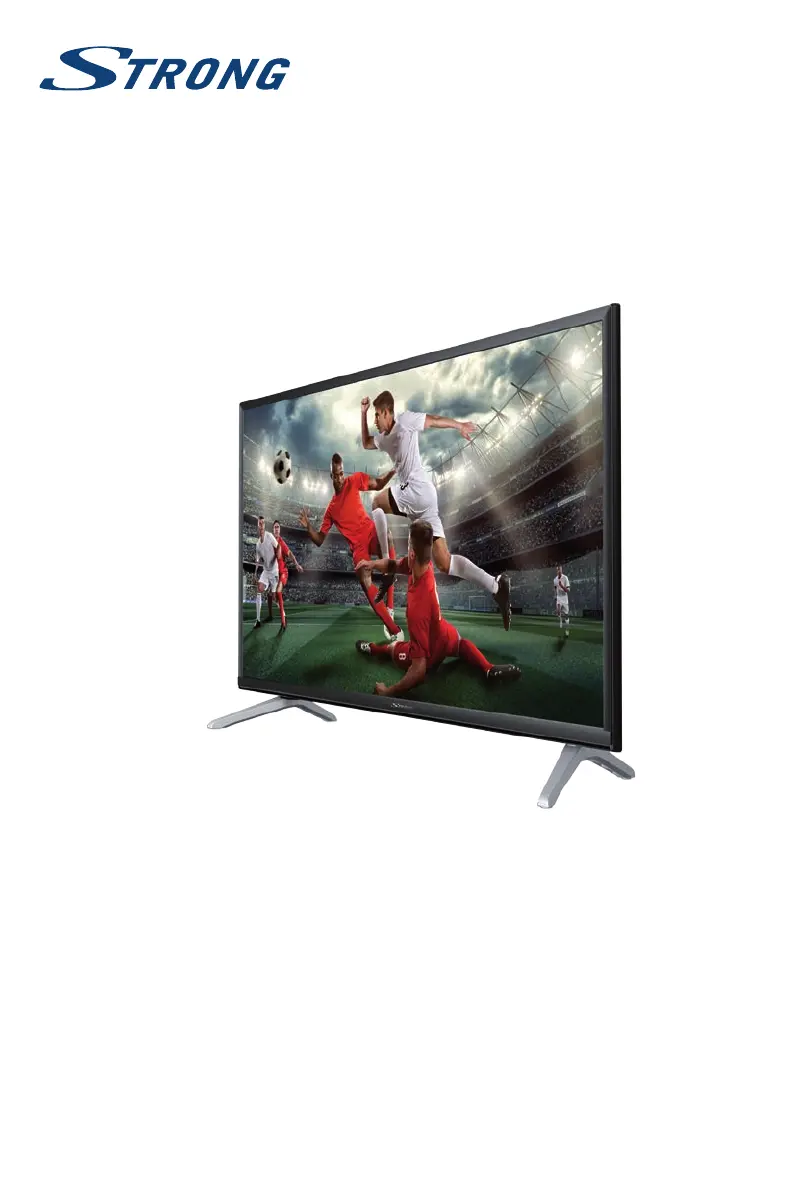
LED TV with DVB-T/T2/C/S/S2
SRT 32HY4003

Questions and Answers

  • P
    Paul WattsAug 17, 2025
    How to improve snowy dots and blocking on Strong SRT 32HY4003 LED TV?
    • A
      Alexander HarrisAug 17, 2025
      If your Strong LED TV displays snowy dots, blocking, and interference, try these solutions: 1. Install a special antenna to improve the reception. 2. Adjust the position and orientation of the indoor/outdoor antenna. 3. Check the connection of the antenna. 4. Fine-tune the channel. 5. Try another channel.
  • C
    craighughesAug 20, 2025
    How to fix no picture and sound on Strong LED TV?
    • W
      wilkinstimothyAug 20, 2025
      If your Strong LED TV shows no picture and no sound, start by checking the fuse or circuit breaker. Ensure another electrical device works when plugged into the same outlet to confirm the outlet is functioning and turned on. Also, verify that the power plug is securely connected to the outlet and check the signal source.
  • D
    Dillon GibsonAug 22, 2025
    Why is there normal picture but no sound on my Strong SRT 32HY4003 LED TV?
    • S
      Sarah BurchAug 22, 2025
      If your Strong LED TV has normal picture but no sound, first, press the volume up button to increase the volume. Check if the volume is muted and, if so, press the mute button to restore the sound. You may also try changing the sound system. A broadcasting failure may also cause this issue.
  • M
    Matthew FullerAug 26, 2025
    What to do if remote control does not work on Strong LED TV?
    • M
      Mark Stanley MDAug 26, 2025
      If the remote control for your Strong LED TV isn't working, try these steps: 1. Replace the batteries. 2. Make sure the batteries are installed correctly. 3. Ensure the main power is connected.
  • K
    Kristy KellerAug 27, 2025
    What to do if there is no picture but sound on Strong SRT 32HY4003?
    • K
      Kimberly MillerAug 28, 2025
      If your Strong LED TV has no picture but normal sound, adjust the brightness and contrast settings. Broadcasting failure may also be the reason.
  • V
    Vanessa JohnsonAug 30, 2025
    How to remove ghost image on Strong SRT 32HY4003?
    • R
      Robin PerezAug 30, 2025
      If you see a ghost image on your Strong LED TV, changing the direction or position of the antenna might improve the reception.
  • M
    Michael SandersSep 1, 2025
    How to fix no color on Strong LED TV?
    • A
      angela57Sep 1, 2025
      If your Strong LED TV has no color, you can try the following: 1. Change the color system. 2. Adjust the saturation. 3. Try another channel.
  • D
    Danny HesterSep 4, 2025
    Why does my Strong LED TV freeze during video playback?
    • R
      Robin RhodesSep 4, 2025
      If the playback of video (or Timeshift) is causing picture freeze, macro blocks, or similar distortion, especially on HD content on your Strong LED TV, make sure to use a USB storage device with sufficient speed and space.
  • J
    Joseph MyersSep 6, 2025
    How to minimize unorderly ripples on Strong SRT 32HY4003?
    • N
      Nicole ColonSep 6, 2025
      To minimize interference and unorderly ripples on the picture of your Strong LED TV, adjust the antenna.
  • C
    Catherine SolisSep 9, 2025
    How to stop radio frequency interference on Strong SRT 32HY4003?
    • B
      Bryce KimSep 9, 2025
      If you are experiencing radio frequency interference with your Strong LED TV, find out and remove the source of the radio interference.

Strong SRT 32HY4003 Specifications

General IconGeneral
Screen Size32 inches
Resolution1366 x 768
Display TypeLED
HDMI Ports2
USB Ports1
Smart TVNo
Resolution TypeHD
Aspect Ratio16:9
Refresh Rate60 Hz
Built-in SpeakersYes
TunerDVB-T2

Related product manuals