EasyManua.ls Logo

Strong SRT 6365 PDR - User Manual

Strong SRT 6365 PDR
33 pages
Print Icon
To Next Page IconTo Next Page
Loading...
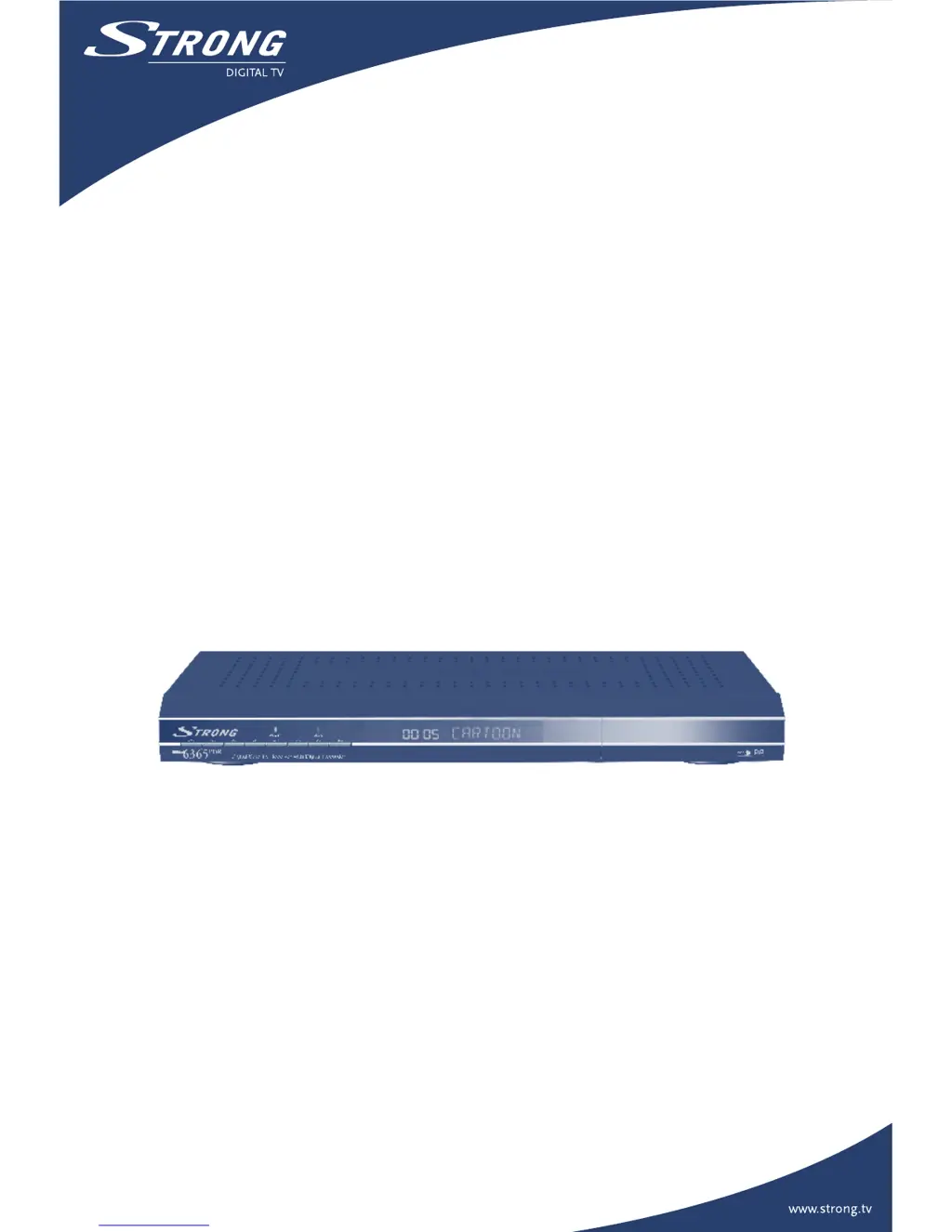
Picture similar
User Manual
Digital Satellite Receiver with
Digital Recorder SRT 6365 PDR

Questions and Answers

  • T
    Tony RuizAug 10, 2025
    What to do if my Strong SRT 6365 PDR has no picture?
    • J
      Jennifer CarterAug 11, 2025
      If your Strong Receiver shows no picture, check the antenna cable for proper connection and consider replacing it if damaged. Also, verify the tuner parameter values in the installation menu are correctly set. Finally, use a spectrum analyzer to check the signal strength and adjust your dish accordingly.
  • J
    jimmycraigAug 17, 2025
    What to do if there is no picture or sound on my Strong Receiver?
    • A
      Andrew PittmanAug 17, 2025
      If you have no picture or sound on your Strong Receiver, ensure the Audio/Video output is correctly connected to your TV. Also, check if audio muting is activated and ensure your TV is powered on. Connect the Audio/ Video output of the receiver to TV correctly. Press the MUTE button. Turn TV on.
  • B
    brownstephenAug 26, 2025
    Why is my Strong SRT 6365 PDR remote control not working?
    • A
      Alfred HernandezAug 27, 2025
      If the remote control for your Strong Receiver isn't working, first verify that the batteries are correctly inserted. If they are, check the batteries' charge level and replace them if exhausted.
  • C
    Cassandra MoodySep 2, 2025
    How to fix a Strong Receiver when the LED display doesn't light up?
    • C
      Charles EscobarSep 2, 2025
      If the LED display on the front panel of your Strong Receiver doesn't light up, the power cord may not be properly plugged in. Check that the power cord is securely connected to the wall outlet.

Summary

1.0 INTRODUCTION

1.1 Safety Instructions

General safety precautions for installing and operating the receiver.

1.3 Equipment Set-up

Instructions for setting up the receiver and its components.

2.0 YOUR RECEIVER

2.1 Front Panel

Describes the controls and indicators on the front panel of the receiver.

2.3 Remote Control Unit

Explains the buttons and functions of the remote control.

3.0 CONNECTIONS

3.1 Connecting to TV & VCR

Instructions for connecting the receiver to a TV and VCR.

3.3 Connecting to Satellite Dish

Explains different methods for connecting the receiver to a satellite dish.

4.0 STARTING UP FOR THE FIRST TIME

4.3 Select Satellite

Instructions for selecting the satellite for initial channel scanning.

5.0 MAIN MENU

5.2 Installation

Menu for setting up channels, dish, and system configurations.

5.2.1 Channel set-up

Setting up channels from selected satellites.

5.2.2 Dish set-up

Configuration parameters for the satellite dish.

6.0 RECORDER

6.1 Records Organiser

Managing recorded TV broadcasts, MP3 files, and JPG pictures.

6.1.1 Digital Video Record (DVR)

Managing recorded TV broadcasts, including rename, delete, and lock functions.

7.0 WATCHING TV AND LISTENING TO THE RADIO

7.1 Program Guide (EPG)

Displays the program schedule for current channels.

8.0 RECORDING AND PLAYBACK

8.1 Start a record

Initiates recording of the current channel.

8.2 Stop a record

Stops one or more ongoing recordings.

8.3 TimeShift and Instant recoding

Features for pausing live TV and instant recording.

8.4 Playback

Accesses and plays recorded files.

A.1 TROUBLESHOOTING

Strong SRT 6365 PDR Specifications

General IconGeneral
TunerDVB-S2
Free To AirYes
High DefinitionYes
Supported Video FormatsMPEG-2, MPEG-4, H.264
EPGYes
TeletextYes
TypeSatellite Receiver
Video OutputHDMI
Audio OutputAnalog RCA (L/R)
ConnectivityUSB
Supported Audio FormatsMPEG
Video Resolution1080p
USB PortYes, USB 2.0

Related product manuals