EasyManua.ls Logo

Strong SRT 6200 - User Manual

Strong SRT 6200
17 pages
Print Icon
To Next Page IconTo Next Page
Loading...
www.strong.tv
1.00
SRT 6202/6205 SRT 6205
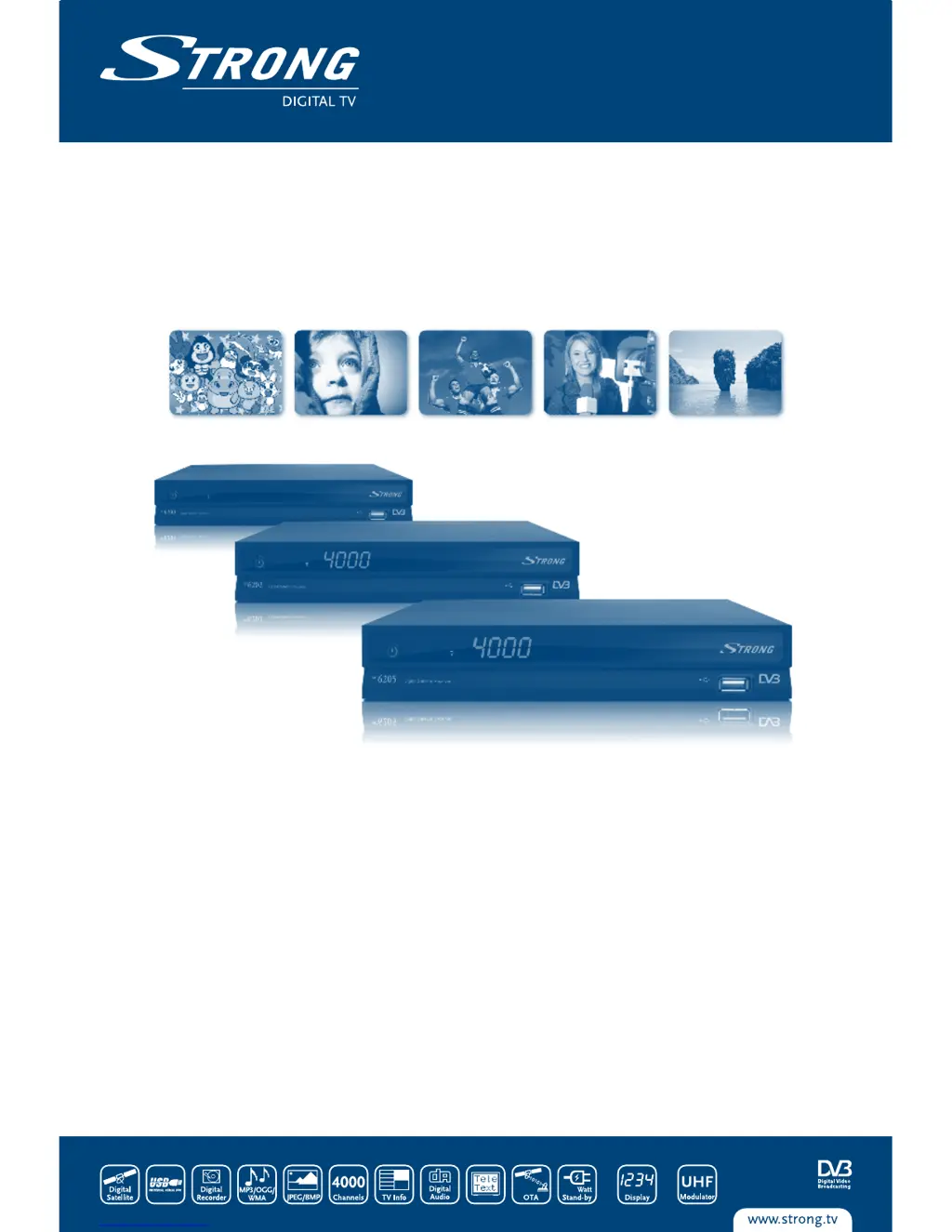
Picture similar
User Manual
Digital Satellite Receiver
SRT 6200/SRT 6202/SRT 6205

Questions and Answers

  • J
    Johnny SextonAug 18, 2025
    Why is there no picture or sound on my Strong SRT 6200 Receiver?
    • J
      Jeanette LewisAug 18, 2025
      If you're getting no picture or sound on your Strong Receiver, there might be a few reasons. First, ensure the Audio/Video output of the receiver is correctly connected to your TV. Second, check if audio muting is enabled or if the audio selection is on AC 3; press the Mute button and then the AUDIO button to select another audio channel. Finally, make sure your TV is powered on and set to the correct channel or input.
  • M
    Miss Shelby McguireAug 20, 2025
    What to do if there is no picture on my Strong Receiver?
    • M
      Maria WardAug 20, 2025
      If you're not getting a picture on your Strong Receiver, it could be due to a few reasons. First, the receiver might not be getting a signal, so check the antenna cable, replace it if necessary, or ensure it's tightly connected to the receiver. Second, incorrect tuner parameters could be the issue; set these values correctly in the installation menu. Lastly, the dish direction could be off; use a spectrum analyzer to check the signal strength and adjust your dish accordingly.
  • B
    Bobby HintonAug 22, 2025
    Why doesn't the remote control of my Strong SRT 6200 Receiver work?
    • A
      Andrew SalinasAug 22, 2025
      If the remote control for your Strong Receiver isn't working, the batteries might be the problem. Check if the batteries are inserted correctly and if they are exhausted. If they are, replace them.
  • A
    Amanda ScottAug 26, 2025
    How to fix a Strong SRT 6200 when the display on the front panel does not light up?
    • S
      Stephanie HenryAug 26, 2025
      If the display on the front panel of your Strong Receiver doesn't light up, here are a few things to check: * Make sure the power cord is properly plugged into the wall outlet. * The receiver might be in stand-by mode; switch it ON. * Your specific model might not have a display.
  • C
    Courtney OwensAug 27, 2025
    What to do if my Strong SRT 6200 switches ON/OFF repeatedly or displays 'LOAD'?
    • D
      dennis02Aug 27, 2025
      If your Strong Receiver is trying to start up but keeps switching ON and OFF or displays “LOAD”, it might have detected a short cut in your cable system or an “Antenna Power Overload”. Disconnect the receiver from the main power, check your cable system for short circuits, remove any short circuits, replace the LNB, and then restart the receiver.
  • M
    Michael CastroAug 30, 2025
    Why does my Strong SRT 6200 Receiver switch off automatically?
    • T
      Travis NorrisAug 30, 2025
      If your Strong Receiver switches off automatically, the Auto Standby function may be enabled. To resolve this, disable the Auto Standby function. See section 5.3.1.4 for details.
  • J
    jonathansandovalSep 1, 2025
    How to fix the 'USB storage device is not recognized' error on Strong SRT 6200?
    • A
      Alicia MedinaSep 1, 2025
      If your Strong Receiver isn't recognizing the USB storage device, it might be due to incorrect formatting. Try formatting the USB device using the receiver's menu under “Recording Device”.
  • L
    Luis MorseSep 4, 2025
    What to do if the external USB HDD does not start on my Strong Receiver?
    • S
      samuelrobersonSep 4, 2025
      If the external USB HDD isn't starting with your Strong Receiver, it might be due to high power consumption. Try connecting an extra power supply adapter to your USB HDD.
  • F
    foleykeithSep 6, 2025
    What to do if my Strong SRT 6200 Receiver has no picture or sound?
    • W
      William WebbSep 7, 2025
      If your Strong Receiver isn't displaying a picture or producing sound, there might be a few reasons: * Check the audio/video output connections from the receiver to your TV to ensure they are correctly connected. * Make sure the audio isn't muted by pressing the Mute button. Also, try pressing the AUDIO button to select a different audio channel, as it might be set to AC 3. * Verify that your TV is powered on and set to the correct channel or input.
  • D
    Daniel TaylorSep 9, 2025
    Why is the display on my Strong Receiver front panel not lighting up?
    • J
      jamie01Sep 9, 2025
      If the display on the front panel of your Strong Receiver isn't lighting up, here are a few things to check: * Ensure that the power cord is properly plugged into the wall outlet. * The receiver might be in stand-by mode, so switch it ON. * Note that some models do not have a display.

Summary

Introduction to Your Receiver

Safety Instructions

Important safety precautions for installation and usage of the receiver.

Equipment Set-up

Instructions for setting up the receiver and antenna with user symbols explained.

Your Receiver Overview

Rear Panel Connections

Details the connectors and ports on the rear panel of the receiver.

Remote Control Functions

Explains the functions of each button on the remote control.

Connecting Your Receiver

SCART Cable Connection

Describes how to connect the receiver to a TV using a SCART cable.

Satellite Dish Connection

Explains connecting the receiver to a satellite dish.

Starting Up and Initial Setup

Satellite Selection

Steps for selecting the satellite dish's target satellite.

Installation and System Settings

System Configuration and Updates

Factory Default Reset

Resetting the receiver to factory default settings.

System Software Update

Updating receiver software via OAD or USB.

Watching TV and Radio

Electronic Program Guide (EPG)

Using the EPG to view program schedules and set timers.

Recording Content

Connecting a USB device and starting a recording.

Troubleshooting and Specifications

No Picture or Sound Issues

Troubleshooting steps for issues with no picture or sound.

No Picture Troubleshooting

Troubleshooting signal reception issues and cable connections.

Startup and Power Issues

Resolving startup issues like power cycling or 'LOAD' display.

Remote Control Malfunction

Troubleshooting steps for a non-functional remote control.

Receiver Technical Specifications

Strong SRT 6200 Specifications

General IconGeneral
BrandStrong
ModelSRT 6200
CategoryReceiver
LanguageEnglish

Related product manuals