EasyManua.ls Logo

Strong SRT 6201 - User Manual

Strong SRT 6201
17 pages
Print Icon
To Next Page IconTo Next Page
Loading...
www.strong.tv
Picture similar
User Manual
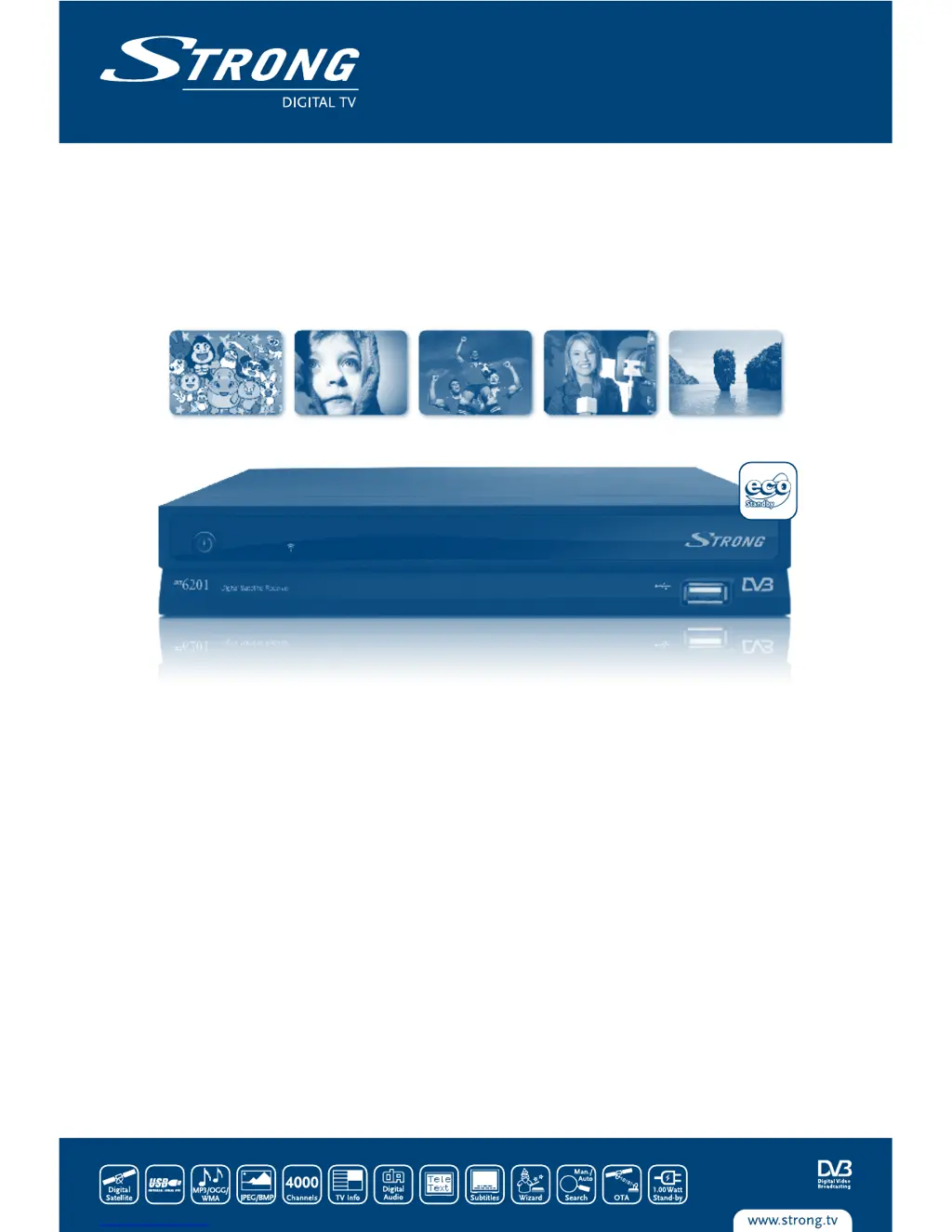
Digital Satellite Receiver SRT 6201

Questions and Answers

  • P
    Peggy RobersonAug 19, 2025
    Why is there no picture or sound on my Strong SRT 6201?
    • R
      Rebecca BrownAug 19, 2025
      If you have no picture or sound, it may be due to several reasons: the audio/video output of the receiver might be wrongly connected to the TV (connect the Audio/video output of the receiver to TV correctly); audio might be muted or the audio selection is on AC 3 (press the Mute button, or press the AUDIO button and select another audio channel); or the TV might be off, on the wrong channel, or input (turn on the TV, select the correct channel or input).
  • Z
    zacharymartinAug 21, 2025
    What to do if my Strong SRT 6201 Receiver tries to start-up, switches ON/OFF repeatedly, or displays 'LOAD'?
    • D
      Deanna GriffinAug 21, 2025
      If your receiver attempts to start, switches ON/OFF repeatedly or shows 'LOAD', it could be because the receiver has detected a short circuit in your cable system or 'Antenna Power Overload'. To resolve this, disconnect the receiver from main power, check your cable system, remove any short circuits, replace the LNB, and then restart the receiver.
  • J
    James PerezAug 23, 2025
    How to fix a Strong SRT 6201 remote control that is not working?
    • S
      Stephen GonzalesAug 23, 2025
      If the remote control isn't working, the batteries might not be inserted correctly or they might be exhausted. Check whether the batteries are correctly inserted and, if necessary, replace them.
  • J
    Jennifer WilliamsAug 26, 2025
    Why is there no picture on my Strong SRT 6201 Receiver?
    • J
      Jonathan RuizAug 26, 2025
      If there is no picture, it could be due to several reasons: the receiver isn’t receiving the signal (check the antenna cable, replace it, or connect it tightly to the receiver); the tuner parameters are incorrect (set the values of the tuner parameters correctly in the installation menu); or the dish direction is wrong (check the signal strength with a spectrum analyzer and adjust your dish correctly).
  • C
    Clinton YuAug 27, 2025
    How to fix a Strong SRT 6201 Receiver when the display on the front panel does not light up?
    • M
      Michael MckayAug 27, 2025
      If the display on the front panel doesn't light up, it could be because the power cord isn't plugged in (check that it's plugged into the wall outlet), the receiver is in stand-by mode (switch it ON), or your model doesn't have a display.
  • C
    Carla HeathAug 29, 2025
    What to do if my Strong SRT 6201 Receiver switches off automatically?
    • C
      Cynthia SnyderAug 29, 2025
      If the receiver switches off automatically, the Auto Standby function may be enabled. Disable the Auto Standby function.
  • E
    Erin HarrisonAug 31, 2025
    What to do if my Strong Receiver does not recognize the USB storage device?
    • C
      Christina MarquezSep 1, 2025
      If the USB storage device isn't recognized, it might be wrongly formatted. Make sure that your USB device’s file system is FAT32.
  • H
    hollyrodriguezSep 3, 2025
    Why does the external USB HDD not start on my Strong Receiver?
    • J
      julie57Sep 3, 2025
      If the external USB HDD doesn't start, it might be because the power consumption is too high. Connect an extra power supply adapter to your USB HDD.
  • K
    Kevin ScottSep 5, 2025
    What to do if there is no picture or sound on my Strong Receiver?
    • S
      Stefanie EvansSep 5, 2025
      First, ensure the audio/video output of your Strong Receiver is correctly connected to your TV. If that's not the issue, check if the audio is muted by pressing the Mute button. Also, verify the audio selection; if it's on AC3, press the AUDIO button to select another audio channel. Finally, make sure your TV is powered on and set to the correct channel or input.
  • A
    arnoldallenSep 7, 2025
    Why does the display on my Strong SRT 6201 Receiver front panel not light up?
    • A
      alicia12Sep 7, 2025
      If the display on the front panel of your Strong Receiver isn't lighting up, first ensure the power cord is properly plugged into the wall outlet. Then, check if the receiver is in stand-by mode and switch it on. Note that some models do not have a display.

Summary

1.0 Introduction

1.1 Safety Instructions

Important safety precautions for operating the receiver, including electrical hazards and proper usage.

1.3 Equipment Set-up

Instructions for setting up the satellite receiver and associated components, including antenna and TV connections.

2.0 Your Receiver

2.1 Rear Panel

Details the connectors and ports located on the rear panel of the receiver, such as SAT IN/OUT and SCART.

2.2 Remote Control Unit

Explains the function of each button on the remote control unit for operating the receiver.

3.0 Connections

4.0 Starting Up

5.0 Main Menu

5.1 Channel Organiser

Manages channels, including sorting, editing, moving, deleting, and favourite groups.

5.2 Installation

Contains options for antenna installation, auto scan, and manual scan for channels.

5.3 System setting

Allows configuration of system settings like language, OSD, parental control, and time.

6.0 Watching TV and Listening to the Radio

A.1 Troubleshooting

Strong SRT 6201 Specifications

General IconGeneral
BrandStrong
ModelSRT 6201
CategoryReceiver
LanguageEnglish

Related product manuals