EasyManua.ls Logo

Strong SRT 6201 - User Manual

Strong SRT 6201
17 pages
Print Icon
To Next Page IconTo Next Page
Loading...
www.strong.tv
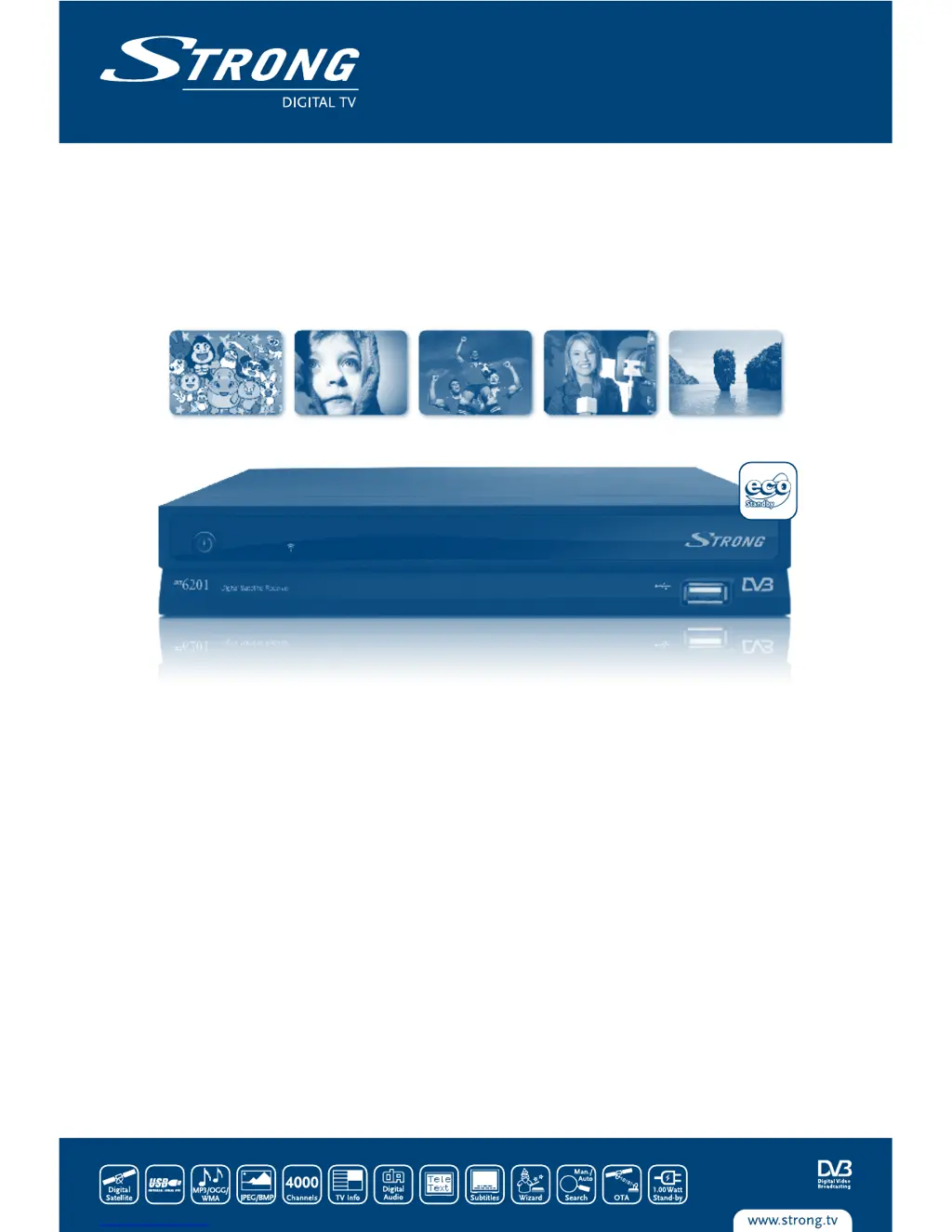
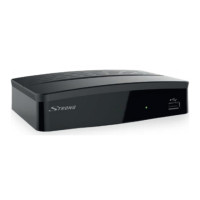
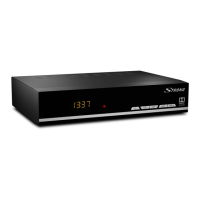
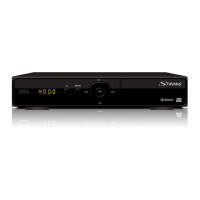
Picture similar
User Manual
Digital Satellite Receiver SRT 6201

Questions and Answers

  • T
    Tracy LopezSep 9, 2025
    What to do if Strong SRT 6201 switches ON and OFF repeatedly or displays “LOAD”?
    • N
      Nicole RobbinsSep 9, 2025
      If your Strong Receiver is trying to start up but keeps switching ON and OFF or displays “LOAD”, it might have detected a short circuit in your cable system or an “Antenna Power Overload”. Disconnect the receiver from the main power, check your cable system to remove any short circuits, replace the LNB, and then restart the receiver.
  • P
    Paul McclainSep 12, 2025
    How to fix a Strong SRT 6201 Receiver that is not recognizing a USB storage device?
    • L
      lestermargaretSep 12, 2025
      If your Strong Receiver isn't recognizing the USB storage device, ensure that the USB device's file system is FAT32.
  • S
    Stacey WilliamsSep 14, 2025
    Why won't my external USB HDD start on my Strong SRT 6201?
    • M
      Michael BrownSep 14, 2025
      If the external USB HDD is not starting with your Strong Receiver, the power consumption may be too high. Connect an extra power supply adapter to your USB HDD.
  • G
    George SmithSep 15, 2025
    Why does my Strong Receiver switch off automatically?
    • J
      Jacob McdanielSep 16, 2025
      If your Strong Receiver switches off automatically, the Auto Standby function may be enabled. Disable Auto Standby. See section 5.3.1.4 for details.

Summary

1.0 Introduction

1.1 Safety Instructions

Important safety precautions for operating the receiver, including electrical hazards and proper usage.

1.3 Equipment Set-up

Instructions for setting up the satellite receiver and associated components, including antenna and TV connections.

2.0 Your Receiver

2.1 Rear Panel

Details the connectors and ports located on the rear panel of the receiver, such as SAT IN/OUT and SCART.

2.2 Remote Control Unit

Explains the function of each button on the remote control unit for operating the receiver.

3.0 Connections

4.0 Starting Up

5.0 Main Menu

5.1 Channel Organiser

Manages channels, including sorting, editing, moving, deleting, and favourite groups.

5.2 Installation

Contains options for antenna installation, auto scan, and manual scan for channels.

5.3 System setting

Allows configuration of system settings like language, OSD, parental control, and time.

6.0 Watching TV and Listening to the Radio

A.1 Troubleshooting

Strong SRT 6201 Specifications

General IconGeneral
BrandStrong
ModelSRT 6201
CategoryReceiver
LanguageEnglish

Related product manuals