20
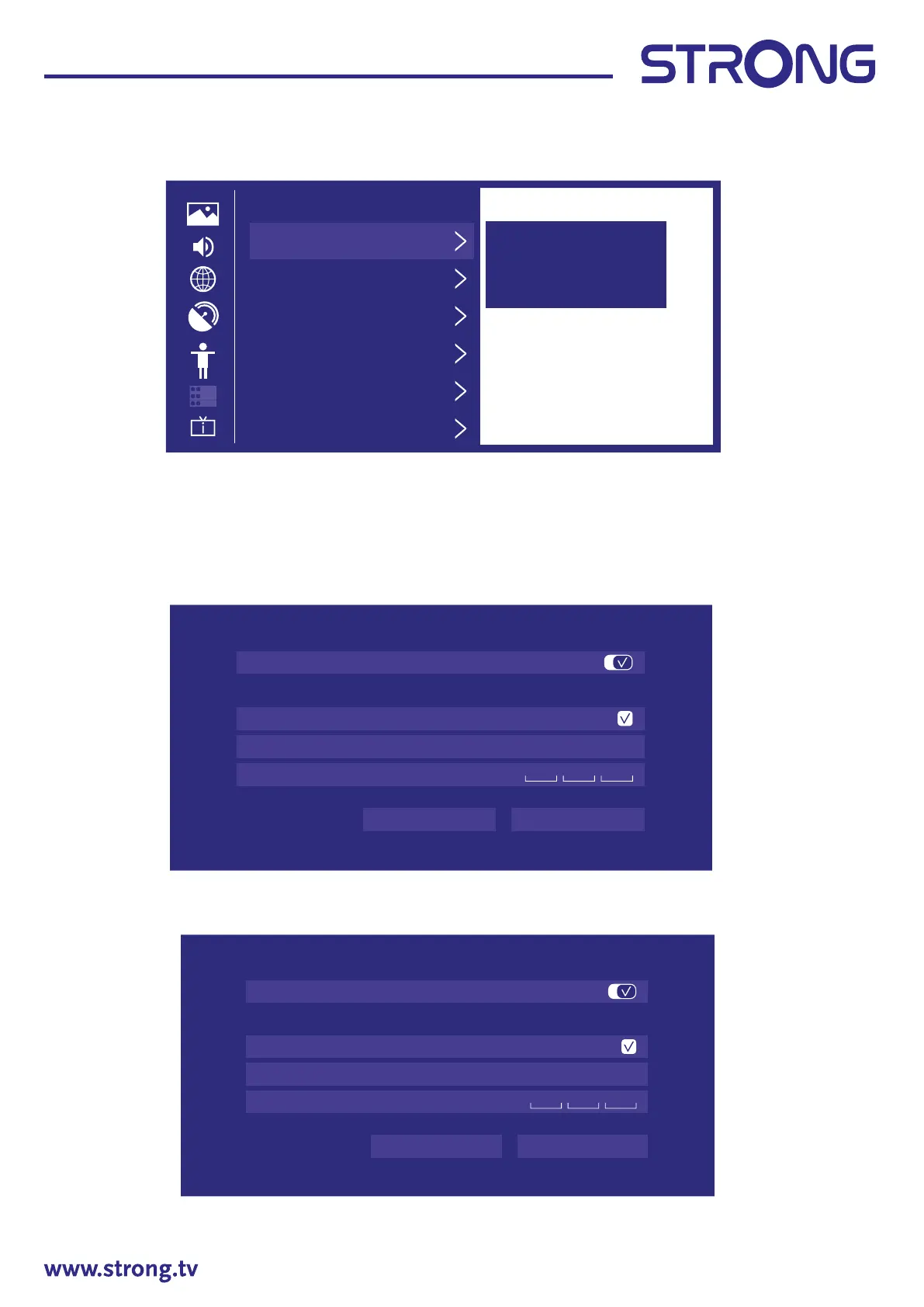
Timer Settings
Press to select Timer Settings.
Sleep Timer
Press to select Sleep Timer.
(Optional: O/15/30/60/90/120 Minutes/User Dened)
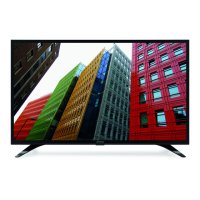
Power On Timer
Press to select Power On Timer.
Power O
Press to select Power O Timer.
Timer Sengs
Sleep Timer
Set the sleep mer to
automacally turn the
TV off at the specified
me.
Off
Power On Timer
Power Off Timer
Menu Time-Out
60’s
Auto sleep
Off
Auto standby with no signal
15 minutes
Power On Timer
Power On Timer
Repeat
Once
Weekly
Time
ConfirmCancel
12 00
:
AM
Power Off Timer
Power Off Timer
Repeat
Once
Weekly
Time
ConfirmCancel
12 00
:
AM


 To Next Page