4
2. INSTALLATION
2.1 Default PIN code: 1234
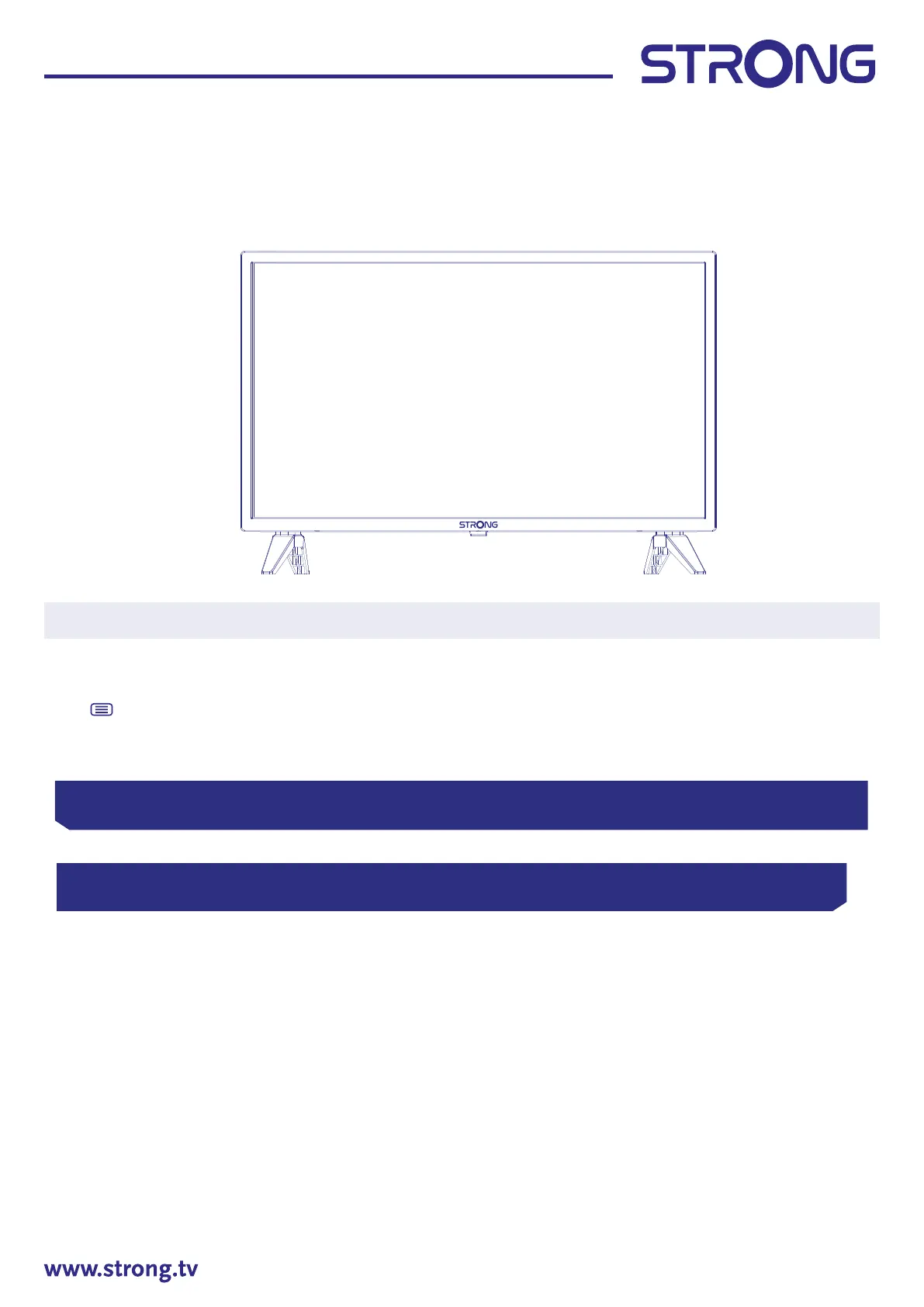
2.2 Front panel
Fig. 2
NOTE: The graphics are for representation only.
1. Power indicator /remote sensor
2. Speakers
3. q /
Turns the TV on or in standby.
2.3 Rear panel
Fig. 3
1. HDMI 3 Connect HDMI input signal from a signal source such as DVD, Blu-ray player or game
console.
2. HDMI 2 Connect HDMI input signal from a signal source such as DVD, Blu-ray player or game
console.
3. HDMI 1 (ARC) Connect HDMI input signal from a signal source such as DVD, Blu-ray player or
game console or directly to a Digital Amplier that supports the ARC function. This
input is equipped with the ARC (Audio Return Channel) feature to implement audio
connections and for a full Dolby Audio support.
4. USB 2.0 USB 2.0 ports.
5. USB 2.0 USB 2.0 ports.
6. CI Insert a Conditional Access Module (CAM).
7. HEADPHONE Headphone or Earphone audio output, speakers will be muted when earphone is
plugged in and headphone selected.
8. RJ45 Connect to your Internet router to access the internet/apps.
HDMI3 HDMI2 HDMI1
(ARC/CEC)
USB2
USB1
COMMON INTERFACE (CI)
HEADPHONES
RJ45 S/PDIF(COAX.) VIDEOL-AUDIO IN-RSAT IN ANT/CABLE IN


 To Next Page