EasyManua.ls Logo

Strong 32HD5553 - User Manual

Strong 32HD5553
35 pages
Print Icon
To Next Page IconTo Next Page
Loading...
Bedienungsanleitung
Manuel d’utilisation
Manuale utente
Manual del usuario
Manual do utilizador
Használati útmutató
Uživatelský manuál
Brugervejledning
Brukerveiledning
Gebruiksaanwijzing
Användarhandbok
Korisnički priručnik
Ръководство на потребителя
Посібник користувача
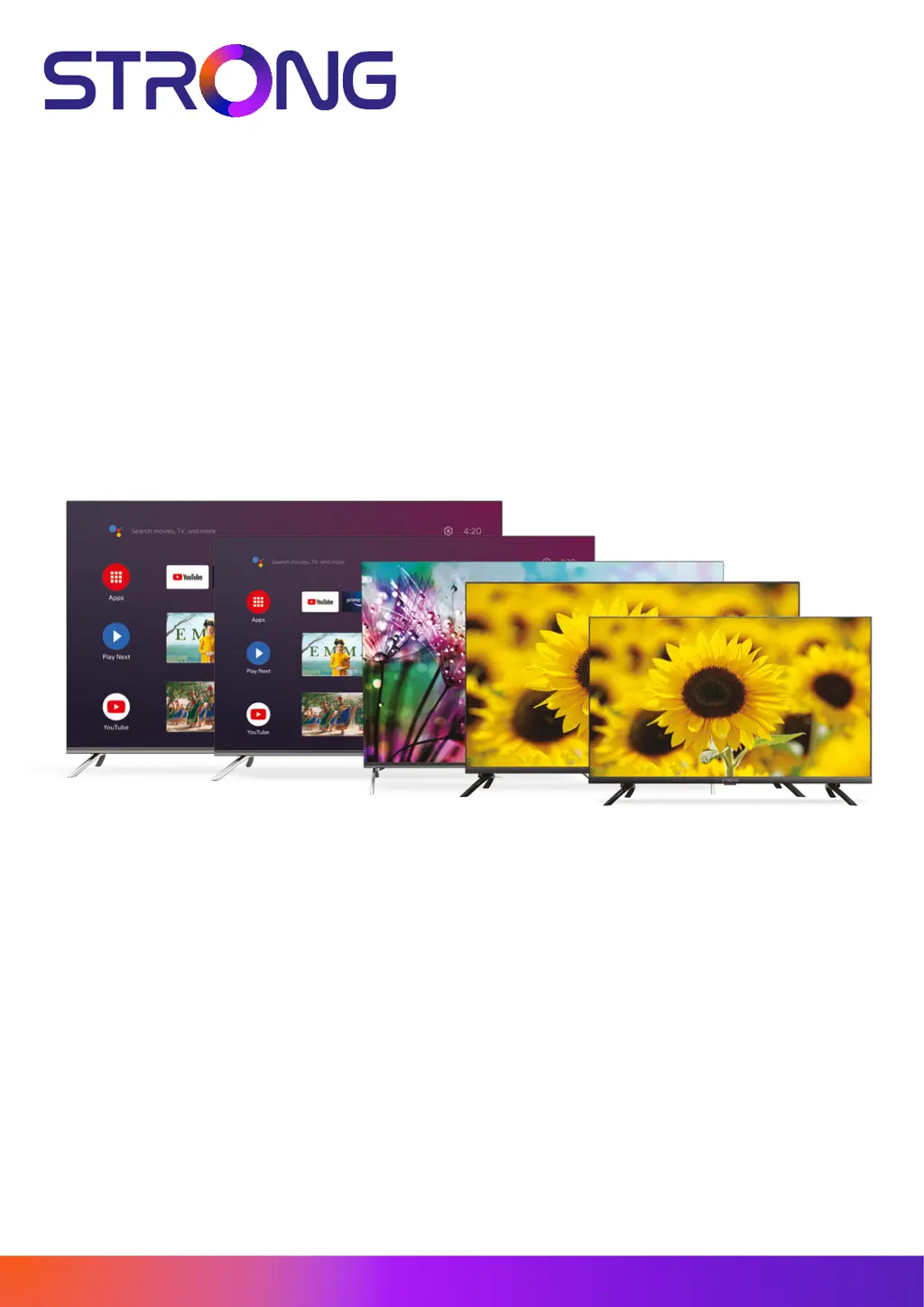
SMART ANDROID TV
WITH DVB-T2/C/S2
32HD5553, SRT 40FD5553 – HD
43UD7553, 50UD7553, 55UD7553 – UHD
Picture similar
www.strong.tv
02/12/2022/14:59

Questions and Answers

  • A
    Alice DixonAug 14, 2025
    What to do if my Strong 32HD5553 Smart TV has no picture but normal sound?
    • M
      Mrs. Michele BrownAug 14, 2025
      If your Strong Smart TV shows no picture but the sound is normal, try adjusting the brightness and contrast settings. It's also possible there may be a broadcasting failure.
  • M
    Monica RodriguezAug 18, 2025
    Why is there normal picture but no sound on my Strong 32HD5553 Smart TV?
    • R
      Richard ChristensenAug 18, 2025
      If your Strong Smart TV has a normal picture but no sound, first, press the volume up button to increase the volume. Check if the volume is muted and, if so, press the mute button to restore the sound. You can also try changing the sound system. It's also possible that a broadcasting failure has occurred.
  • R
    Ryan BrownAug 21, 2025
    How to troubleshoot no picture and no sound on Strong 32HD5553?
    • M
      Mary MartinAug 21, 2025
      If your Strong Smart TV shows no picture and no sound, start by checking if the fuse or circuit breaker is working. Ensure that the power plug is securely connected to a working outlet by testing it with another electrical device. Also, verify the signal source.
  • R
    Ryan LeeAug 25, 2025
    Why is my Strong 32HD5553 Smart TV remote control not working?
    • H
      henryamberAug 25, 2025
      If your Strong Smart TV remote control isn't working, first replace the batteries. Then, make sure the batteries are installed correctly. Also, check that the main power is connected.
  • L
    Laurie MooreAug 28, 2025
    What causes ghosting on Strong 32HD5553 and how to fix it?
    • S
      sherrydanielsAug 28, 2025
      If you see a ghost image on your Strong Smart TV, it's because the television signal is following two paths. Try changing the direction or position of the antenna to improve the reception.
  • A
    Aaron WoodAug 31, 2025
    How to fix no color on Strong Smart TV?
    • K
      Kathy TurnerAug 31, 2025
      If your Strong Smart TV displays no color, try changing the color system and adjusting the saturation. You might also want to try another channel, as you may be receiving a black-and-white program.
  • B
    brooksjenniferSep 3, 2025
    What to do if Strong Smart TV shows no signal or weak signal?
    • K
      kellyhodgesSep 3, 2025
      If you are experiencing a weak or no signal with intermittent reception on your Strong Smart TV, check the cable connections, LNB, and other equipment between the LNB and the receiver. Also, consider peaking the dish. If there is heavy rain or a storm, wait for it to subside. The satellite dish may not be pointing at the correct satellite, so adjust it. If the dish is too small or there are obstructions, change to a larger dish or reposition it. If the signal is too strong, connect a signal attenuator to the LNB input.
  • K
    karen86Sep 7, 2025
    What causes unordered ripples on Strong 32HD5553 Smart TV picture?
    • J
      jamesheathSep 7, 2025
      Unorderly ripples on the picture of your Strong Smart TV are usually caused by local interference from sources like cars, daylight lamps, and hair dryers. Try adjusting the antenna to minimize the interference.
  • F
    Frederick KellySep 10, 2025
    Why does my Strong Smart TV freeze when playing videos from USB?
    • F
      fieldswilliamSep 10, 2025
      If the playback of video on your Strong Smart TV is causing picture freeze, macro blocks, or similar distortion, especially on HD content, ensure you are using a USB storage device with sufficient speed and space. Pen drives (USB sticks) may not support sufficient speed.

Strong 32HD5553 Specifications

General IconGeneral
BrandStrong
Model32HD5553
CategorySmart TV
LanguageEnglish

Related product manuals