22
5.1 Channel installation
If the channels were not tuned during the rst installation, it is still possible to do so later, by accessing the
LIVE TV application available on the HOME screen.
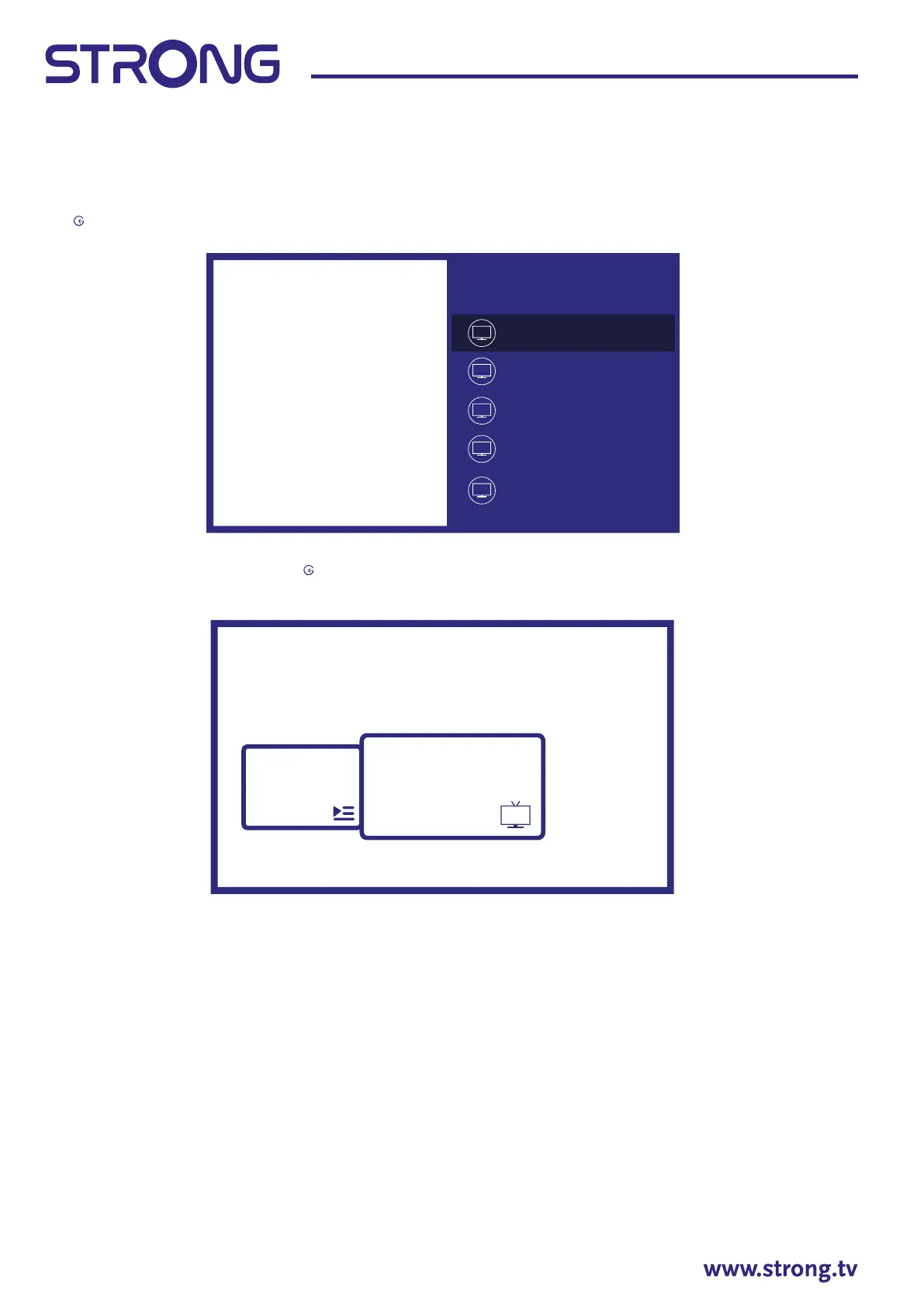
First of all you need to select the correct source to scan to get the channels you intend to install by pressing
the
button and selecting a source.
Once set the correct source press then button to get to Channels chapter. Select Channel and follow the
instructions for the channels installation.
5.2 Watching TV channels
When the installation is completed, you can use TV set for watching of installed TV programs.
Some helpful features for comfortable watching.
Changing channels
Following ways are possible for changing channels:
- Via direct access using the 0~9 buttons.
- Via the or P+/P- buttons.
- Via the channel list using OK and buttons. Use P+/P- or buttons in the list to move through
list Page Up or Down.
Info Banner
While watching TV you can press INFO button to get information about current / next program and event
on broadcasting and also some other useful information about it*.
*Event information is displayed when available. Availability depends on the broadcast.
5.3 Electronic Program Guide (EPG)
Input
Cable
Satellite
ATV
Android TV Home
Antenna
Channels
TV opons
Program
Guide
Channel



 To Next Page