30
8.2.4 Browse les
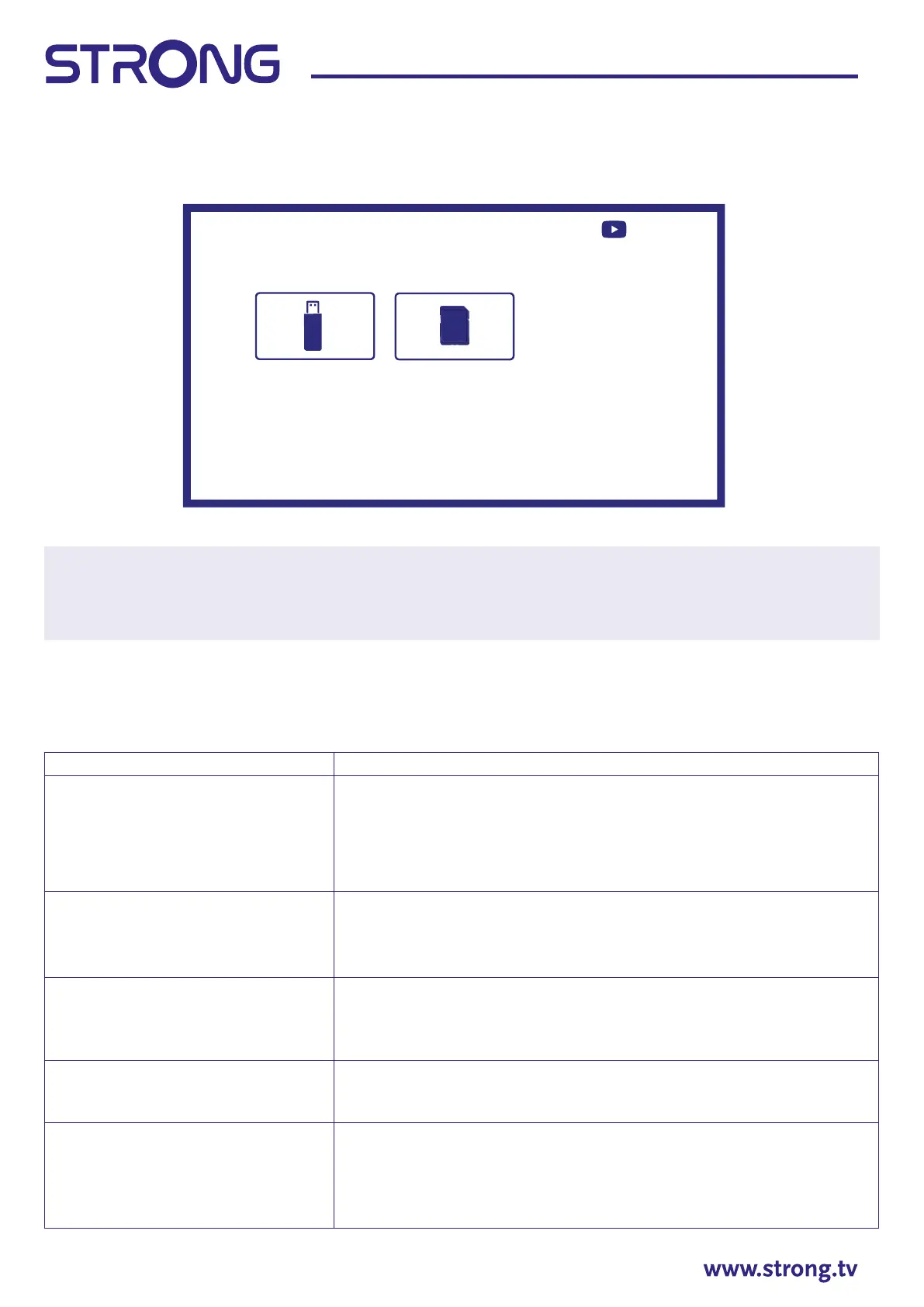
Select Device from Multimedia type selection and choose folder to enter or le for playback.
NOTE:
• This menu shows only supported by Smart Player les.
• Files with other le extensions may not be displayed, even if they are saved on the same USB
storage device.
9. TROUBLESHOOTING
Before calling a service technician, review following information for possible causes and solutions for the
problem you are experiencing. If the TV does not work properly after checking it, please contact your local
service line or STRONG dealer. Alternatively, you can send a support mail via our website www.strong.tv.
Problem Possible cause and solution
No picture, no sound 1. Check if the fuse or circuit breaker is working.
2. Plug another electrical device into the outlet to make sure it is
working or turned on.
3. The power plug is in bad contact with the outlet.
4. Check the signal source.
No colour 1. Change the colour system.
2. Adjust the saturation.
3. Try another channel. Black-white programme may be received.
The remote control does not work 1. Change the batteries.
2. The batteries are not installed correctly.
3. Main power is not connected.
No picture, normal sound 1. Adjust the brightness and contrast.
2. Broadcasting failure may happen.
Normal picture, no sound 1. Press the volume up button to increase the volume.
2. The volume is set to mute, press [MUTE] to restore the sound.
3. Change the sound system.
4. Broadcasting failure may happen.
Press
Device
STRONG HDD SD Card
VideoPictureMusic
to open menu



 To Next Page