EasyManua.ls Logo

Stryker L9000 LED - User Manual

Stryker L9000 LED
34 pages
Print Icon
To Next Page IconTo Next Page
Loading...
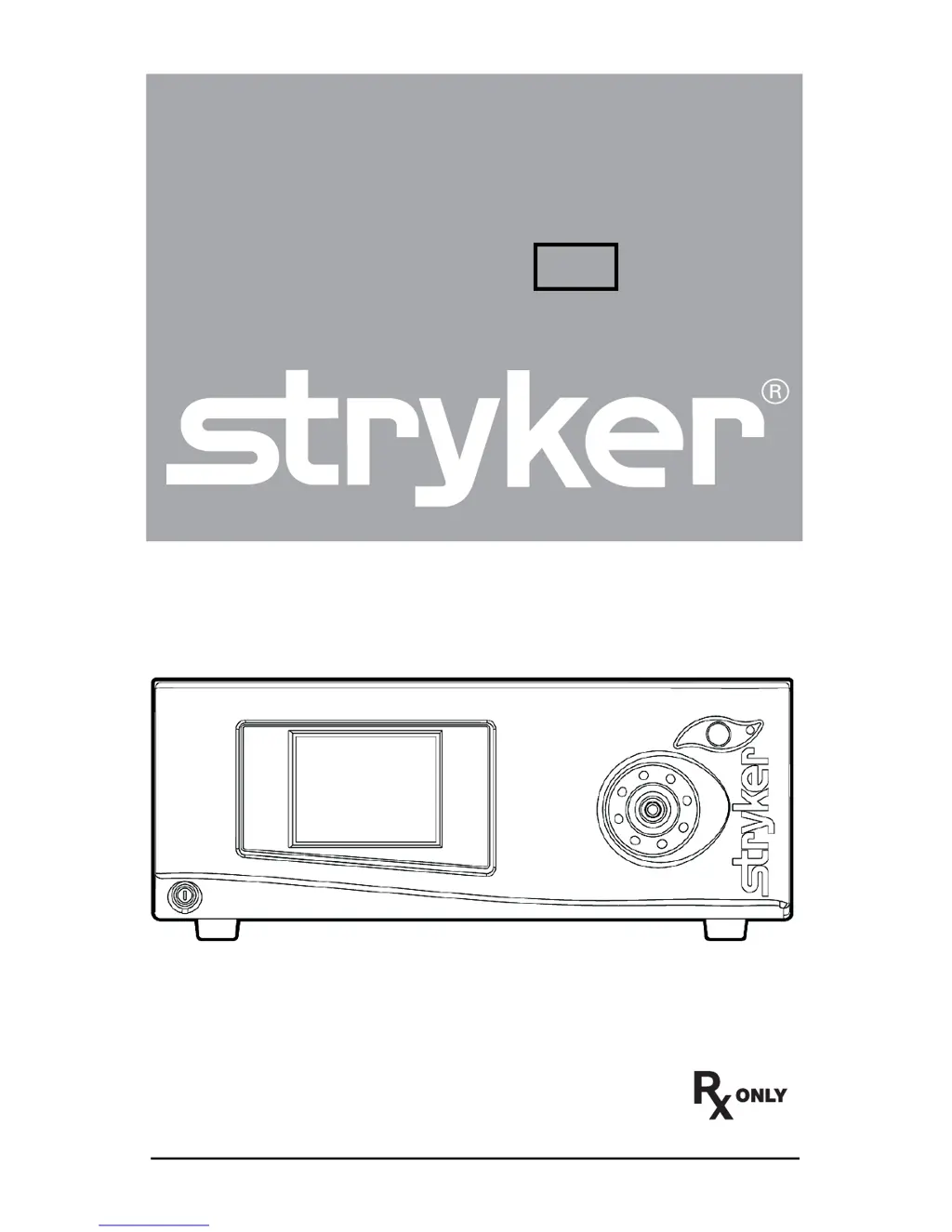
User Guide
L9000 LED
Light Source
REF 0220210000
2009/02 www.stryker.com 1000401120 D

Questions and Answers

  • R
    Roy JohnsonJul 26, 2025
    What to do if Stryker L9000 LED Lighting Equipment has no light output?
    • A
      Amber WilliamsJul 26, 2025
      If your Stryker Lighting Equipment isn't producing light, make sure the AC power cord is properly connected to both the hospital-grade power outlet and the rear console panel inlet. Also, verify that the power switch on the front panel is turned on (it should be illuminated). Check all fuses to ensure they are working correctly. Ensure the light cable is correctly engaged with the cable port. As a safety measure, the L9000 won't emit light unless a fiberoptic light cable is properly connected to the port. Check for error codes E-1, E-2, E-3, E-4, or E-5. Make sure the vents are not obstructed. If the safety shutoff has been activated, the L9000 should be returned for service.
  • K
    Katherine PetersonAug 3, 2025
    Why Stryker L9000 LED Lighting Equipment has too much or too little light output?
    • G
      gregory06Aug 3, 2025
      If your Stryker Lighting Equipment's light output is not optimal, ensure the light cable is correctly engaged with the cable port and that the L9000 is in Activate mode (brightness level should be visible on the LCD). If it remains in Standby, check the light cable connection again, and if using an ESST cable, ensure it's properly attached to the scope with an ESST scope adapter. Adjust brightness using the up/down buttons. Inspect the fiberoptic cable for damage by holding it up to a light and checking for black spots, which may indicate it needs replacing. Finally, verify that the light cable size is appropriate for the application, as a smaller diameter cable may not provide enough light.
  • M
    Matthew SmithAug 11, 2025
    What to do if Stryker L9000 LED has excessive glare in the video?
    • D
      Dylan MckinneyAug 11, 2025
      If you're experiencing excessive glare with your Stryker Lighting Equipment, first ensure that the electronic shutter on the camera is functioning correctly to manage the video signal brightness. If further light reduction is necessary, decrease the light source brightness using the down button.
  • C
    christopher74Aug 19, 2025
    How to fix a frozen touchscreen on Stryker L9000 LED Lighting Equipment?
    • A
      Angel WilsonAug 19, 2025
      If the touchscreen on your Stryker Lighting Equipment freezes, turn off the console, wait 30 seconds, and then turn it back on.

Summary

Warnings and Cautions

General Safety Warnings and Precautions

Defines critical safety terms like WARNING, Caution, and Note for user awareness.

Important Safety Notice

Details crucial safety information regarding heat, burns, and fire hazards associated with the light source.

Product Description and Intended Use

Setup and Assembly

Connecting the AC Power Cable

Step-by-step instructions for connecting the L9000 to a power source.

Connecting the Light Cable

Procedure for attaching the fiberoptic light cable to the L9000 console.

System Operation

Powering the System On and Off

Instructions for starting up and shutting down the L9000 light source unit.

Selecting the Operation Mode

Details how to switch between Activate and Standby modes for optimal light output and heat management.

Adjusting the Brightness

Explains how to control the light intensity using the up/down buttons and the impact of brightness levels.

Safety Shutoff Feature

Explains the automatic safety shutdown in case of excessive heat and its implications.

Troubleshooting

Resolving No Light Output Issues

Provides solutions for common problems when the light source does not produce light.

Cleaning and Maintenance

Technical Specifications

Electromagnetic Compatibility (EMC)

Stryker L9000 LED Specifications

General IconGeneral
Light SourceLED
Adjustable ArmYes
TypeSurgical Light
Power SupplyExternal Power Supply
Input Voltage100-240 V
Lifespan50, 000 hours

Related product manuals