Riverside - Multistage Drive
®
pg 10
Live Edit Functions – Noise Reduction Threshold (cont.)
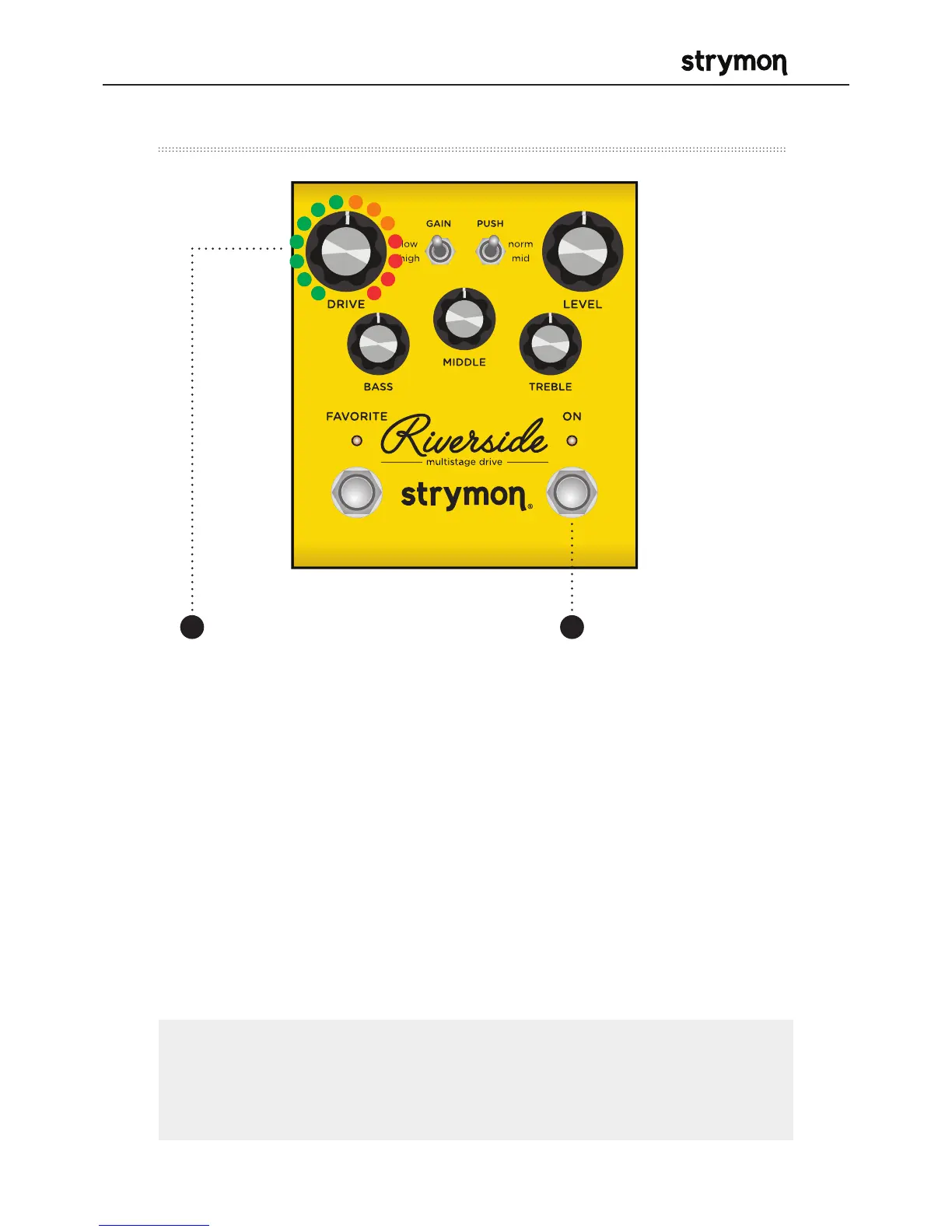
Turn the DRIVE knob past the 12
o’clock noon position to engage
the noise reduction.
The FAVORITE LED will change
from GREEN to AMBER to indicate
the noise reduction has been
engaged. Turning DRIVE past
12 o’clock increases the noise
reduction threshold for louder and
noisier setups. The FAVORITE LED
will change from AMBER to RED
to indicate the increased noise
reduction threshold level.
Press the ON
footswitch to store
the new noise
reduction setting to
Riverside.
32
NOTE: The noise reduction setting can be saved independently
for the onboard Favorite setting, MIDI presets and the MANUAL
settings of Riverside.



 To Next Page