Riverside - Multistage Drive
®
pg 23
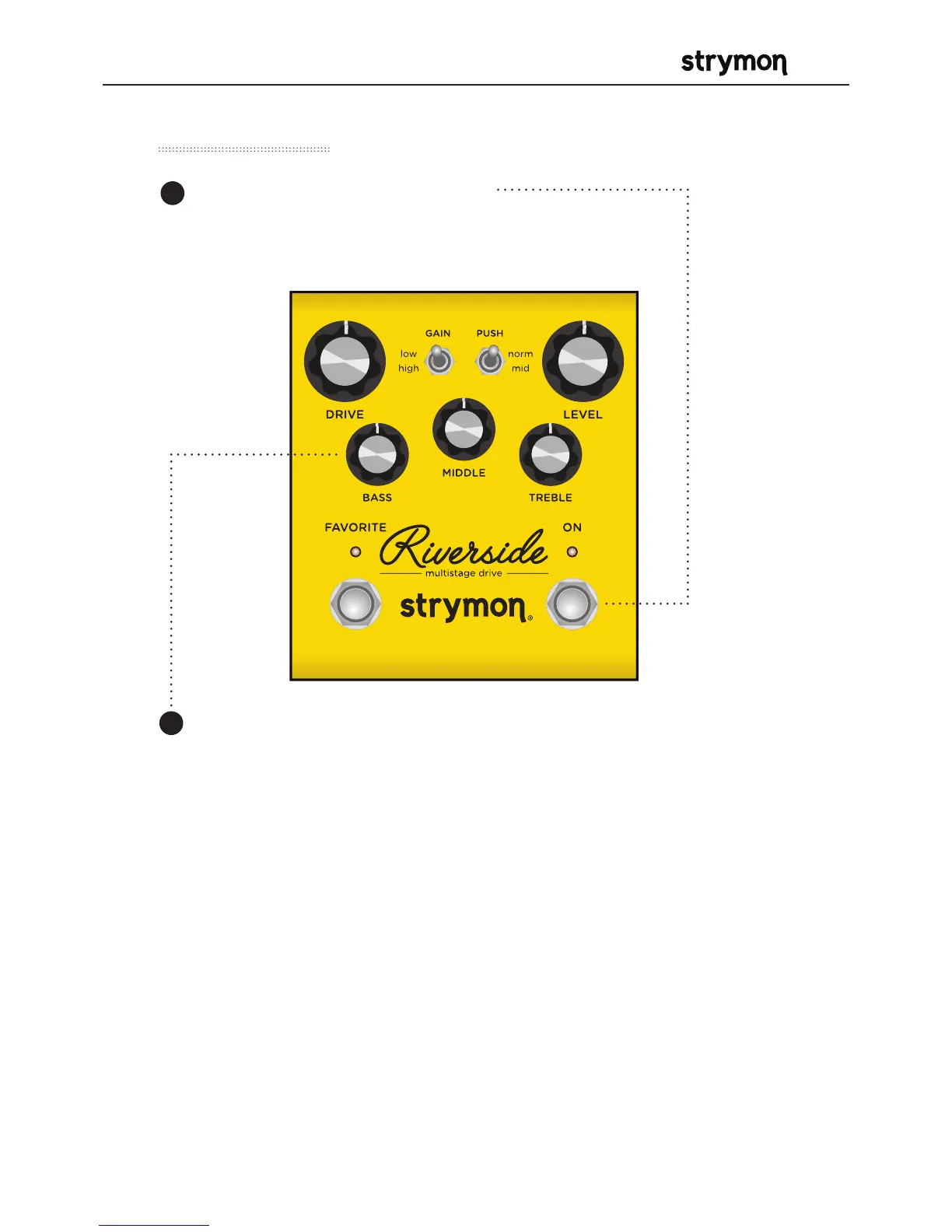
Factory Reset
Press and hold the ON footswitch
during power up. Once both LEDs
flash, release the footswitch.
1
Turn the BASS knob from 0-100% and back two (2) times (back and
forth) to reset the pedal to factory power up modes and secondary
functions.
2
FACTORY SETTINGS
• EXP Input Jack: Assigned to work in VOLUME PEDAL mode.
• Expression Pedal Mode Assignment: Assigned to control DRIVE.
• BOOST Input Jack: Assigned to work in BOOST SWITCH mode.
• BOOST Amount: Set to 50%.
• Noise Reduction: OFF
• Bypass Mode: True Bypass
• MIDI channel: 1
• MIDI Expression On/Off: On
• MIDI Output Mode: Off



 To Next Page