Riverside - Multistage Drive
®
pg 22
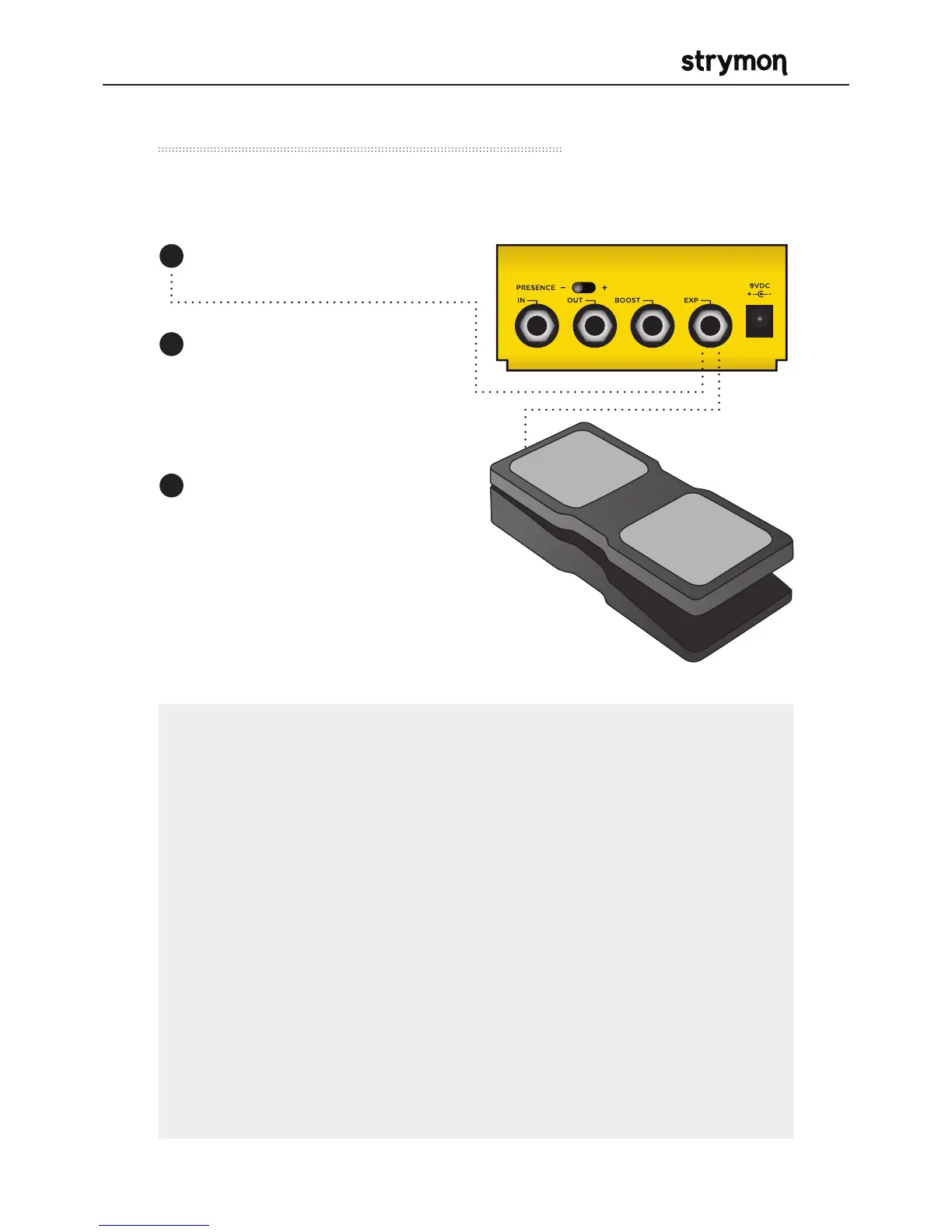
Use a TRS Volume pedal to control the output volume.
External Control – Volume Mode
Connect the expression pedal
to the EXP jack of Riverside.
1
NOTE: When Riverside is in Buffered Bypass mode and the
Expression jack is configured for Volume mode, the pedal will
still function as a Volume pedal whether the effect is bypassed or
engaged.
NOTE: The default assignment for the EXP jack is Volume mode. If
this has been changed, the EXP jack assignment must be changed
back
to Volume mode. (See
page 16 for details on configuring the EXP jack
to Volume mode.)
NOTE: If you are using the EXP jack for MIDI communication, it is
possible to connect the pedal to the BOOST jack instead to control
the volume. (See
page 14 for details on configuring the BOOST jack
for Volume mode.)
Set the LEVEL knob to the
setting you would like for the
highest TOE down position of
the expression pedal.
When the FAVORITE setting
is engaged, the highest
TOE down position of the
expression pedal will
correspond to the setting that
the LEVEL knob was saved as
for the favorite setting.
2
3



 To Next Page