Riverside - Multistage Drive
®
pg 32
MIDI – Controlling Riverside With an External Device
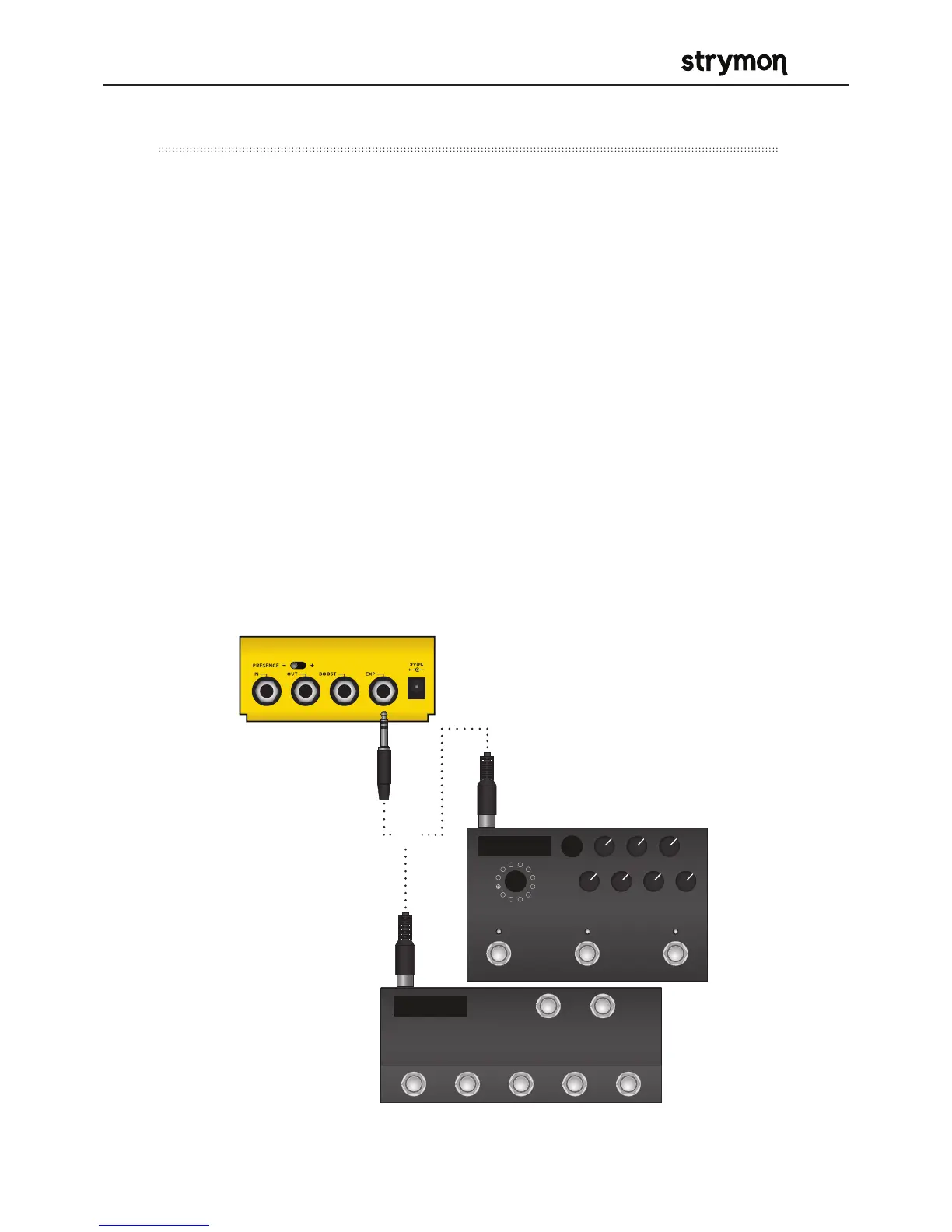
MIDI Enabled Stompbox
MIDI Controller with
5-pin MIDI Outputs
1) Strymon MIDI EXP Cable
OR
To begin using Riverside with an external MIDI device, connect the MIDI
out jack from a pedal, controller or computer interface to the EXP jack
on Riverside. The following can be used to do this:
- Strymon MIDI EXP cable
- Compatible 5-pin MIDI to ¼” MIDI Interface
(check strymon.net/support/riverside for a list
of compatible devices)
Once you have connected Riverside to a MIDI source, choose a channel
for MIDI communication with Riverside. Riverside is set to MIDI
channel 1 by default. (See page 28 for detailed instructions for changing
the MIDI channel.)
Refer to Riverside’s MIDI Specification on page 34 for additional details
about the specific parameters that can be controlled via MIDI.



 To Next Page