Black plate (209,1)
北米Model "A2440BE-B" EDITED: 2007/ 5/ 7
The satellite radio ID will be needed when
you activate satellite radio and receive
satellite radio customer support.
The satellite radio ID can be found on the
audio display by tuning the channel to “0”.
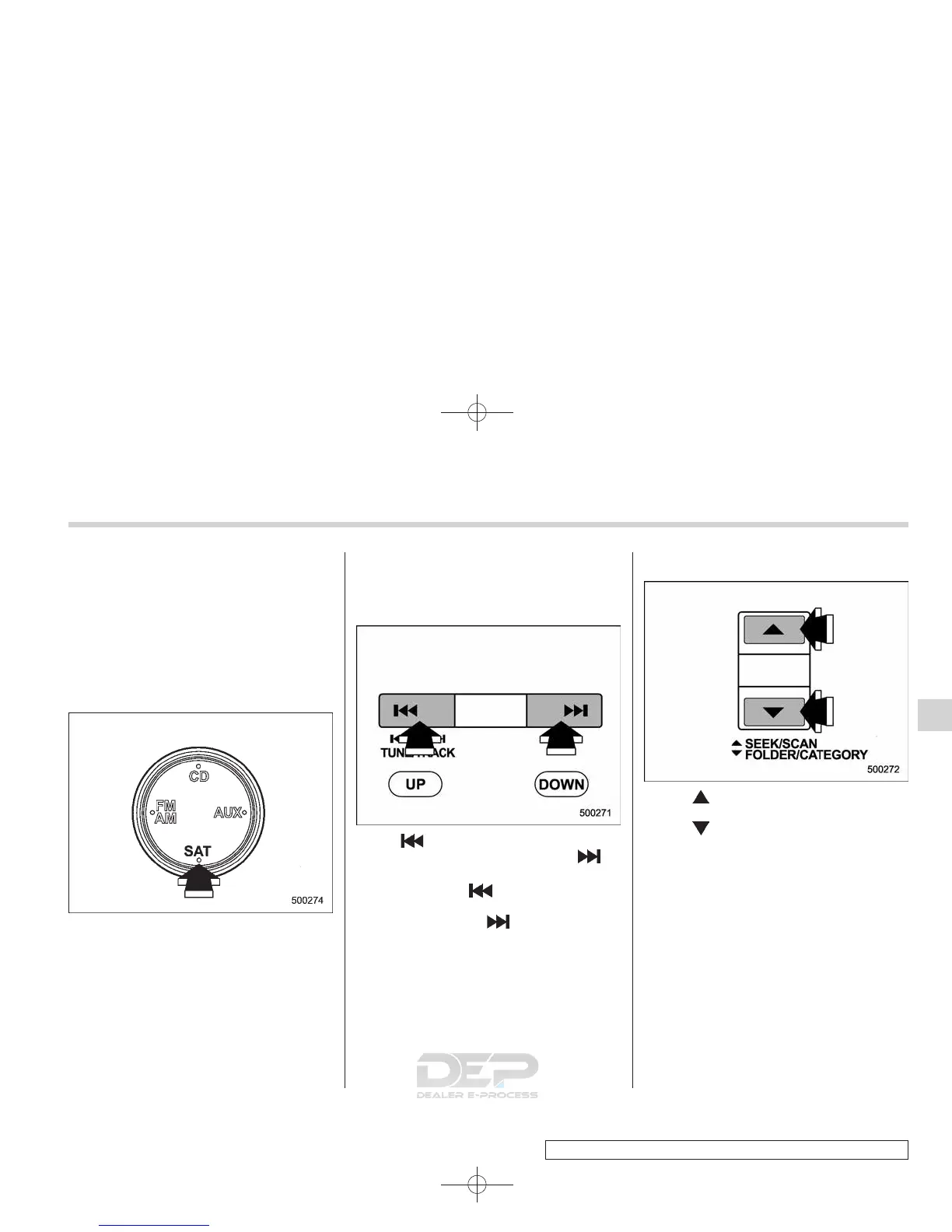
Turn the “TUNE/TRACK” button to select
the satellite radio channel.
& Band selection
Push the “SAT” button when the radio is
off to turn on the radio.
Push the “SAT” button when the radio is
on to select XM1, XM2 or XM3 reception.
& Channel and category selec-
tion
! Channel selection
Press “ ” of the TUNE TRACK button to
select the next channel and press “
” of
the button to select the previous channel.
Keep pressing “
” of the button to
change to the next channel continuously
and keep pressing “
” of the button to
change to the previous channel continu-
ously.
! Category selection
Press “ ” of the FOLDER/CATEGORY
button to select the next category and
press “
” of the button to select the
previous category.
Audio 5-13
– CONTINUED –
5














 To Next Page