Black plate (215,1)
北米Model "A2440BE-B" EDITED: 2007/ 5/ 7
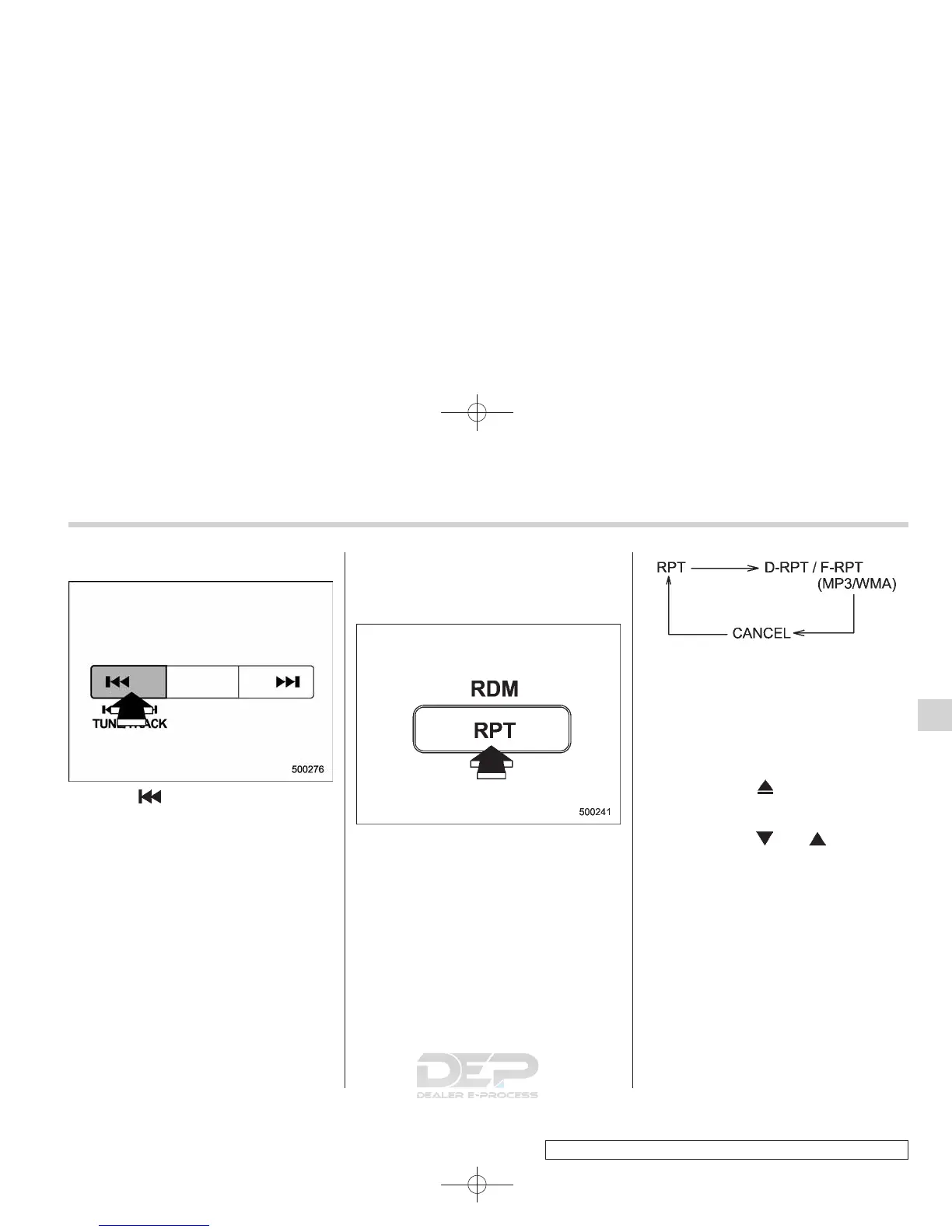
! Fast-reversing
Press the “ ” side of the TUNE/TRACK
button continuously to fast-reverse the
disc/folder.
Release the button to stop fast-reversing.
NOTE
If you fast-reverse to the beginning of
the first track/file (track), fast-reversing
will stop and the player will start play-
back.
& Repeating
! To repeat the currently playing
track/file (track)
To repeat a track/file (track), briefly press
the “RPT” button while the track/file (track)
is playing. The display will show “RPT”,
and the track/file (track) will be repeated.
To cancel the track/file (track) repeat-play
mode, briefly press the “RPT” button
twice. The “RPT” indication will go off,
and the normal playback mode will be
resumed.
NOTE
. Each time you briefly press the
button, the mode will change to the
next one in the following sequence.
If you accidentally press the button and
cancel the track/file (track) repeat-play
mode, press it again to reselect the
repeat-play mode.
. The repeat-play mode will be can-
celled if you perform any of the follow-
ing steps:
. Press the “RPT” button
. Press the “
” button
. Press the disc select button
. Select the radio or AUX mode
. Press the “
” or “ ” side of the
SEEK/SCAN button on folder re-
peating (MP3 or WMA disc)
. Press the “LOAD” button when
thereisfreespaceintheCD
magazine.
. Turn off the power of the audio
equipment.
. Turn the ignition switch to the
“LOCK” position.
Audio 5-19
– CONTINUED –
5













 To Next Page