notification will be displayed. In this case,
perform the setting procedure again.
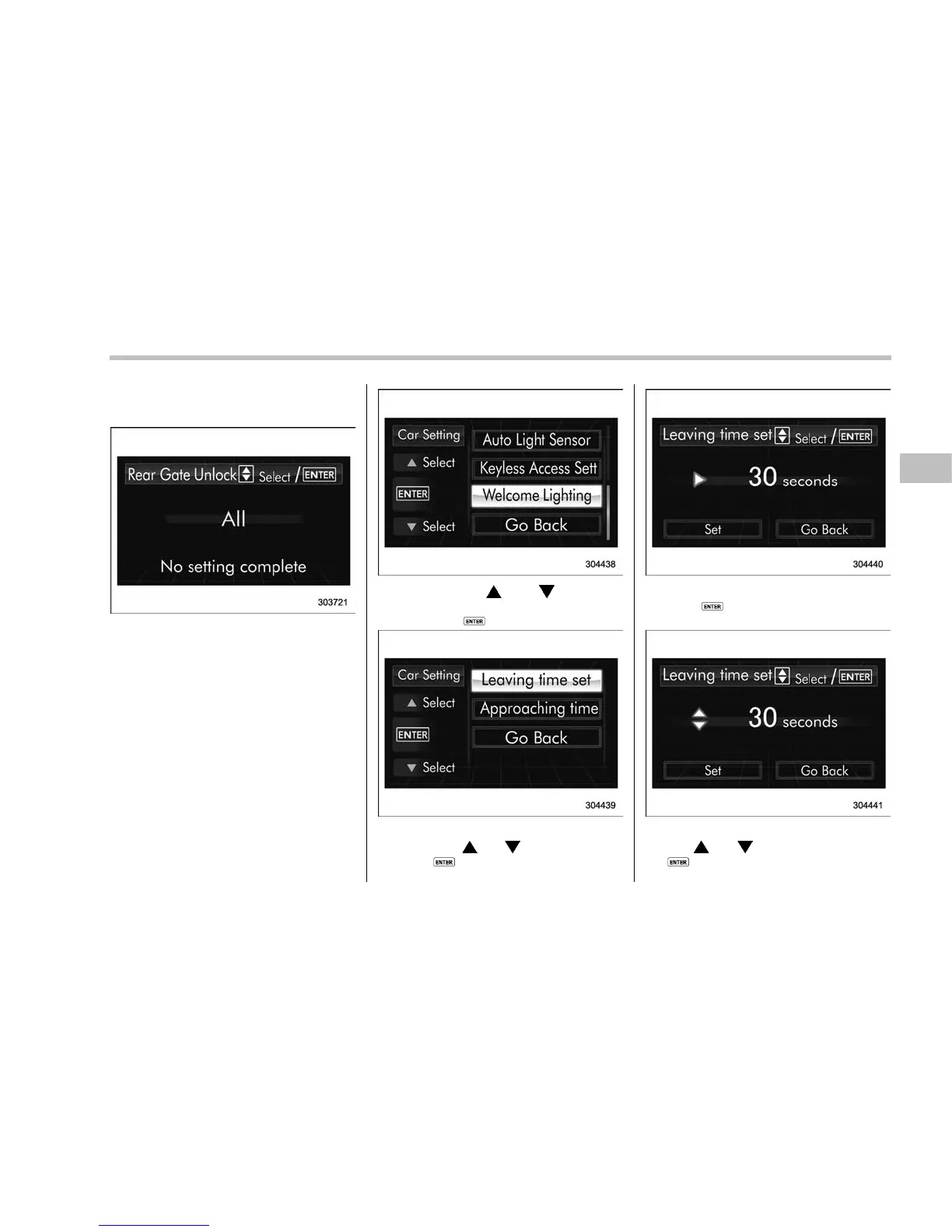
! Welcome lighting setting
The leaving time and approaching time
settings can be adjusted.
! Leaving time setting
1. Perform the preparation steps accord-
ing to “Preparation for car settings” F3-81.
2. Operate the “ ” or “ ” switch to
select the “Welcome Lighting” item, and
then push the
button.
3. Select the “Leaving time set” by
operating the “
” or “ ” switch, and then
push the
button.
4. The current setting will be displayed.
Push the
button to enter the selection
mode.
5. Select the preferred setting by operat-
ing the “
” or “ ” switch, and then push
the
button.
Instruments and controls/Multi function display
– CONTINUED –
3-89















 To Next Page