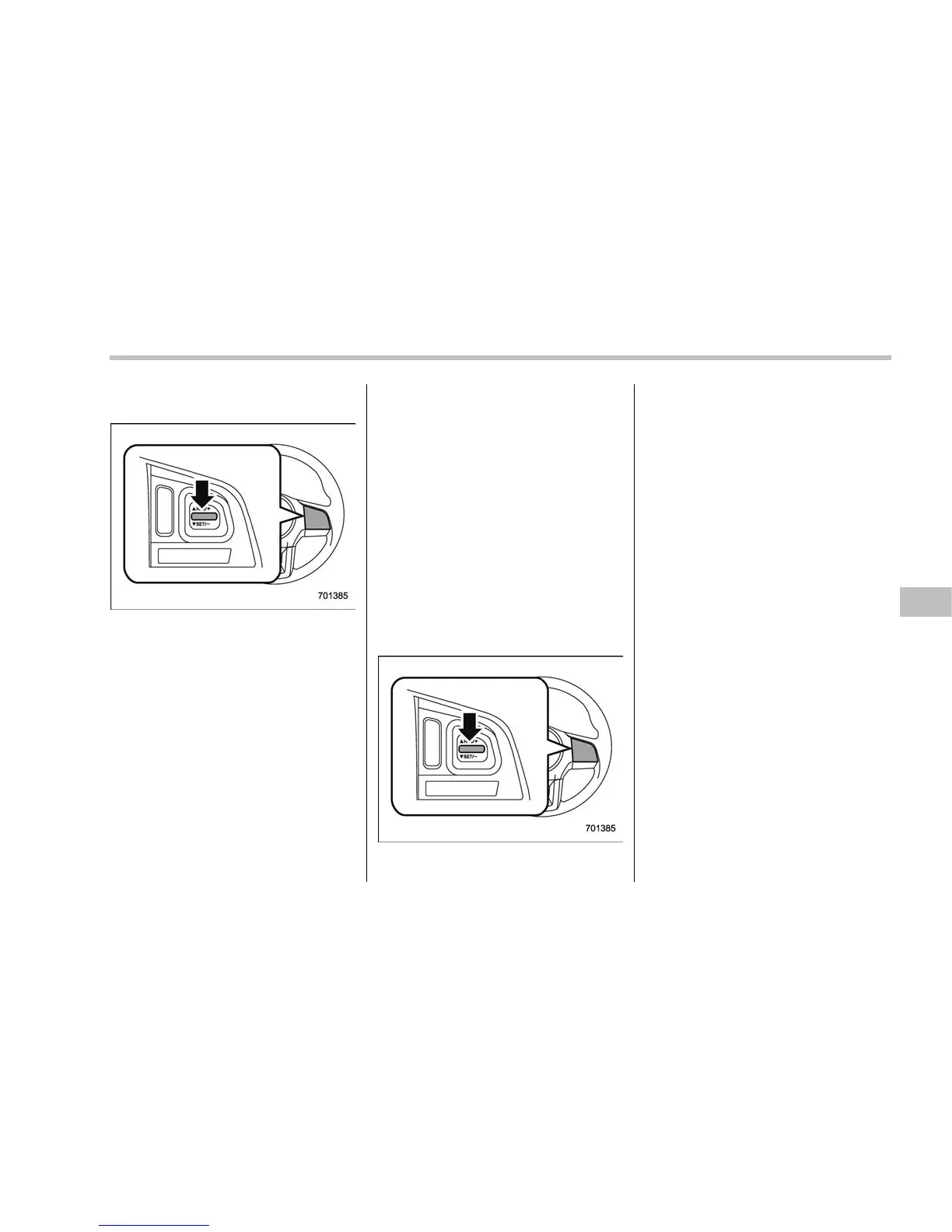
! To decrease the speed (by the
“RES/SET” switch)
Press the “RES/SET” switch to the “SET”
side and hold it until the vehicle reaches
the desired speed. Then, release the
switch. The vehicle speed at that moment
will be memorized and treated as the new
set speed.
U.S.-spec. models
When the difference between the actual
vehicle speed and the set speed is small,
the set speed can be lowered 1 mph (1.6
km/h) each time by pressing the “RES/
SET” switch to the “SET” side quickly.
Except U.S.-spec. models
When the difference between the actual
vehicle speed and the set speed is small,
the set speed can be lowered 1 km/h each
time by pressing the “RES/SET” switch to
the “SET” side quickly.
NOTE
If the “RES/SET” switch is repeatedly
operated quickly to the “SET” side, the
set vehicle speed displayed in the
combination meter becomes the low
speed setting. However, when the set
vehicle speed is set to a speed much
lower than the actual vehicle speed, the
set speed may be reset to the actual
vehicle speed.
! To decrease the speed (by brake
pedal)
1. Depress the brake pedal to release
cruise control temporarily.
2. When the speed decreases to the
desired speed, press the “RES/SET”
switch to the “SET” side once. Now the
desired speed is set and the vehicle will
keep running at that speed without de-
pressing the accelerator pedal.
& Cruise control indicator light
Refer to “Cruise control indicator light”
F3-32.
& Cruise control set indicator
light
Refer to “Cruise control set indicator light”
F3-32.
Starting and operating/Cruise control
7-57















 To Next Page