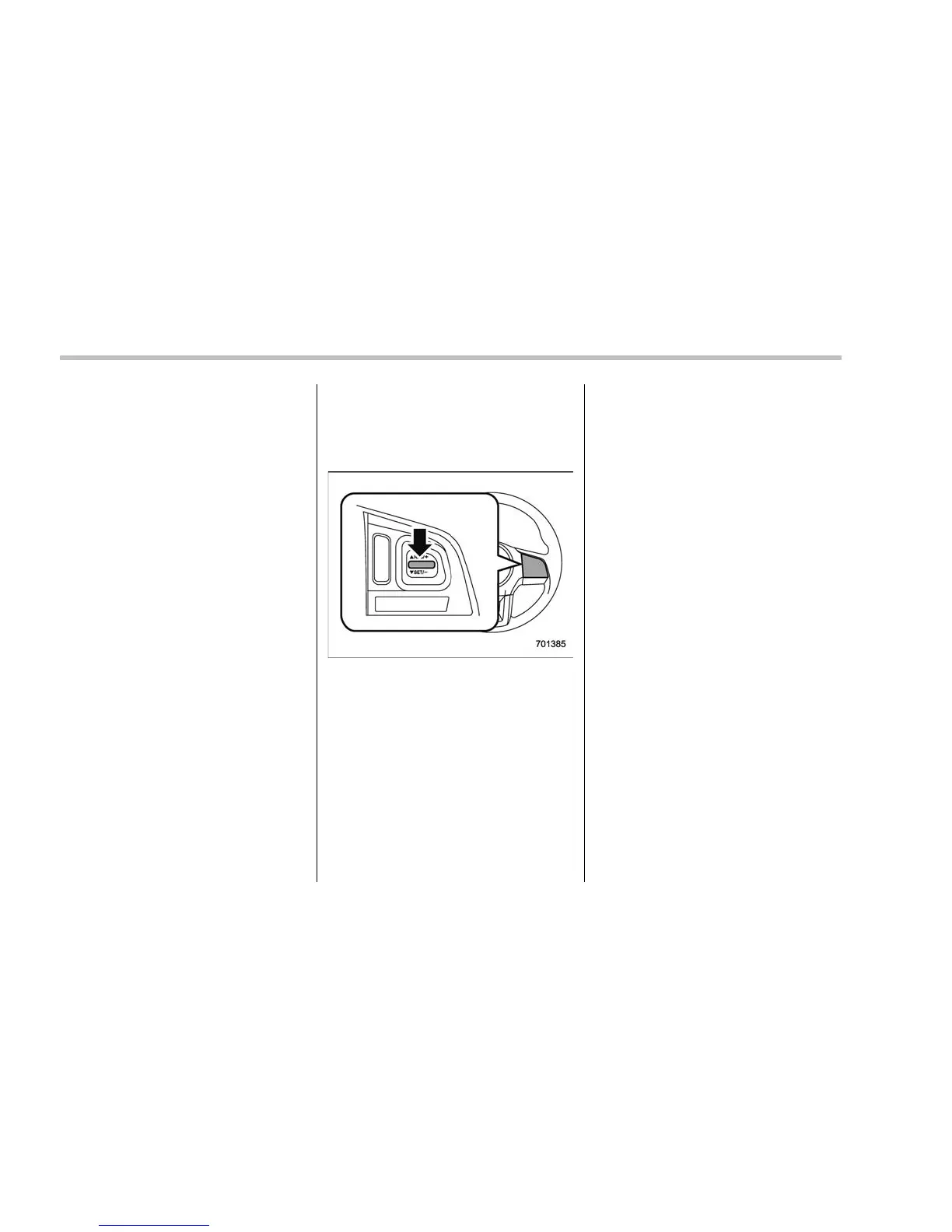
Starting and operating/Cruise control
U.S.-spec. models
When the difference between the actual
vehicle speed and the set speed is small,
the set speed can be increased 1 mph
(1.6 km/h) each time by pre ssing the
“RES/SET” switch to the “RES” side
quickly.
Except U.S.-spec. models
When the difference between the actual
vehicle speed and the set speed is small,
the set speed can be increased 1 km/h
each time by pressing the “RES/SET”
switch to the “RES” side quickly.
! To increase the speed (by accel-
erator pedal)
1. Depress the accelerator pedal to
accelerate the vehicle to the desired
speed.
2. Press the “RES/SET” switch to the
“SET” side once. Now the desired speed
is set and the vehicle will keep running at
that speed without depressing the accel-
erator pedal.
NOTE
. U.S.-spec. models
If the difference between the actual
vehicle speed when the switch is
pressed and the speed last time you
set is small, the vehicle speed will be
lowered by 1 mph (1.6 km/h). This
occurs because the cruise cont rol
system regards this operation as that
intended to decrease the vehicle
speed.
. Except U.S. spec. models
If the difference between the actual
vehicle speed when the switch is
pressed and the speed last time you
set is small, the vehicle speed will be
lowered by 1 km/h. This occurs be-
cause the cruise control system re-
gards this operation as that intended to
decrease the vehicle speed.
. Turbo models
If you depress the accelerator pedal
while the Sport Sharp (S#) mode is
selected, the select lever/gear position
indicator may change from the “D”
indication to the current gear position
indication.
7-56















 To Next Page