Instruments and controls/Mirrors
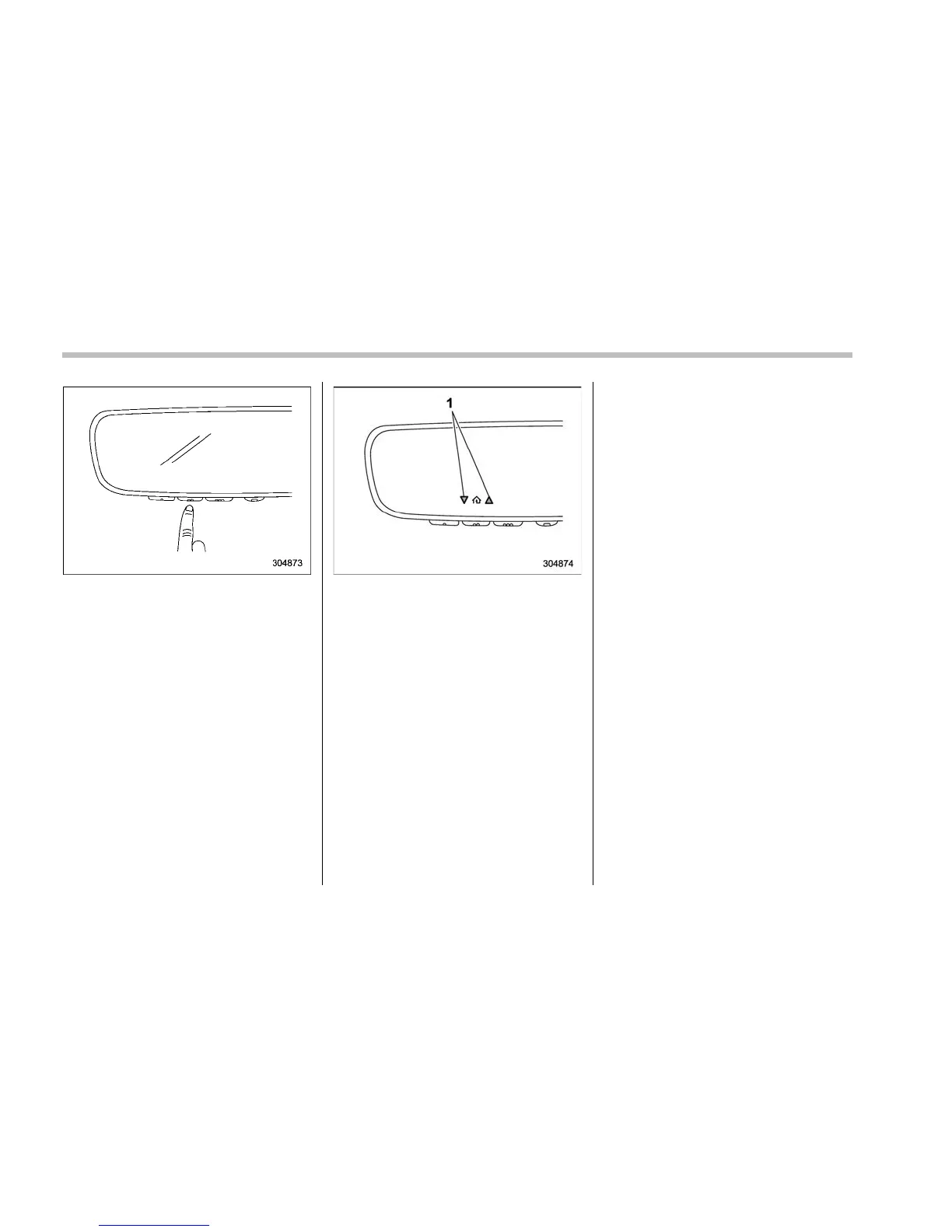
7. Return to the vehicle and firmly press,
hold for 2 seconds and release the
HomeLink
®
button up to three times. At
this point programming is complete and
your device should operate when t he
HomeLink
®
button is pressed and re-
leased.
1) Status Indicators
8. If status indicator arrows appear next
to the indicator light, please refer to
“Garage Door Two-Way Communication”
F3-79.
In the event that there are still program-
ming difficulties or questions, additional
HomeLink
®
information and programming
videos can be found at
www.HomeLink.com and
www.youtube.com/HomeLinkGentex. For
Genie and Sommer garage door openers
please go directly to the HomeLink
®
website.
! Gate Operator / Canadian Pro-
gramming
Cana dian radio- frequency laws require
transmitter remote signals to “time-out”
(or quit) after several seconds of transmis-
sion, which may not be long enough for
HomeLink
®
to pick up the signal during
programming. Similar to this Canadian
law, some U.S. gate operators are de-
signed to “time-out” in the same manner.
The indicator LED on the hand-held
remote will go off when the device times
out, indicating that it has finished transmit-
ting.
If you live in Canada or you are having
difficulties programming a gate operator or
garage door opener by using the program-
ming procedures, replace “Programming a
New HomeLink
®
button” step 3 with the
following:
While the HomeLink
®
indicator light is
flashing orange, press and release (“cy-
cle”)yourdevice’s hand-held remote
every two seconds until the HomeLink
®
indicator light changes from orange to
green. You may now release the hand-
held remote button.
NOTE
If programming a garage door opener
or gate operator, it is advised to unplug
3-78















 To Next Page