16
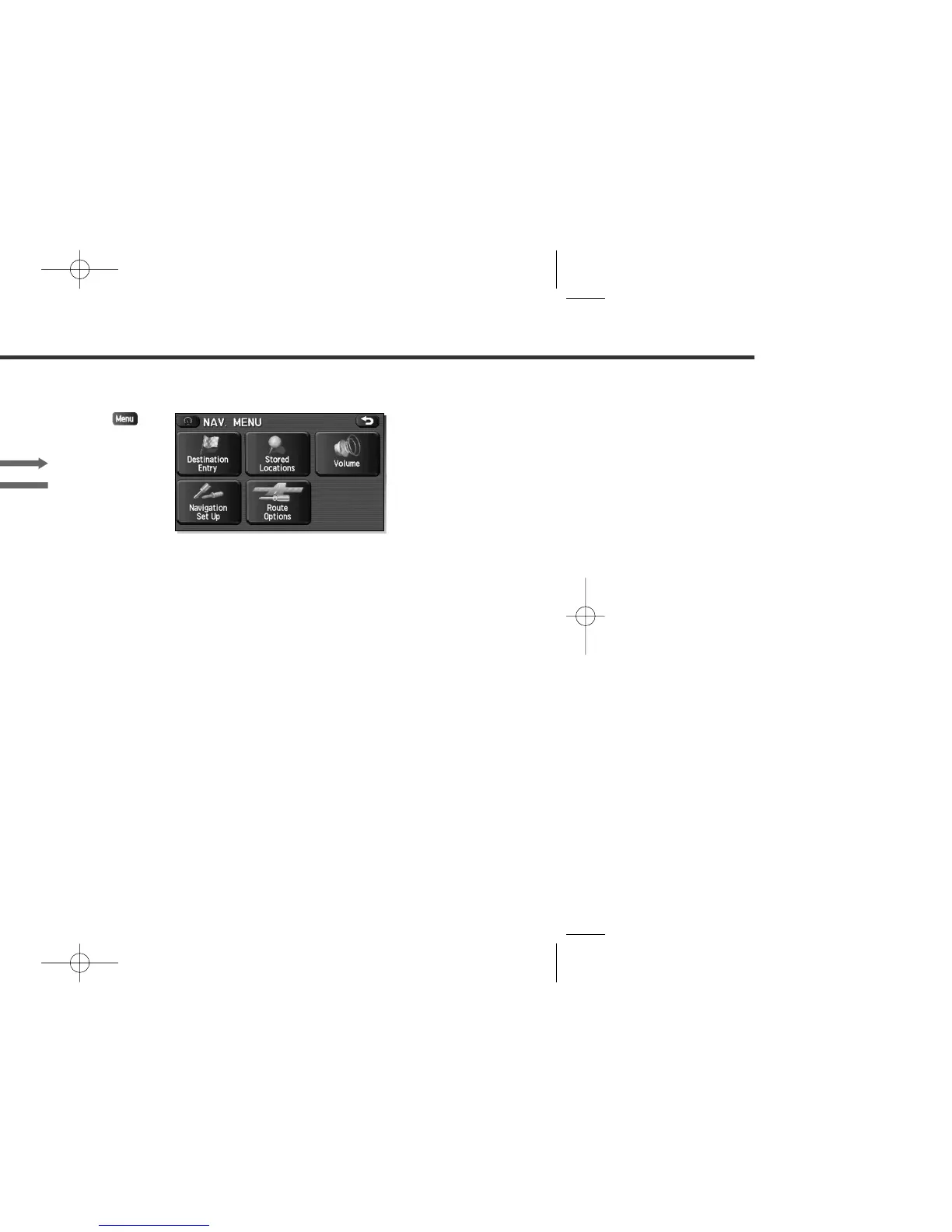
Menu Screen Keys and Functions
The table below shows the keys displayed on the navigation menu (NAV. MENU) screen, the functions
accessible by selecting these keys, and the pages of this manual that describe the instructions you should
follow when using these functions.
Press button or select
to display the menu screen.
Select to return to the
current map screen.
<Current map screen> <Menu screen>















 To Next Page