8
System Components and Controls
z Monitor
x
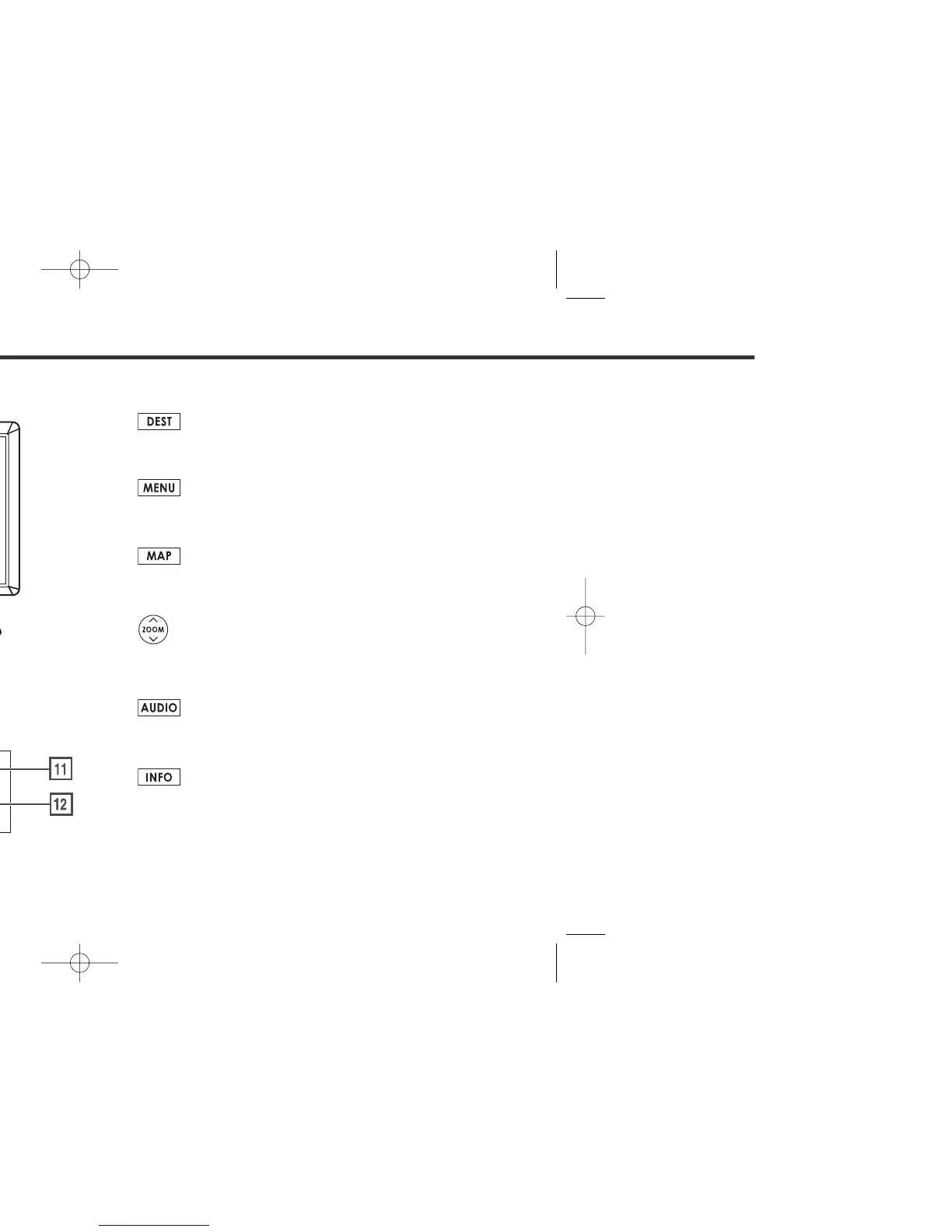
This button is used to display the destination entry screen
of the navigation system.
c
This button is used to display the menu screen of the
navigation system.
v
This button is used to switch to the navigation system’s
current map screen from any other screen.
b
This button is used to zoom out or zoom in the map
displayed on the screen.
n
This button is used to display the Audio or RSE (Rear Seat
Entertainment) screen.
m
This button is used to display the vehicle information
screen. Refer to the Owner’s Manual Supplement for
Monitor System for further details.















 To Next Page