49
Route Guidance
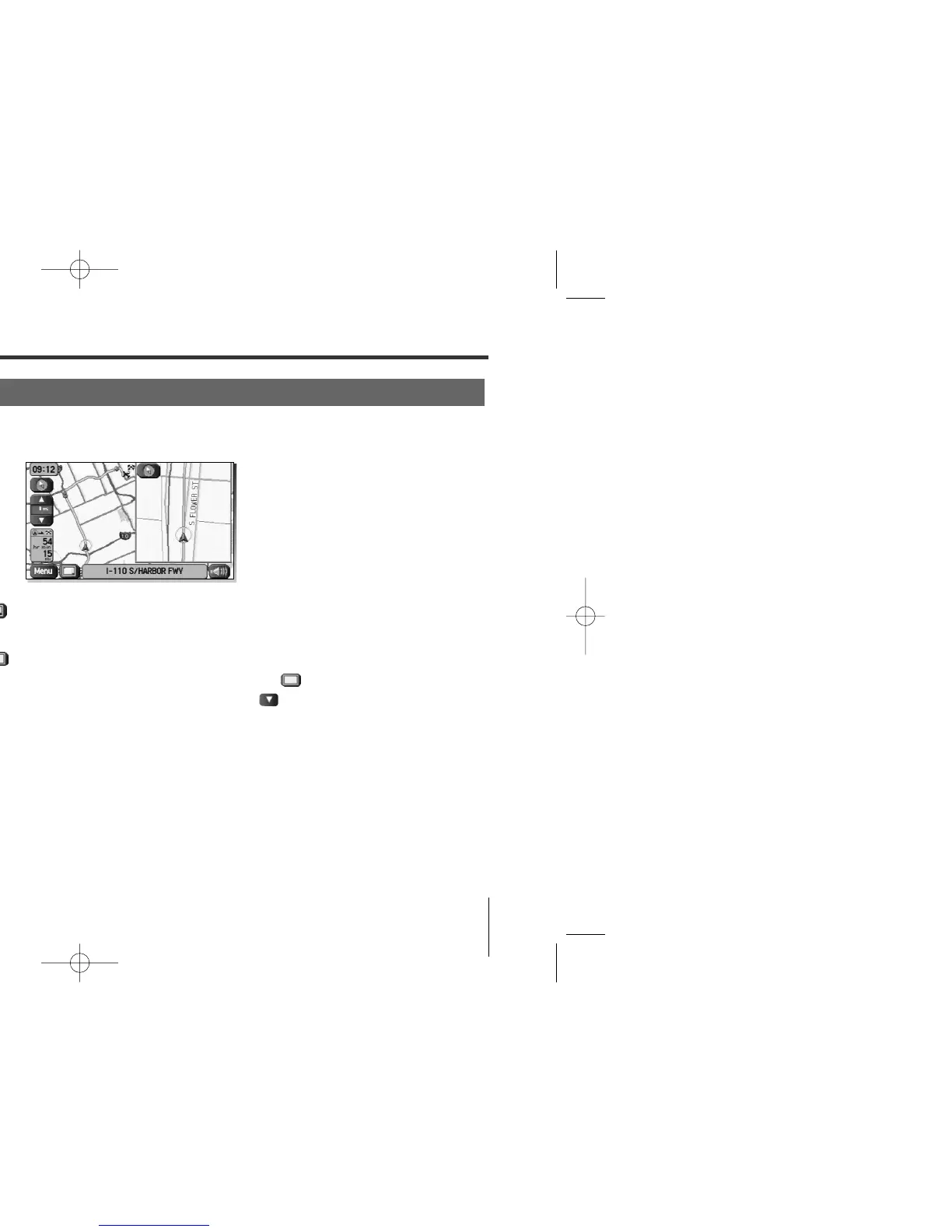
You can configure the screen for a dual map display.
1
Select (screen configuration).
2
Select (dual map).
If you wish to return to the single map display, select (single map).
If you need not make any further selection, select . The relevant keys will
disappear.
NOTE
If you wish to modify the display selections that have been made for a second screen, touch the top of the screen. After completing the
modification, select .
• See Page 19 for details on scale changes.
• See Page 108 for details on setting with .
Dual Map Display
<Single map display> <Dual map display>















 To Next Page