47
Route Guidance
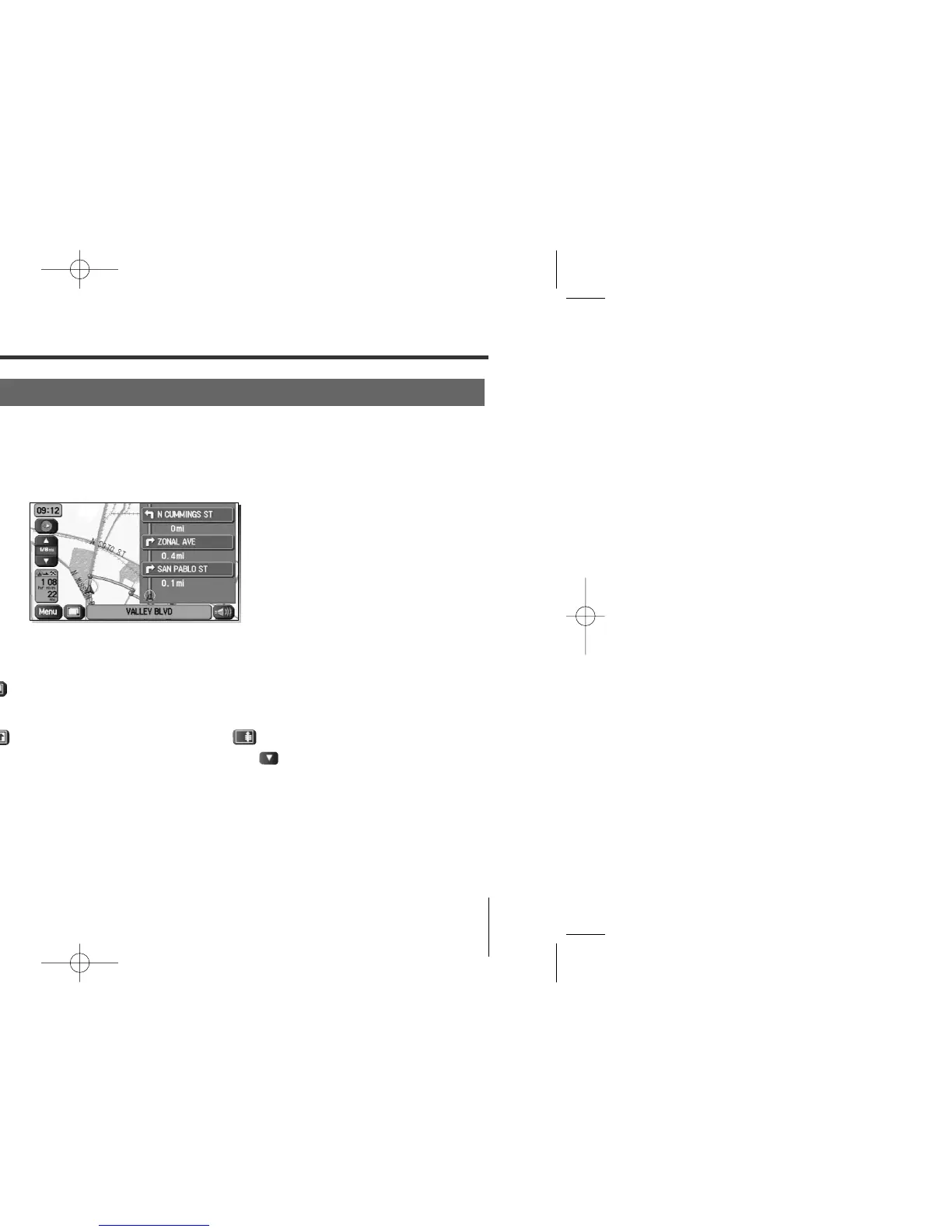
During route guidance, the system can indicate on a second screen the directions in which you must make
turns at the next and following intersections in either of two ways: “turn arrow” or “turn list”. Specify your
preferred method of indication as follows:
1
Select (screen configuration).
2
Select for turn arrow indication or for turn list indication.
If you need not make any further selection, select . The relevant keys will
disappear.
Route Guidance Screen
<Turn arrow>
Turn direction is indicated by an arrow.
<Turn list>
Turn directions are indicated in a list.















 To Next Page