12
II. Software Installation
Included with your new SumiMark
®
printer will be a USB flash drive containing several
pieces of software—including SumiLabel and IMM—which work in tandem to provide a
world-class marking experience. The software suite can be installed in several different
ways, depending on the needs of your organization.
An internet connection is required for activation of the IMM and Sumilabel software. SEIP
understands that not all organizations have the required connectivity and security
permissions to allow this. If necessary, the installation and activation process can be
completed over the phone or e-mail, at your discretion.
The foundation of the SumiMark
®
experience is IMM, which should be installed first.
Installing IMM
IMM, or the “Inventory Management Module”, is the portion of the software suite which
handles the QR Codes used for inventory control. Spools of SumiMark
®
and SumiTag
®
tubing are stored and processed by their unique code within this module.
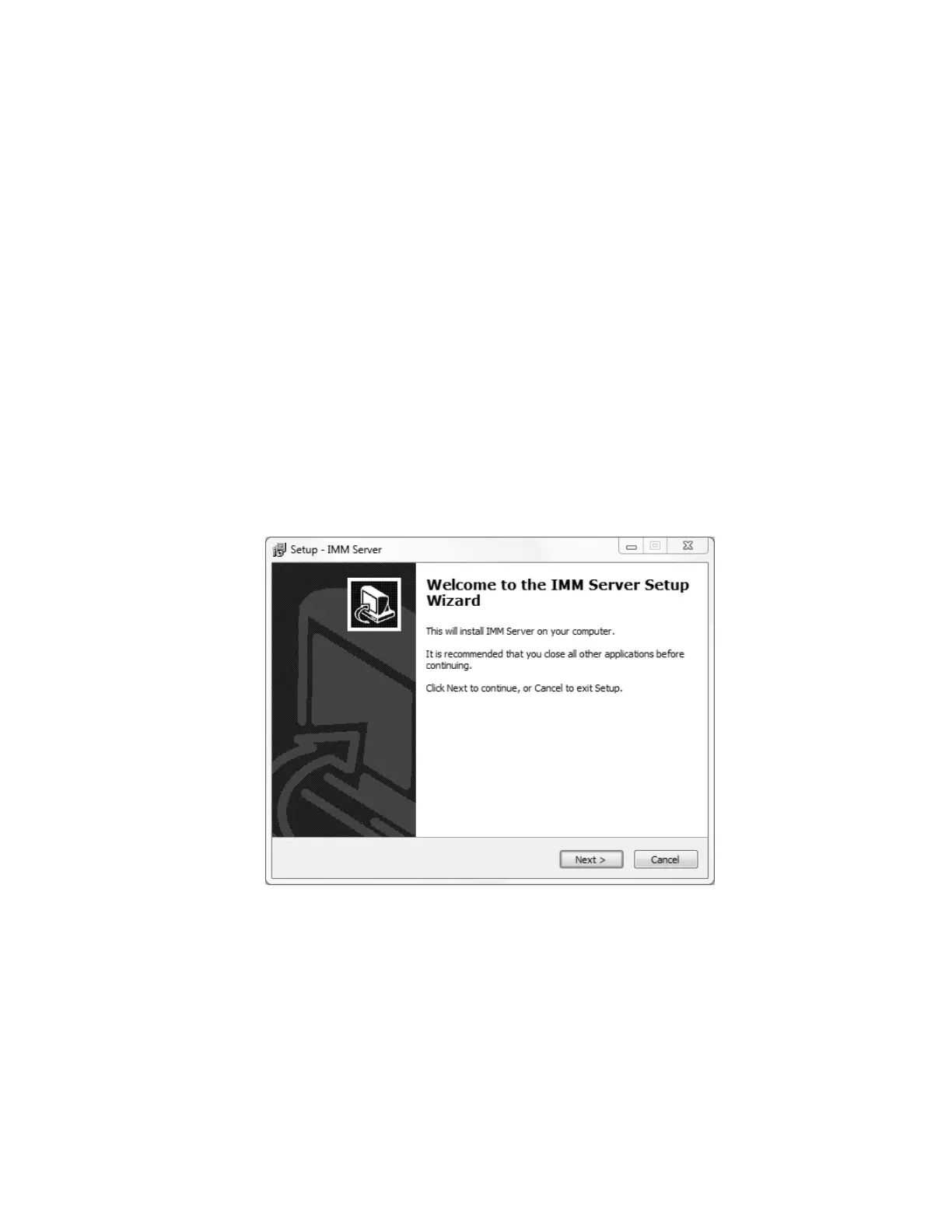
Welcome to the IMM wizard
As advised by the “Welcome” screen, you would do well to close other applications during
the installation process.



 To Next Page