21
That’s the sound of progress
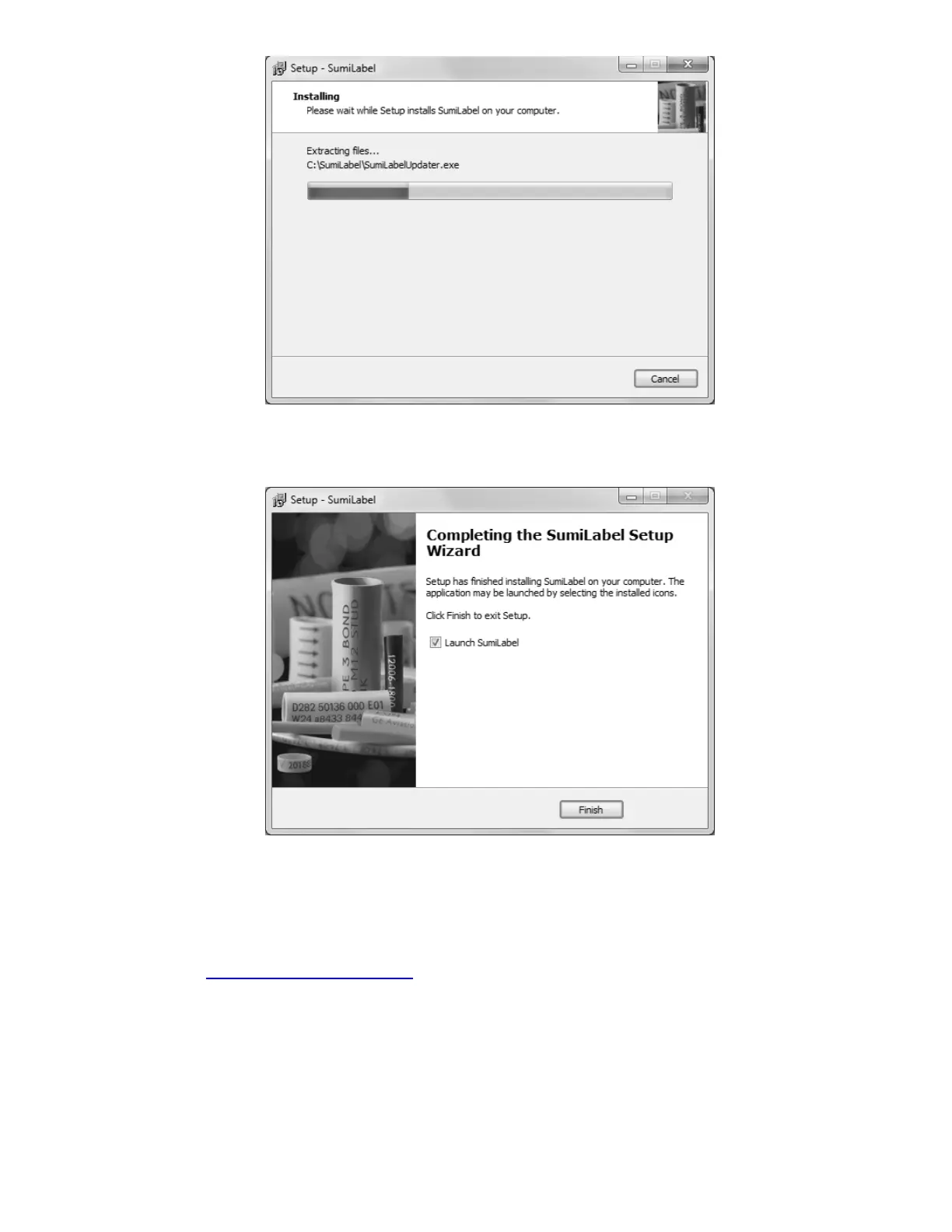
Give Setup a moment to process the installation tasks . . .
Let’s label some markers, shall we?
And then you’re done! Sumilabel is installed and ready for activation. Your Sumilabel
Activation Serial Number is included in the accessory packaging. You can perform a self-
activation with an internet connection. If you do not have an internet connection or are
having problems with the activation, please contact us at 1+(760) 761-0600 ext255 or via
email at Identification@seipusa.com.
Installing the Printer Driver
If you have just installed SumiLabel for the first time on the PC, it will be necessary for you
to install the printer driver. To install the printer driver, it will have to be obtained.



 To Next Page