35
III. Introduction to SumiLabel
Note that videos covering the Introduction to SumiLabel and many other topics can be
found on the SumiMark
®
Printer Support page at http://www.SumiSupport.com
SumiLabel organizes your markers according to an intuitive hierarchy. There are three types
of items in the chain: Sets, Jobs, and individual Markers. Every Set is comprised of one or
more Jobs, and every Job is comprised of one or more Markers.
In addition, each Job can use a different type or size of tubing, helping you organize your
work according to the scope of your projects. When a new project comes along, you’ll start
by creating a new Set for it.
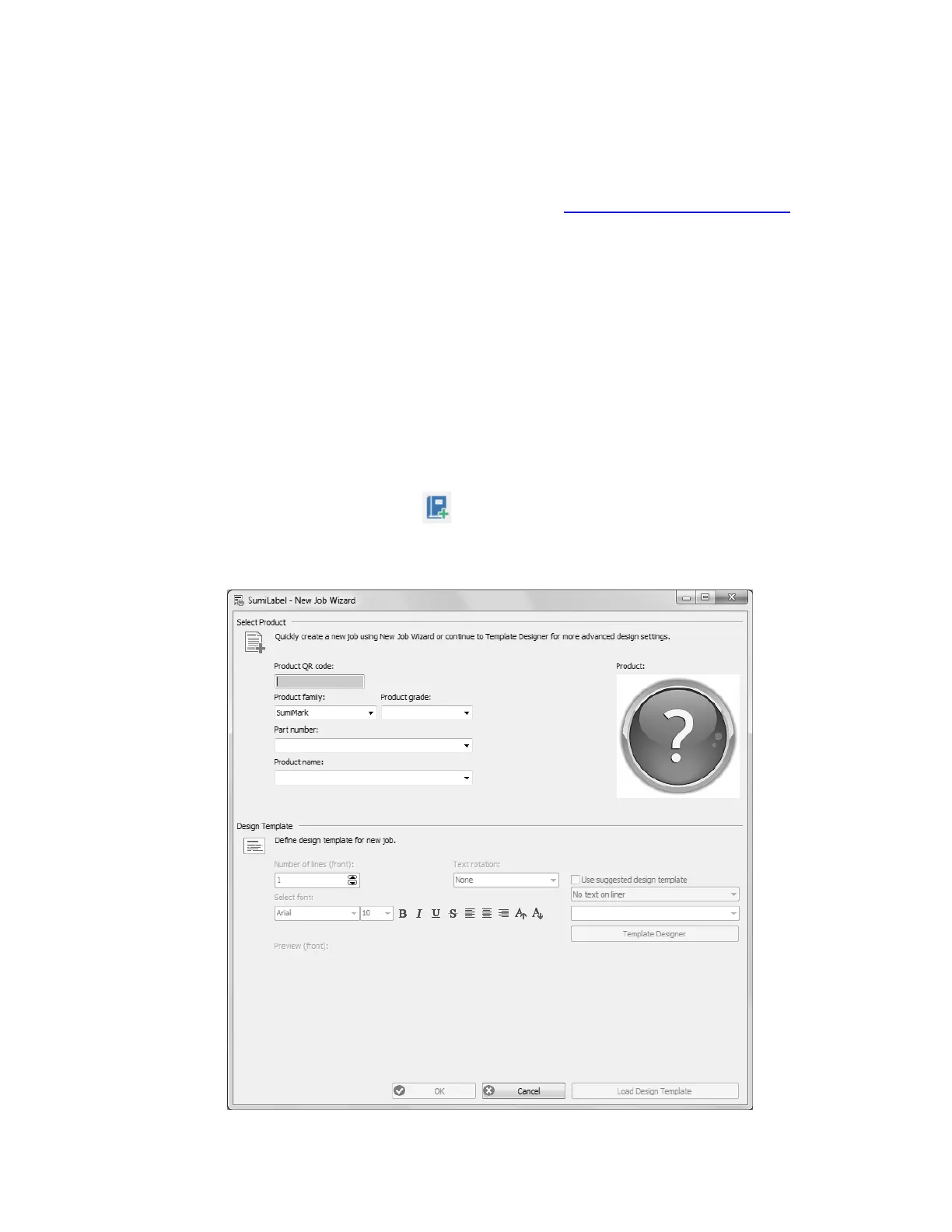
The New Job Wizard
To create a new Set, simply click the New Set icon or navigate to File -> New -> Set.
This will open the New Job Wizard, and will be your first opportunity to modify the type,
size, and base template for your markers.
Boundless opportunity
The upper portion of the New Job Wizard window contains several dropdown menus for you



 To Next Page