28
Print Driver Section B: (Ethernet)
First things first: let’s set up a new TCP/IP port.
IP, IP, hooray
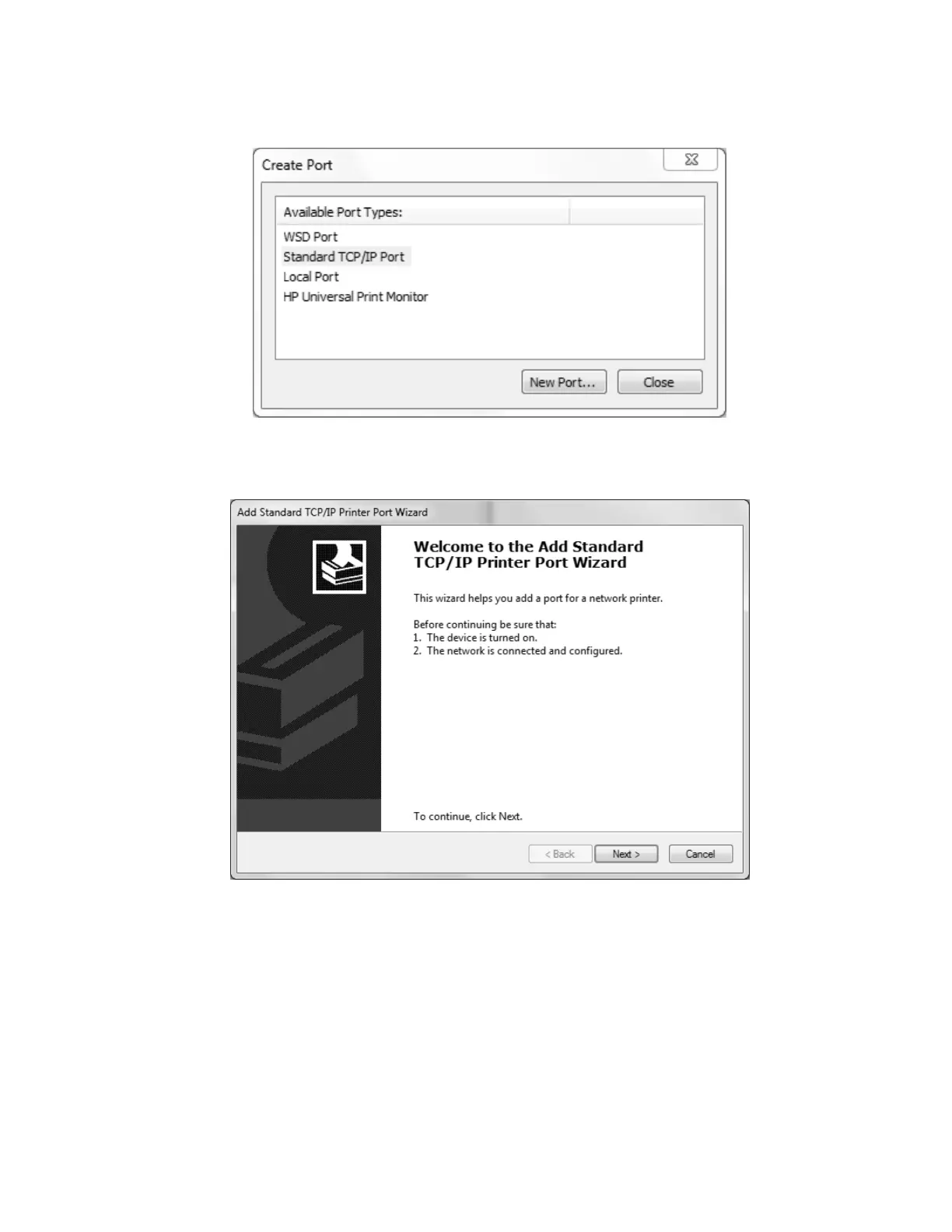
After clicking the Create Port. . . button, You will see a list of “Available Port Types:”—select
“Standard TCP/IP Port and then click New Port. . ..
The new standard
As with the USB-style driver installation, please verify that the printer is powered on and
connected before proceeding, this time ensuring that it is connected via Ethernet.
Also, prior to proceeding with the installation, determine an available IP address on your
Local Area Network, as you will be manually setting that on the next screen.



 To Next Page