29
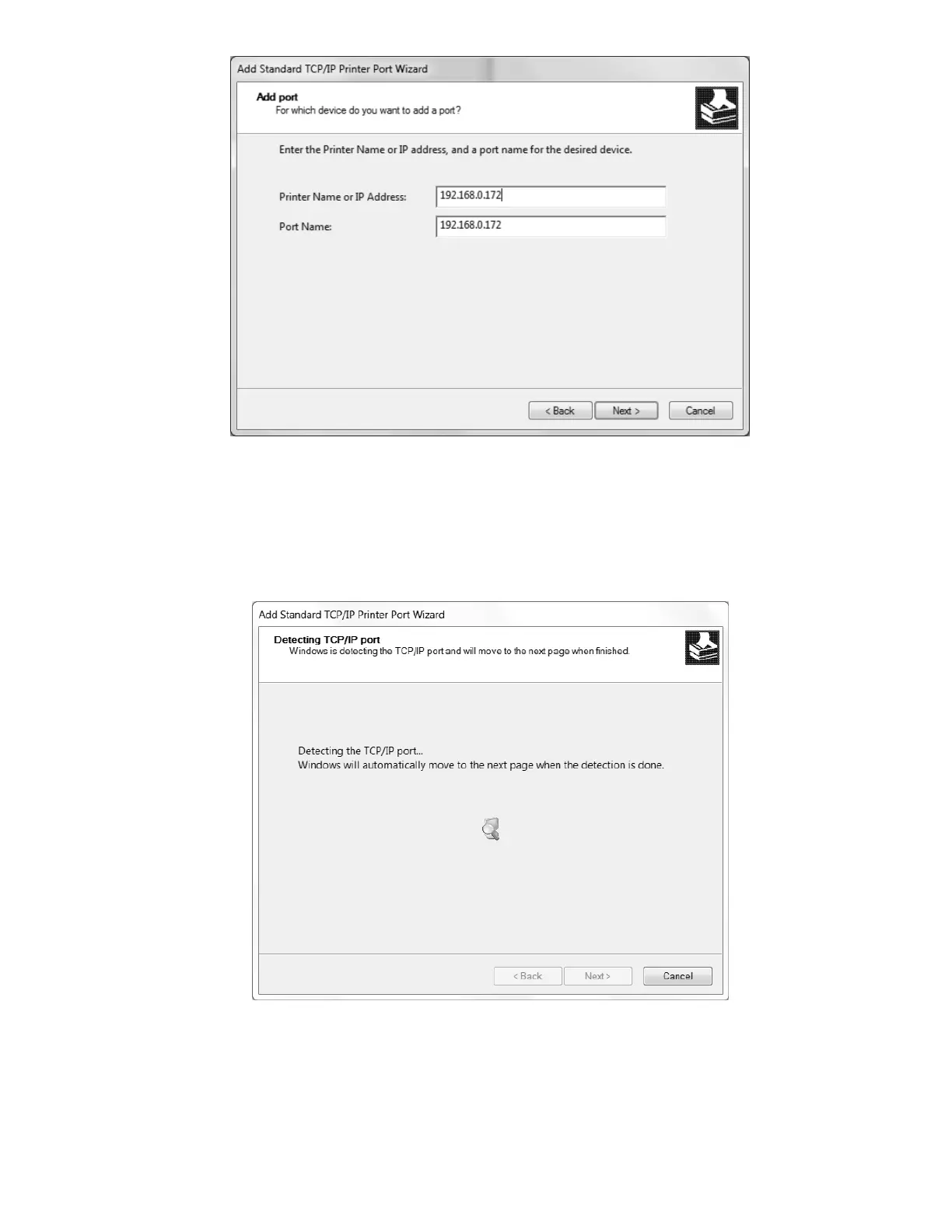
What’s your address?
Enter the IP address determined to be available on your LAN here. As you enter the IP
address in the top field, the bottom field should automatically populate with a “Port Name”.
The “Port Name” can be changed to uniquely name this particular TCP/IP configuration in
the Driver Wizard. The default (where the “Port Name” matched the IP Address entered) is
encouraged.
Sensing a disturbance in the ports . . .
Allow the Printer Port Wizard to verify the details of your manually entered TCP/IP port.
Please Note: The Printer Port Wizard may not be able to verify the newly entered TCP/IP
port. Bear in mind that this does not necessarily mean the port will not function as
expected.



 To Next Page