30
Force it through
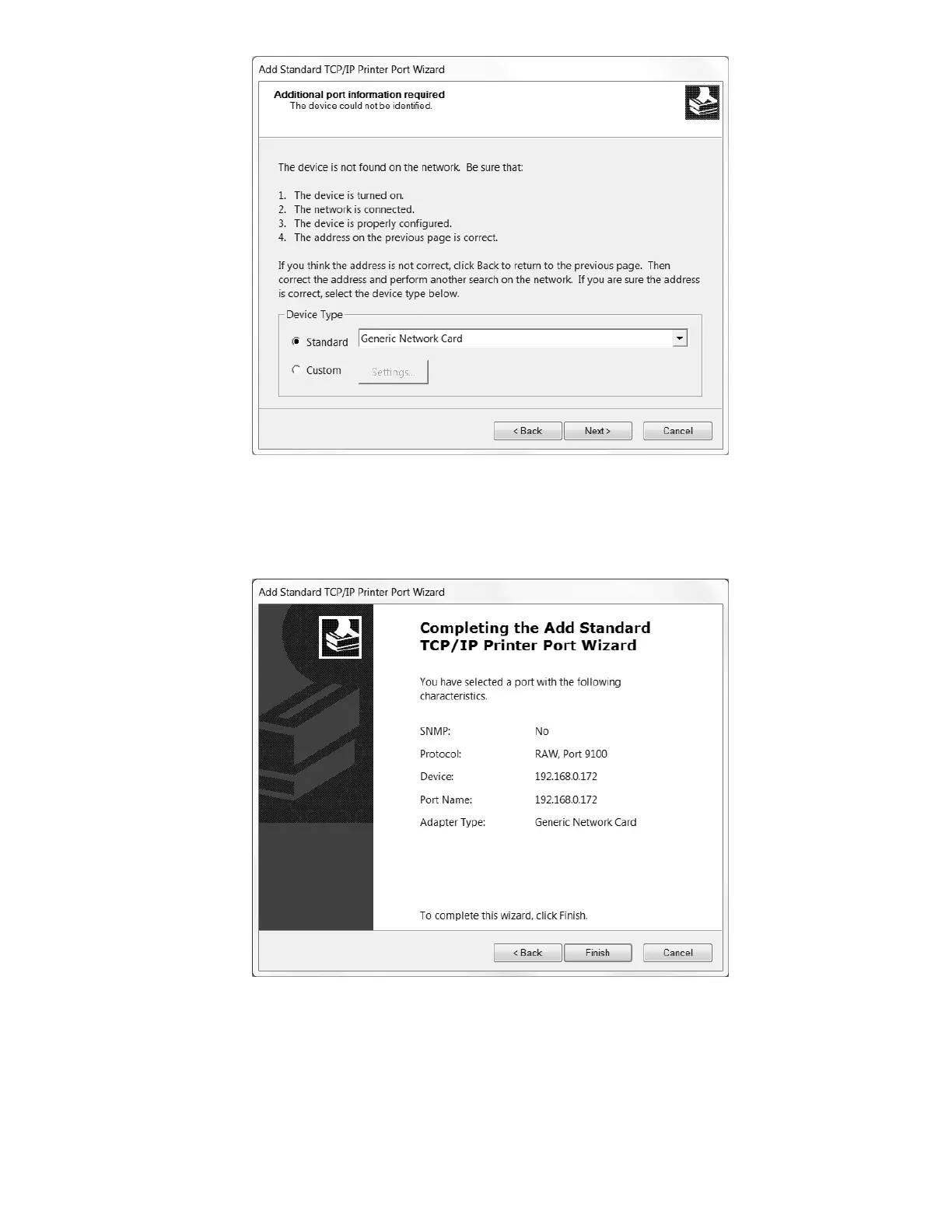
If you see the screen above, simply note that the Printer Port Wizard was unable to verify
the TCP/IP port (for future diagnostic purposes), ensure that “Generic Network Card” is
selected under Device Type -> Standard -> drop-down menu, then click Next >.
Uniquely Generic
Congratulations! Your TCP/IP Printer Port should now be properly configured, and is
available for selection when you click Finish and return to the Seagull Driver Wizard’s
Specify Port prompt.



 To Next Page